
Interior gallery: AI design examples
This gallery shows interiors that Desow created from photos of real rooms. Each one started with a snapshot of an ordinary apartment. The walls, windows and doors stayed put, while the finishes, furniture and lighting changed to match the chosen style. That makes it a handy place to look for interior design ideas for your own home: the layouts and ceilings in the images are the same as in most apartments.
How the gallery is organized
The works are sorted into sections:
- by room: living rooms, kitchens and bedrooms;
- by service: for example, Redesign, where the same room gets a new style.
The interior gallery keeps growing, so the sections fill up over time.
It is simple to use. Open the section for your room and mark a few works you like. Then look at what they have in common: a palette, a material, the lighting or the furniture layout. If you want to understand how styles differ, read the overview of interior design styles.
Someone else's interior design photos help you pick a direction, but it is easier to decide on your own room. Upload a photo to Redesign, choose one of 23 styles, and the result is usually ready in under a minute. You get free credits when you sign up, enough to try several styles and compare them in Before/After mode.
Results from the Desow feed
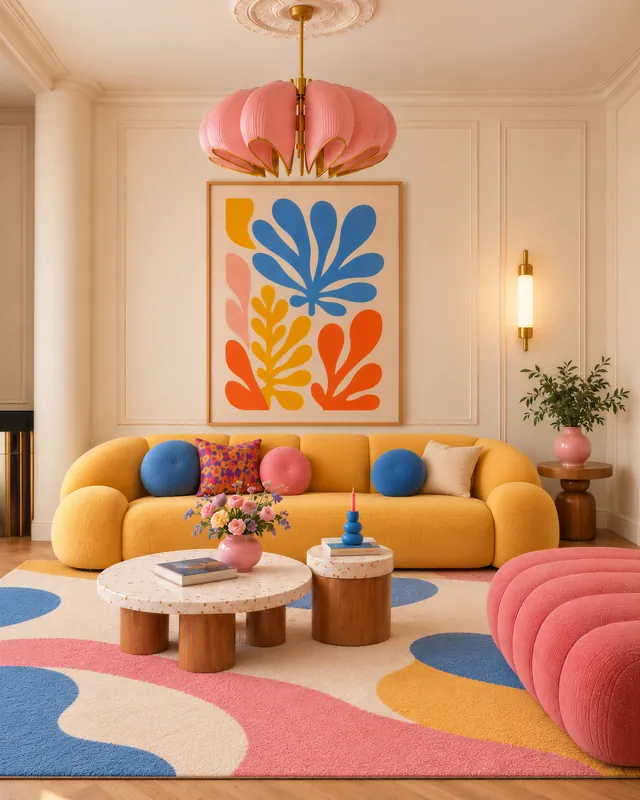 Dopamine · Living room
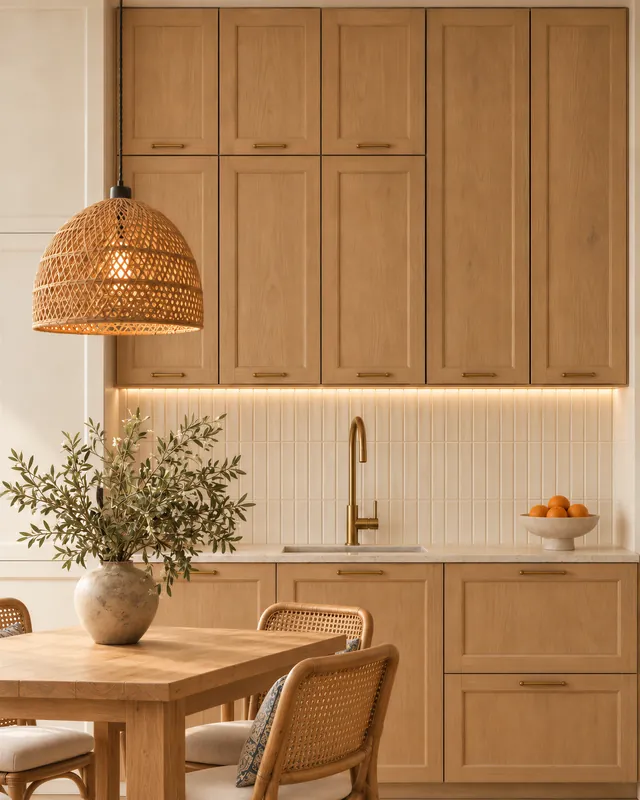 Boho · Kitchen
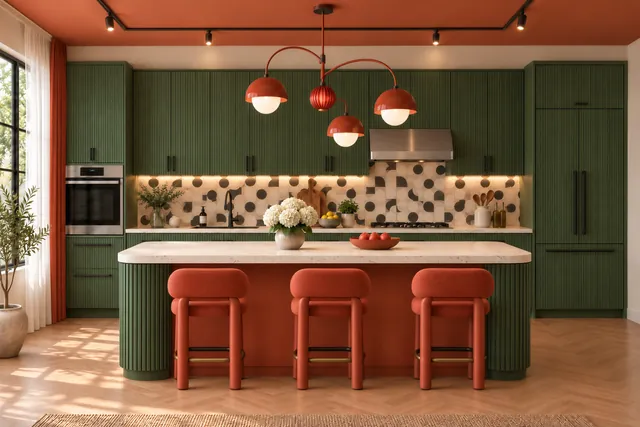 Memphis · Kitchen
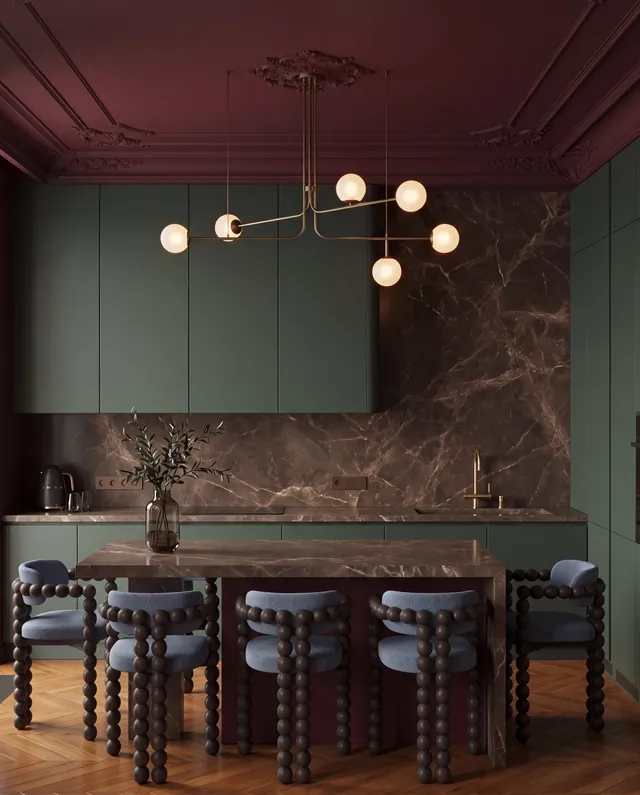 Dark Academia · Kitchen
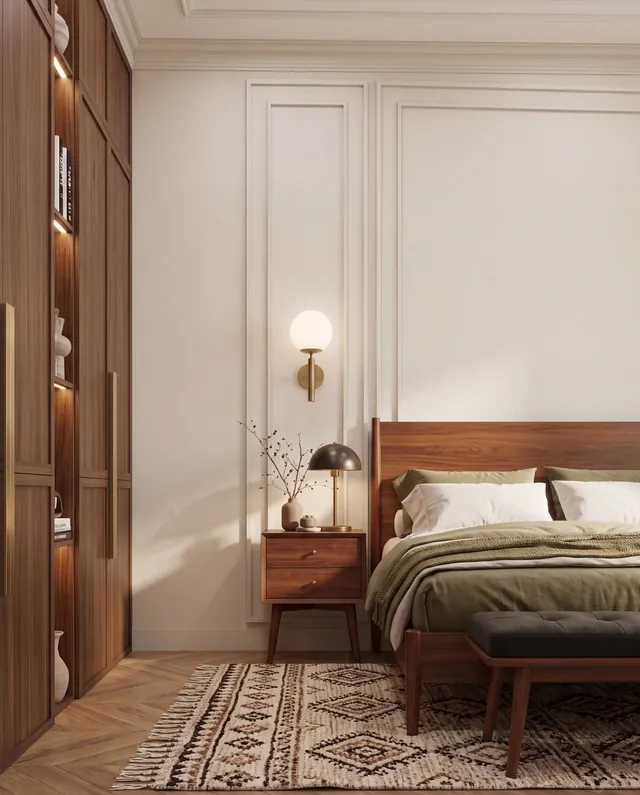 Mid-Century Modern · Bedroom
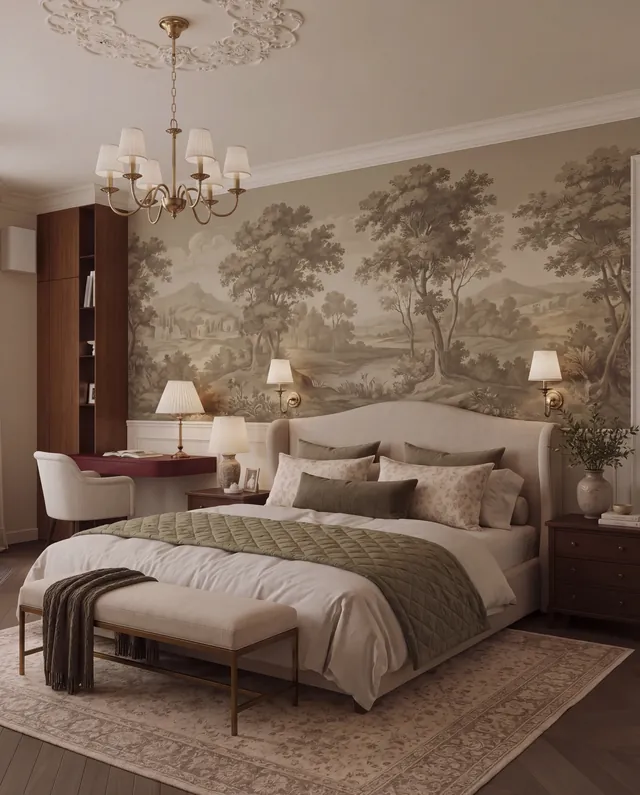 English Country · Bedroom
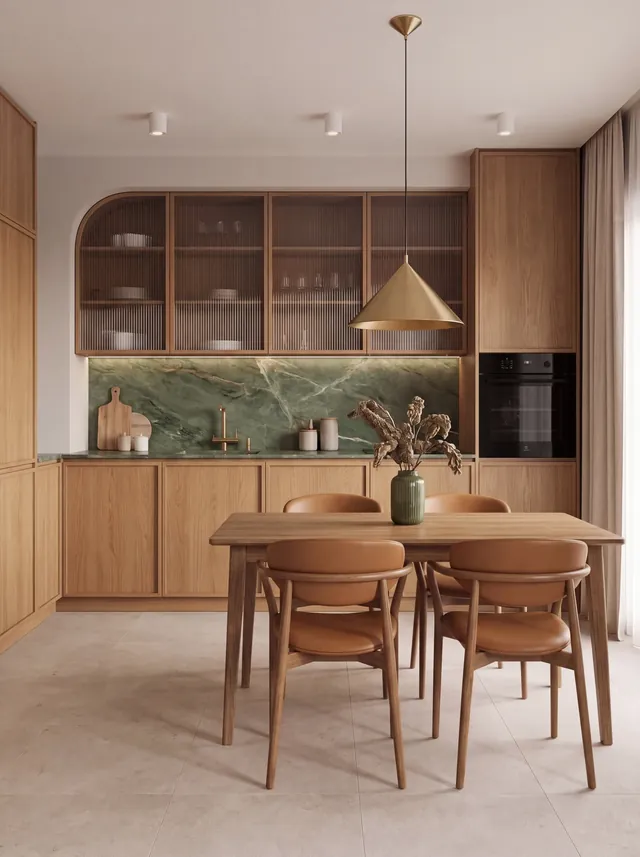 Biophilic · Kitchen
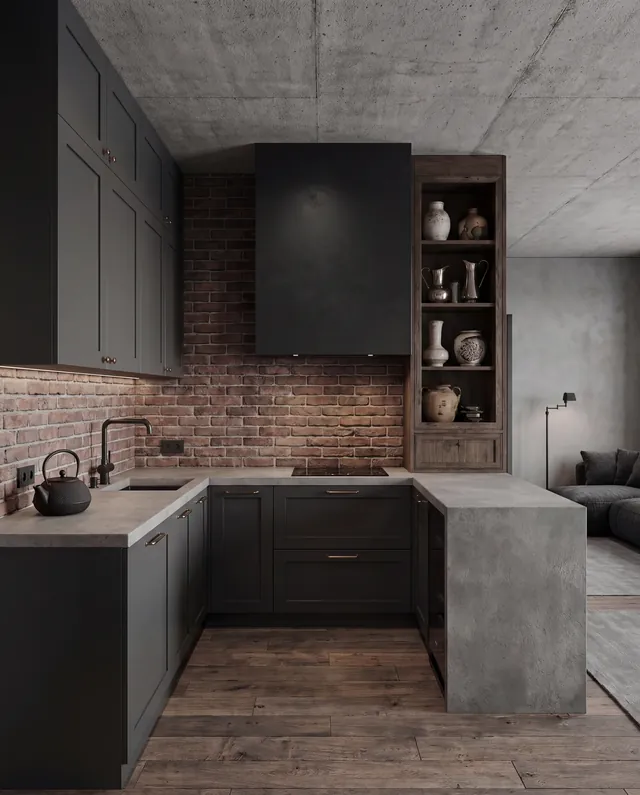 Loft · Kitchen
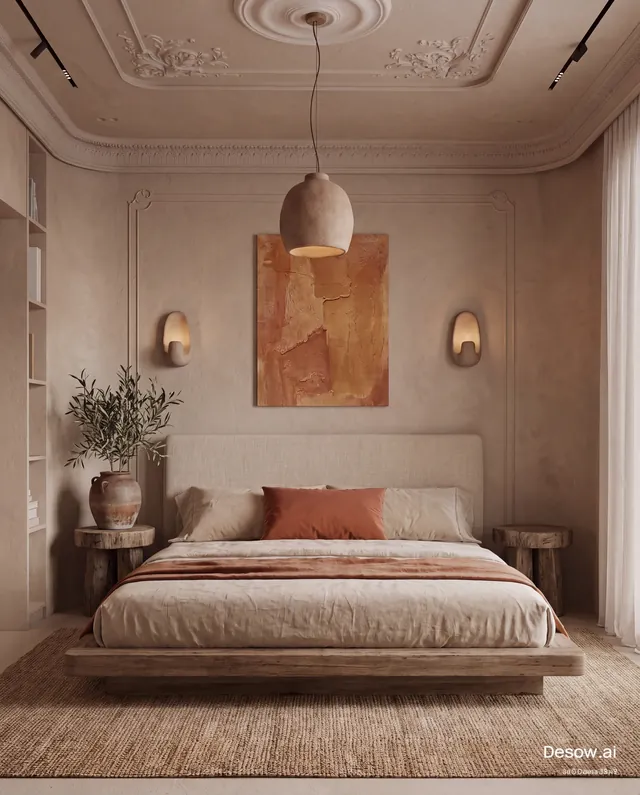 Wabi-Sabi · Bedroom
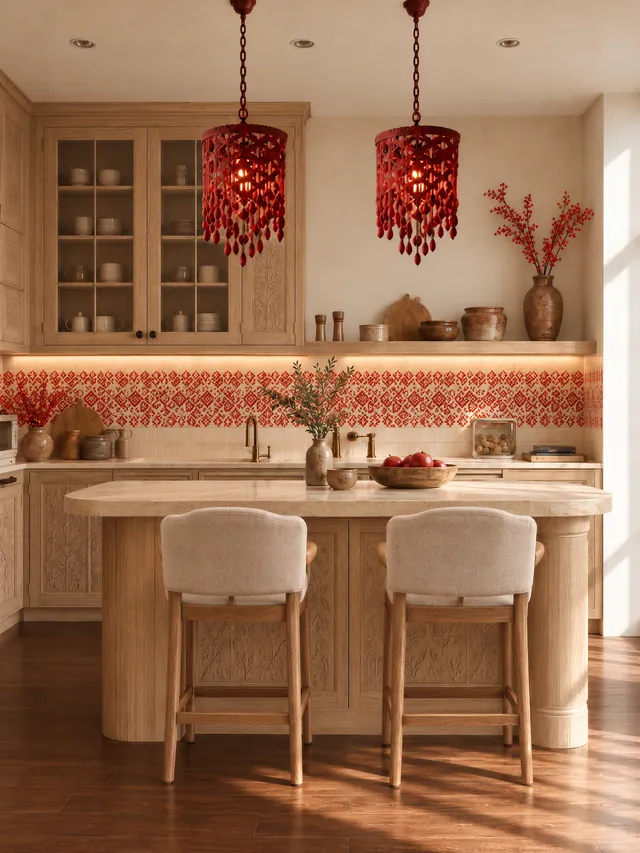 Slavic · Kitchen
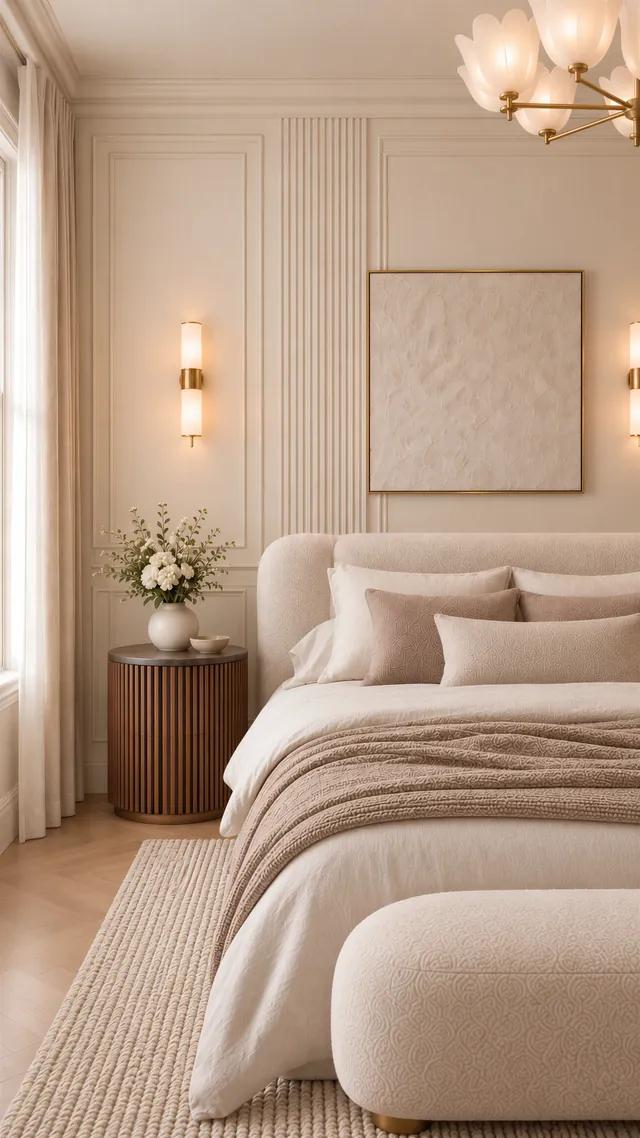 Neoclassical · Bedroom
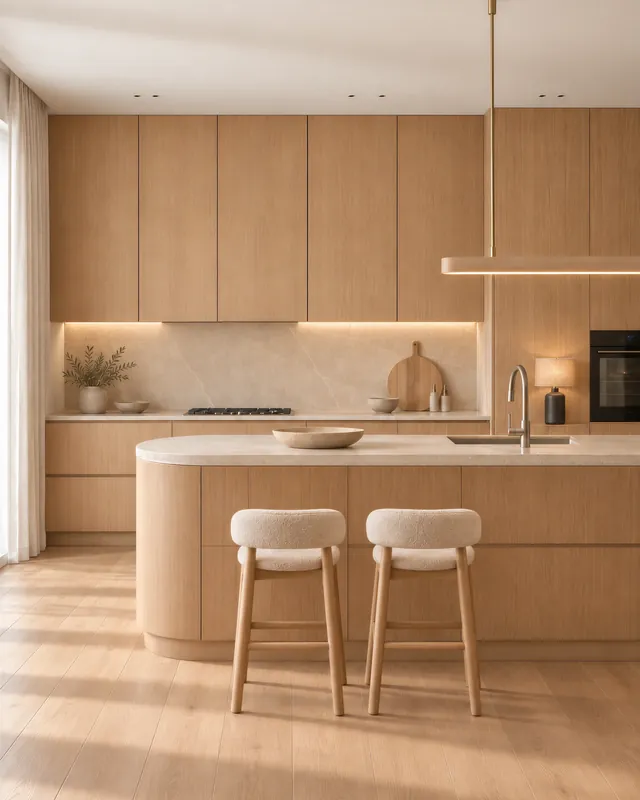 Japandi · Kitchen
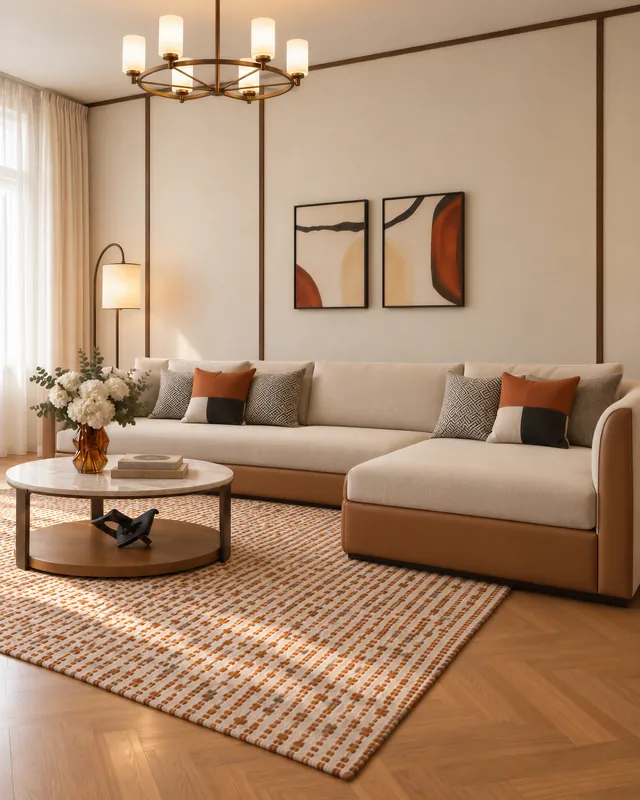 Luxury Yacht · Living room
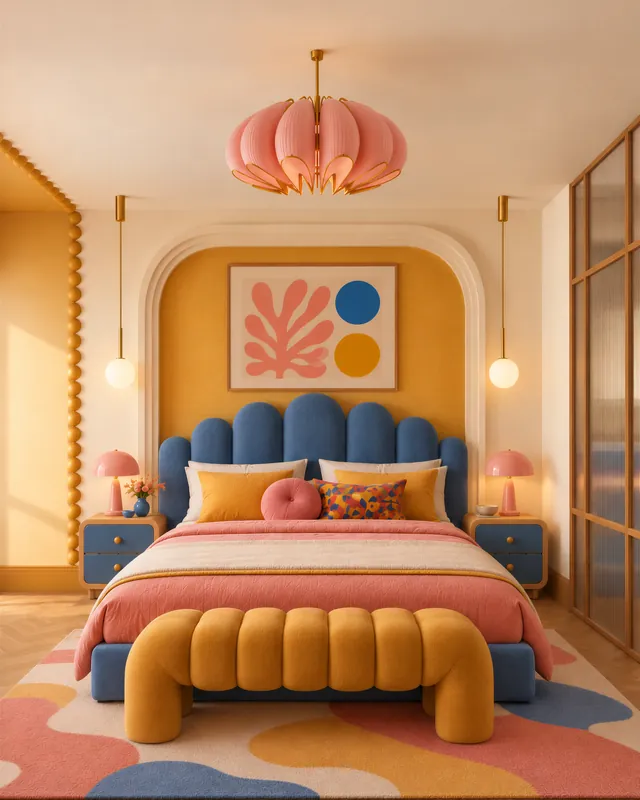 Dopamine · Bedroom
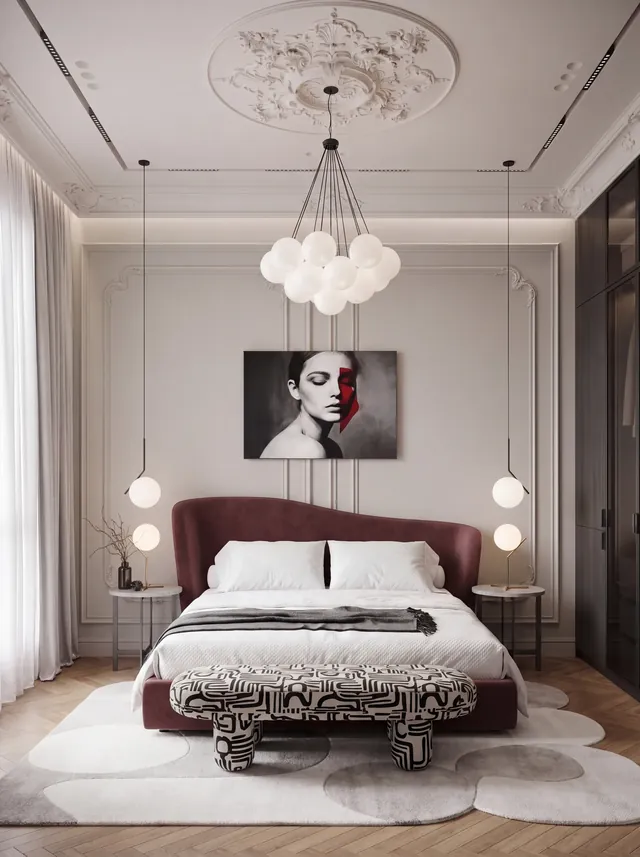 Art Deco · Bedroom
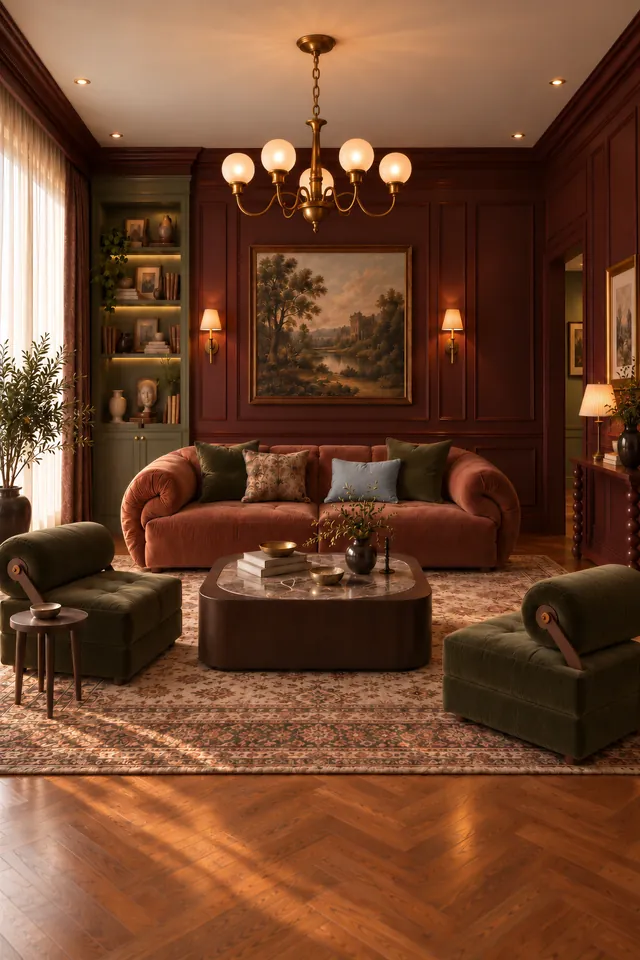 Dark Academia · Living room
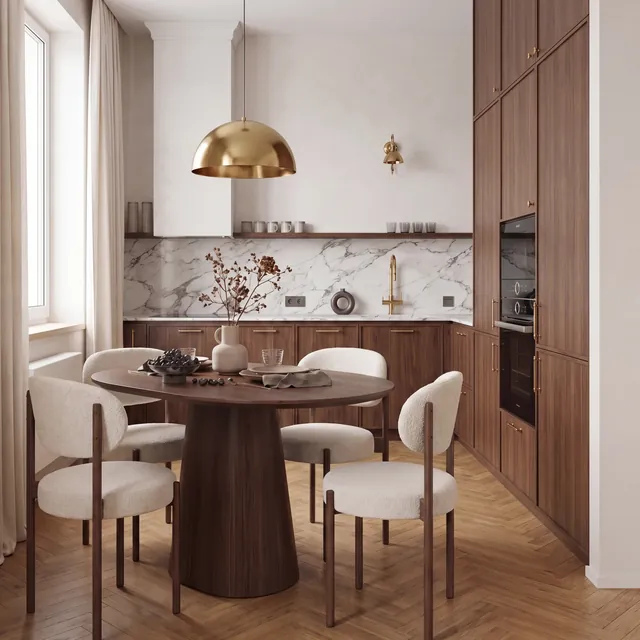 Classic · Kitchen
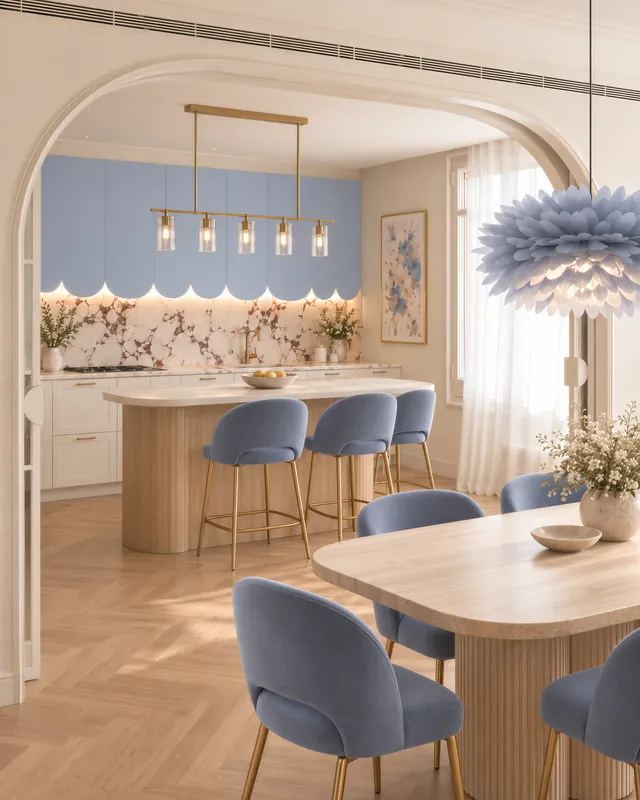 Romantic · Kitchen
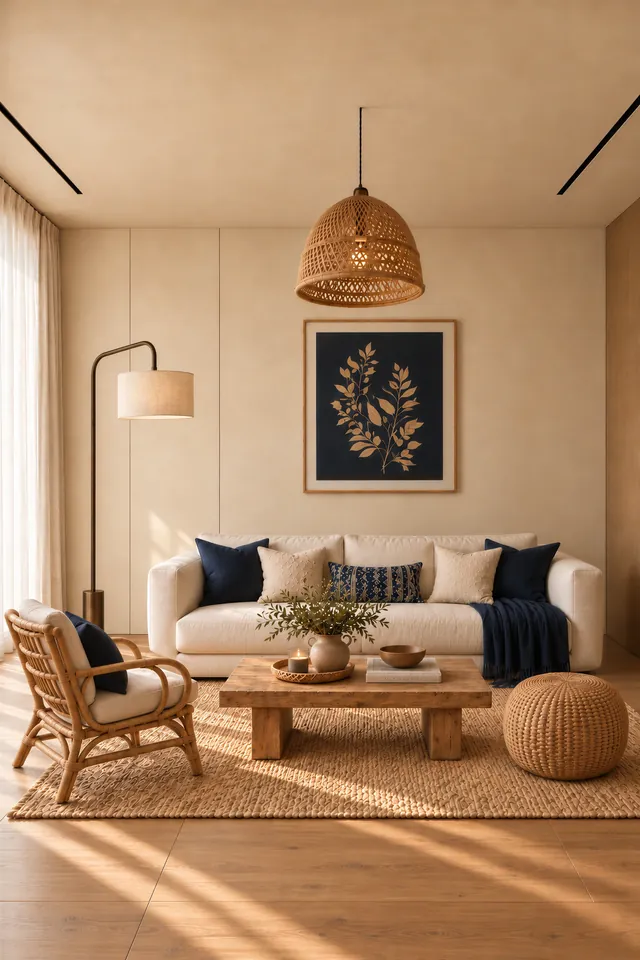 Boho · Living room
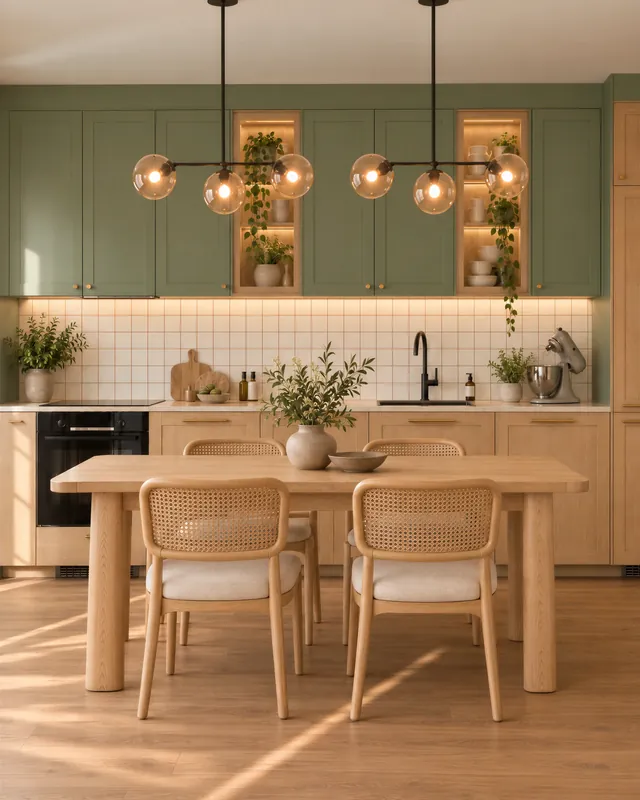 Biophilic · Kitchen
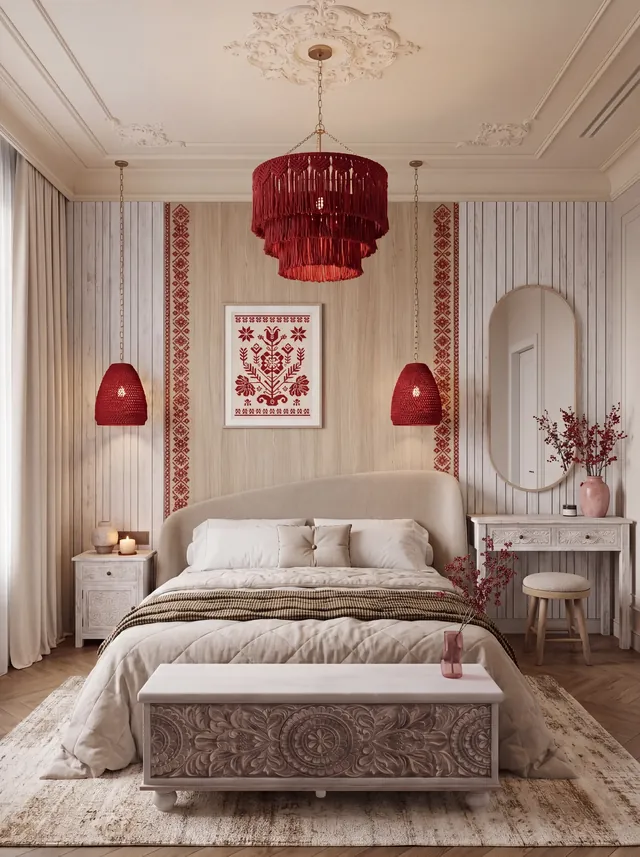 Slavic · Bedroom
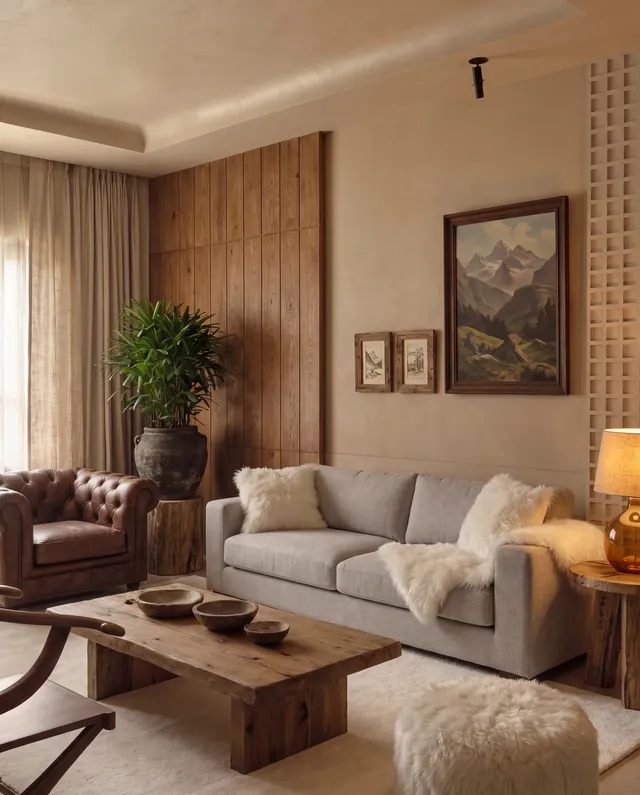 Alpine Chalet · Living room
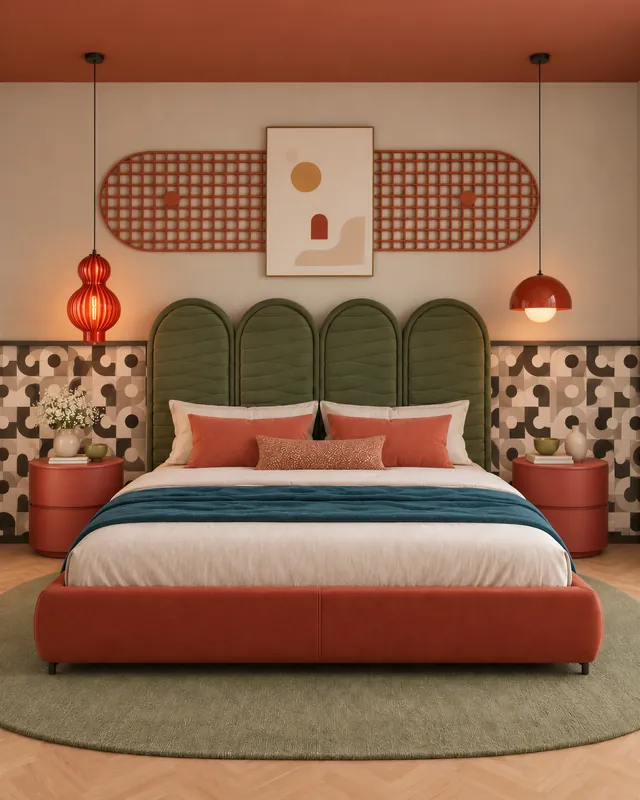 Memphis · Bedroom
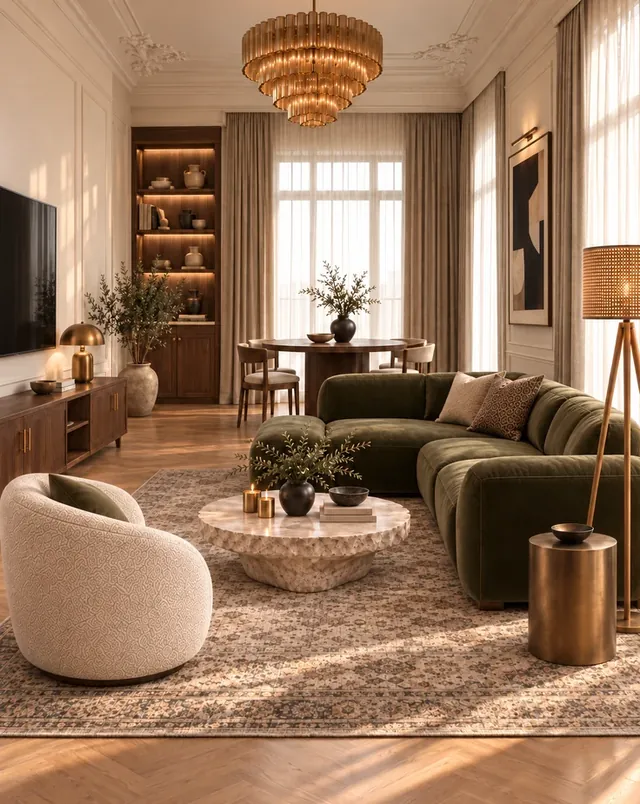 Classic · Living room
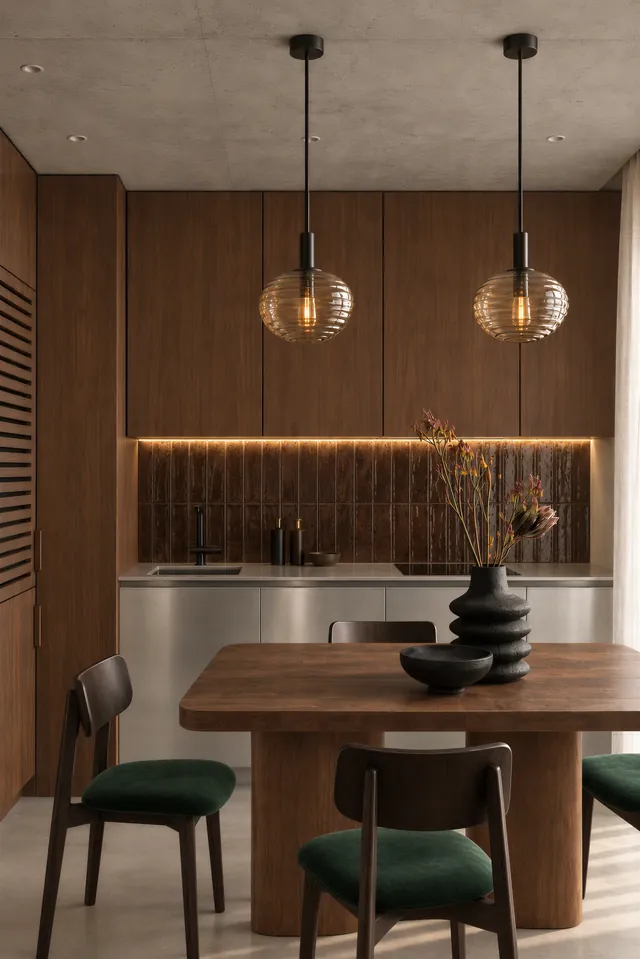 Brutalism · Kitchen
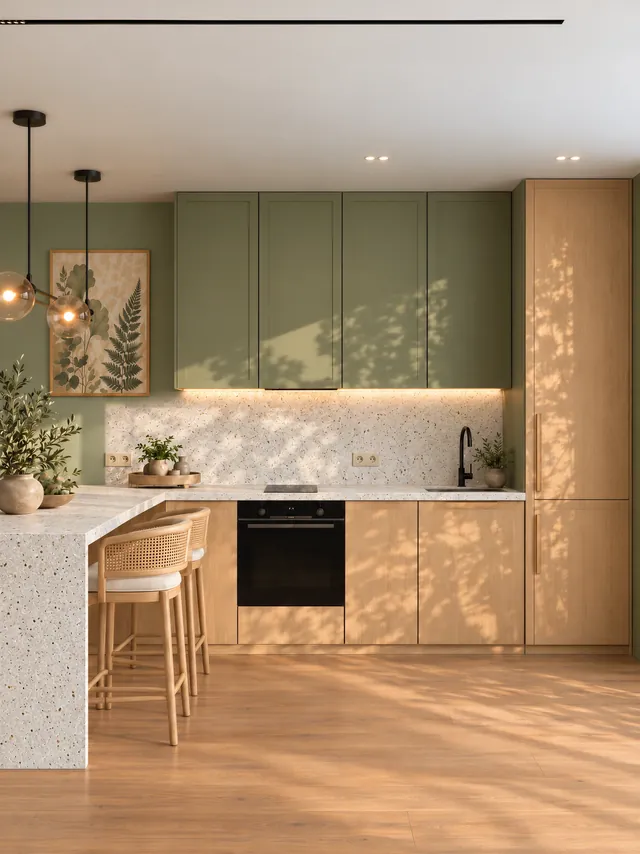 Biophilic · Kitchen
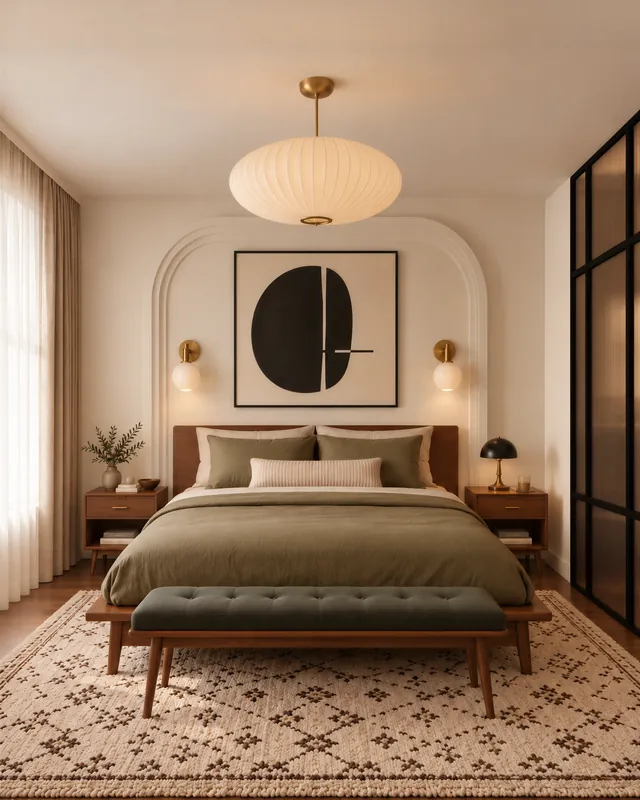 Mid-Century Modern · Bedroom
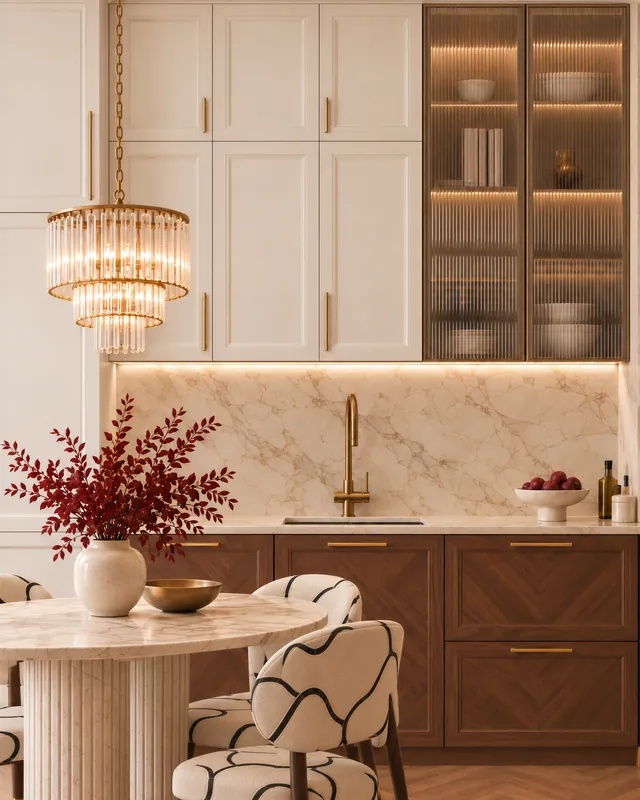 Art Deco · Kitchen
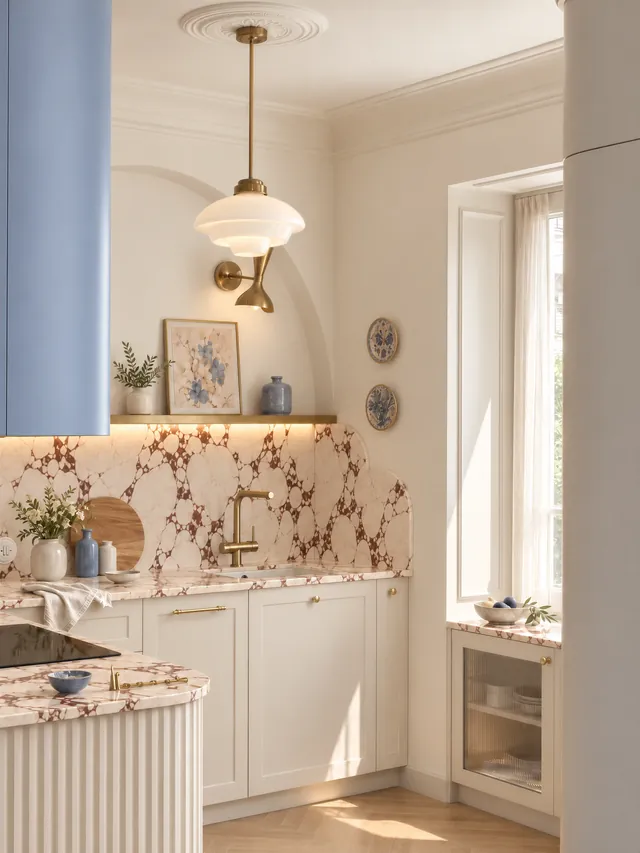 Romantic · Kitchen
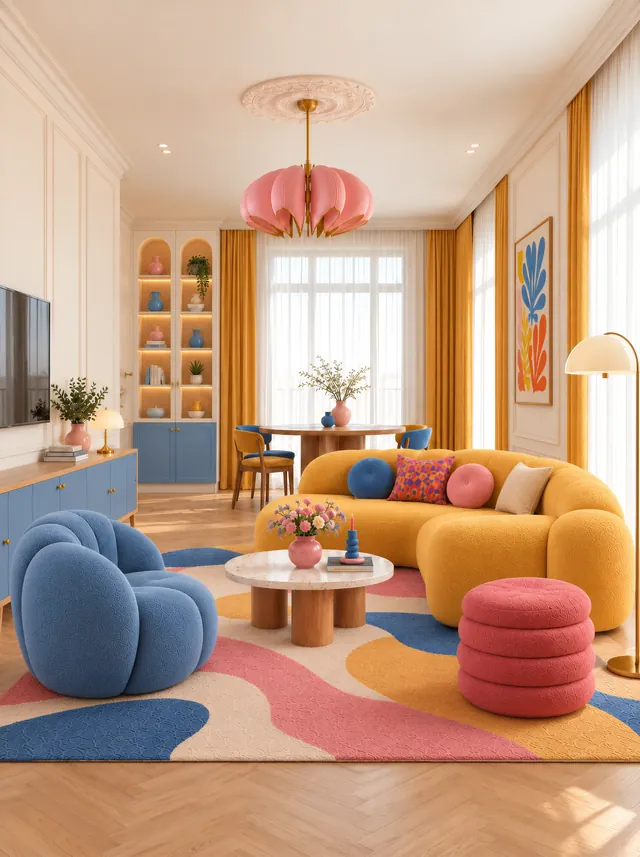 Dopamine · Living room
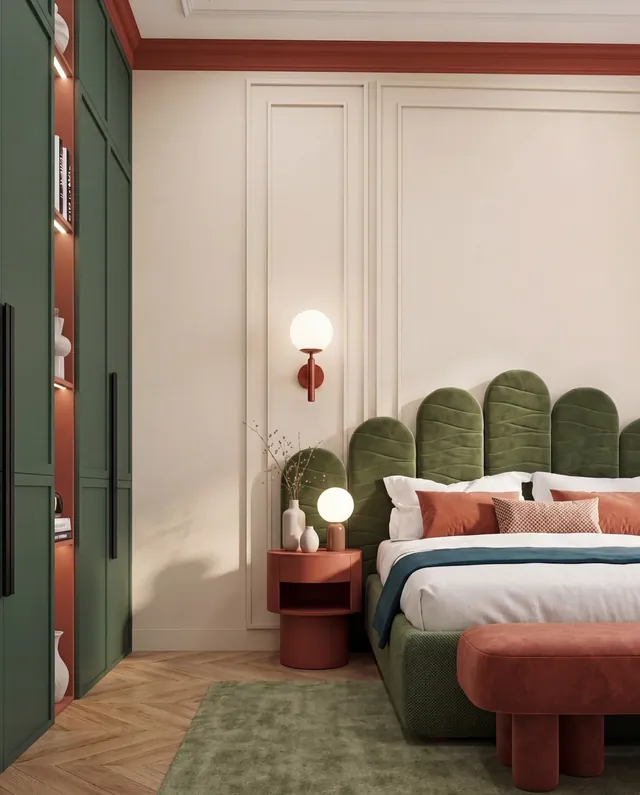 Memphis · Bedroom
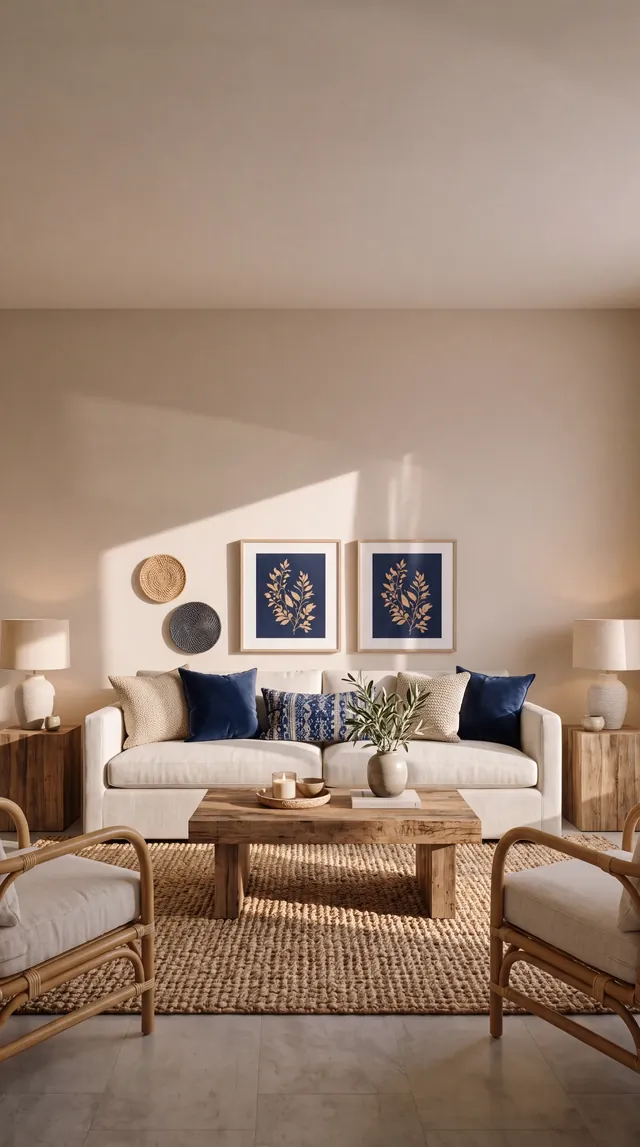 Boho · Living room
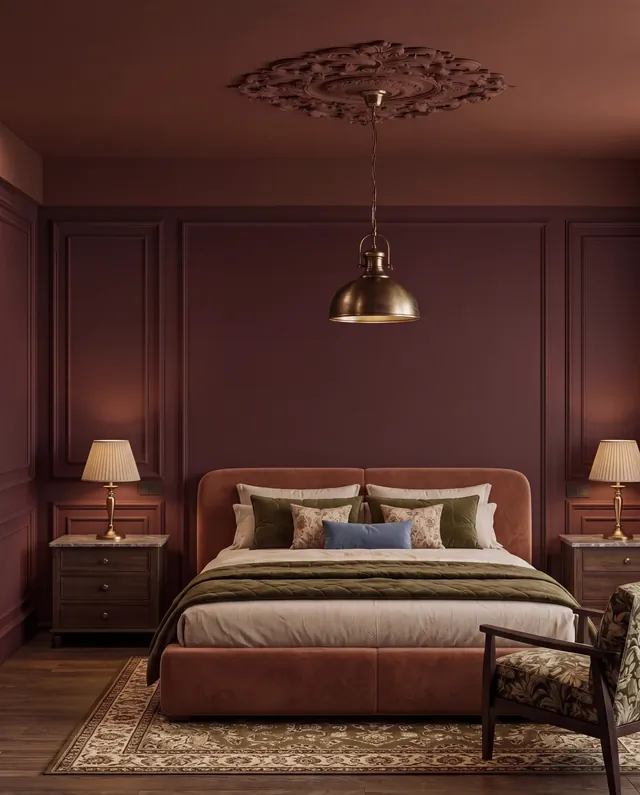 Dark Academia · Bedroom
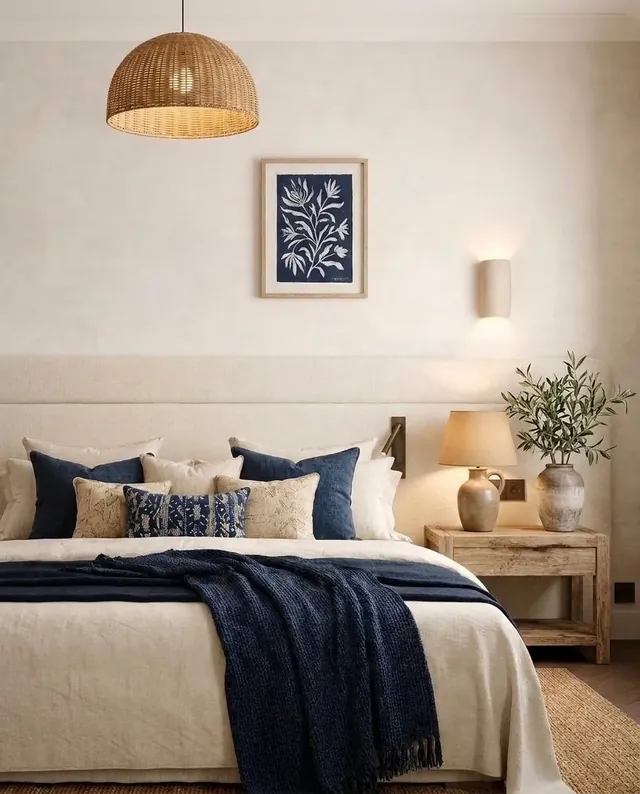 Boho · Bedroom
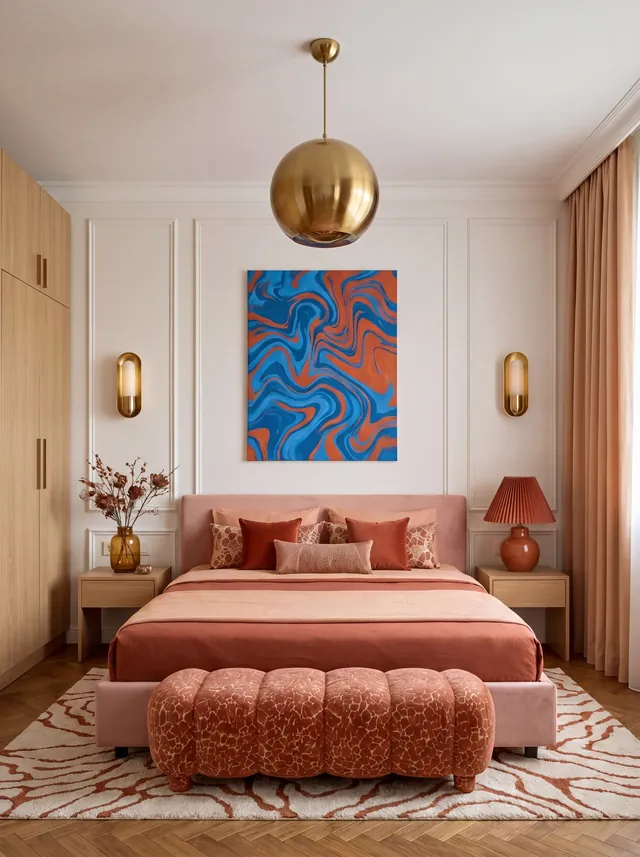 Eclectic · Bedroom
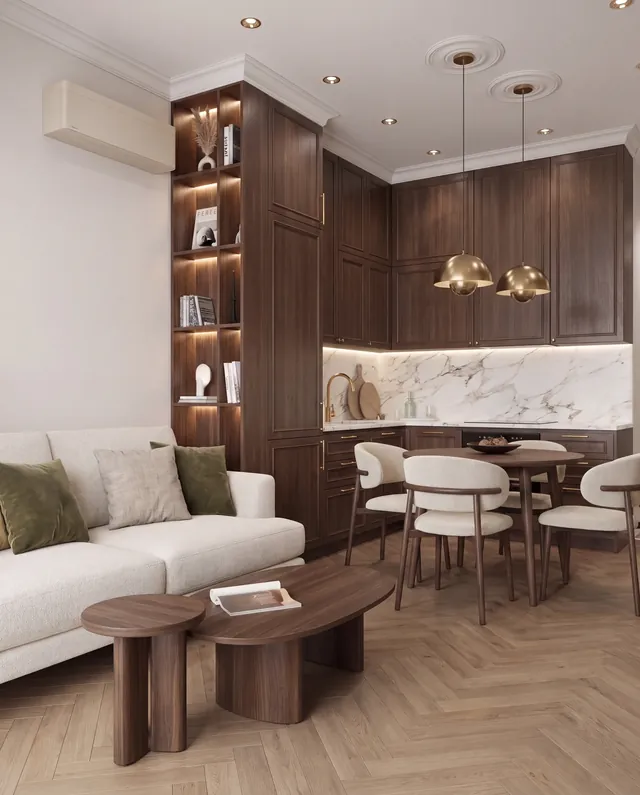 Classic · Kitchen
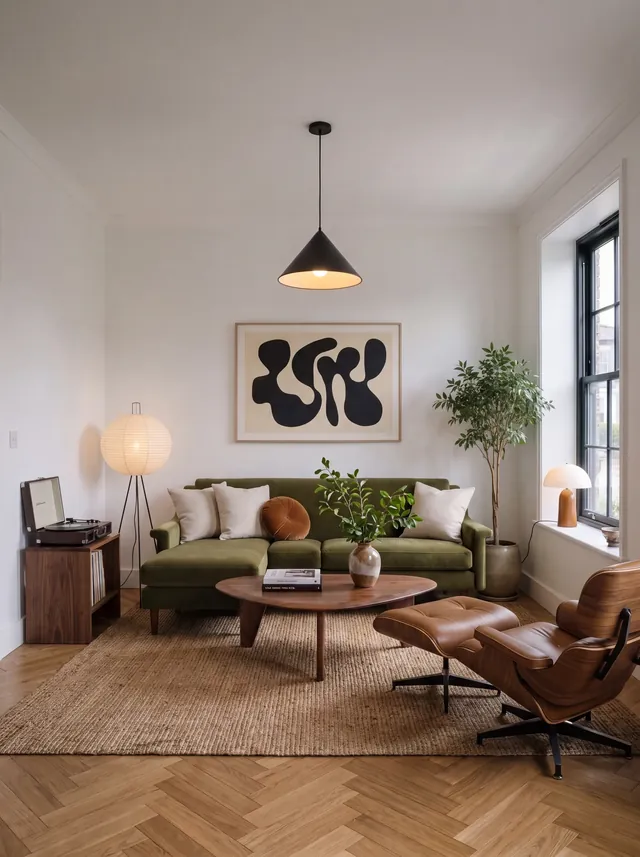 Mid-Century Modern · Living room
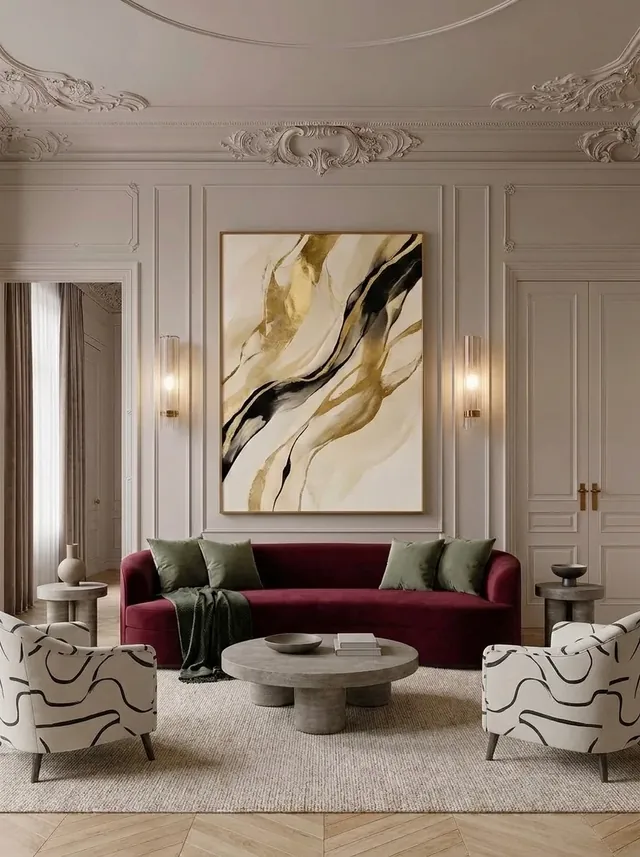 Art Deco · Living room
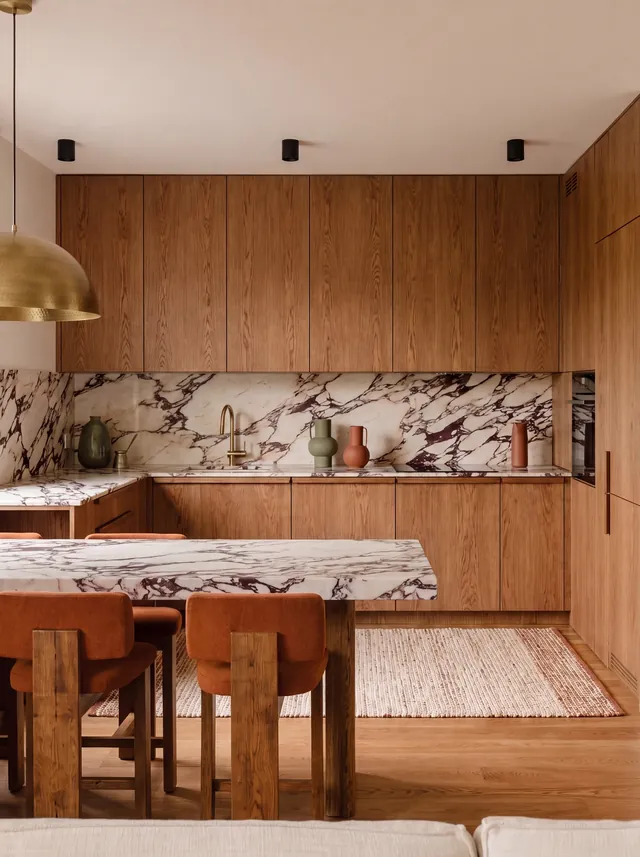 Eclectic · Kitchen
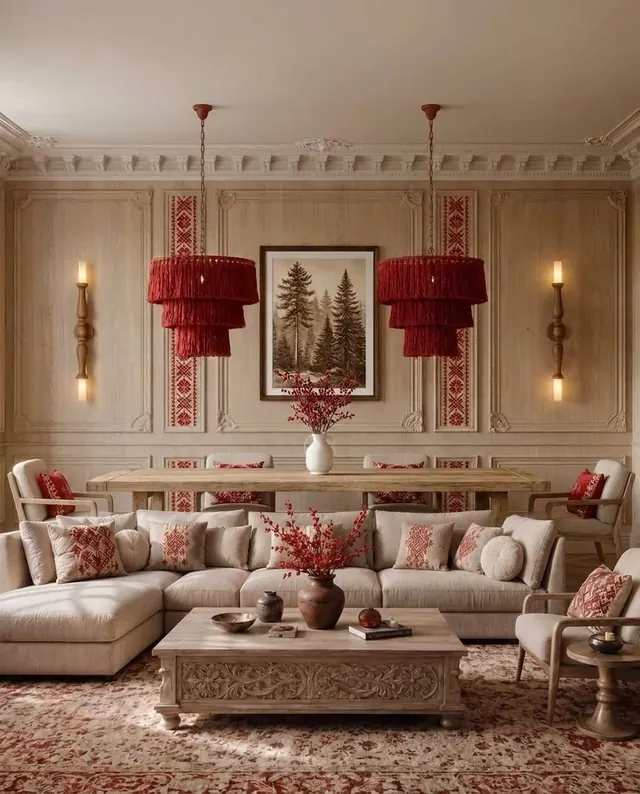 Slavic · Living room
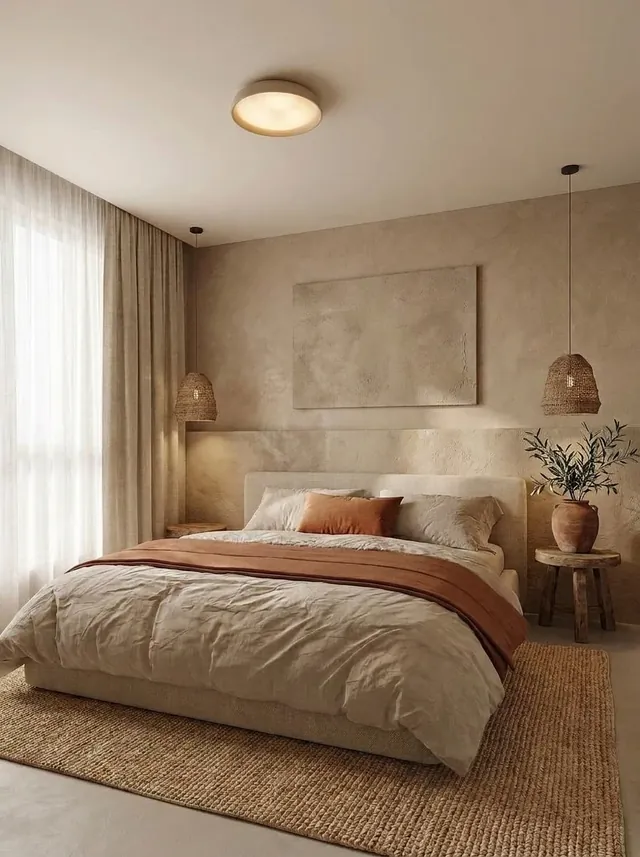 Wabi-Sabi · Bedroom
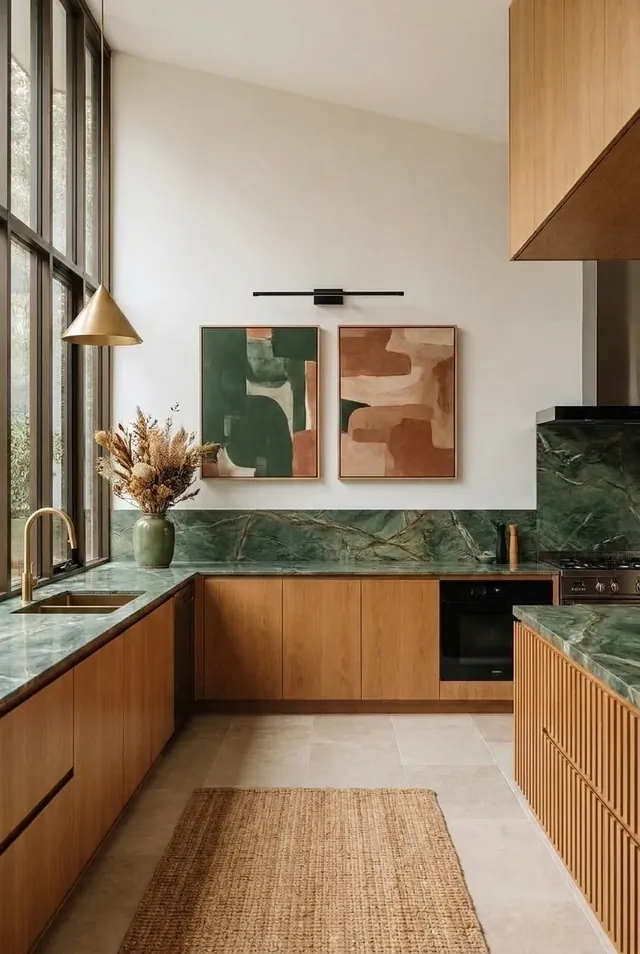 Biophilic · Kitchen
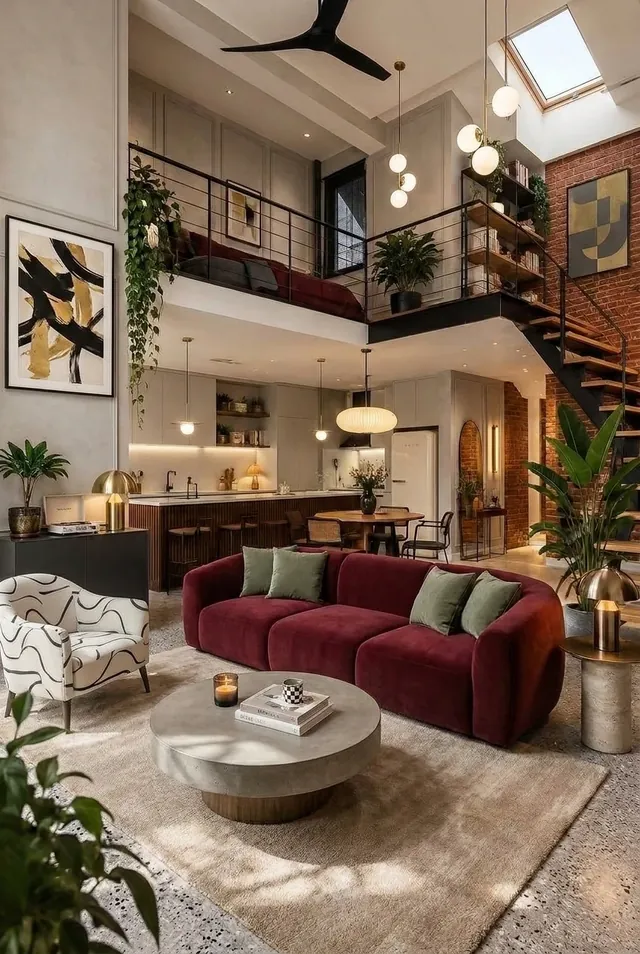 Art Deco · Living room
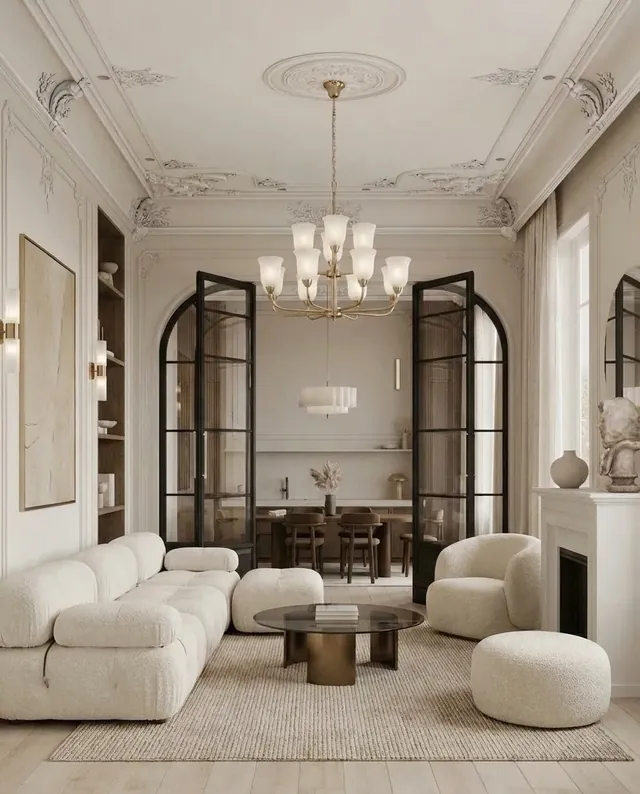 Neoclassical · Living room
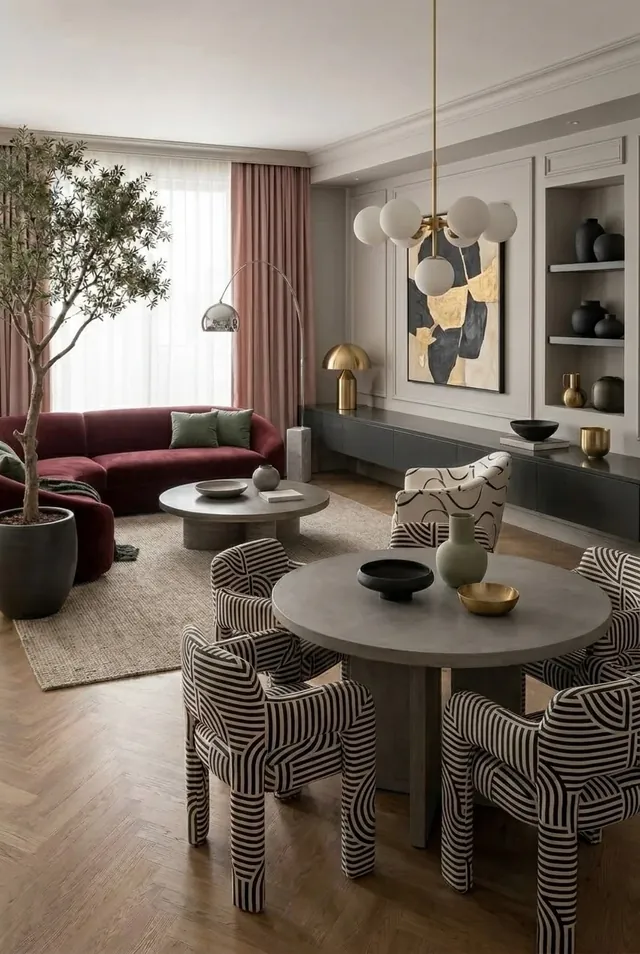 Art Deco · Living room
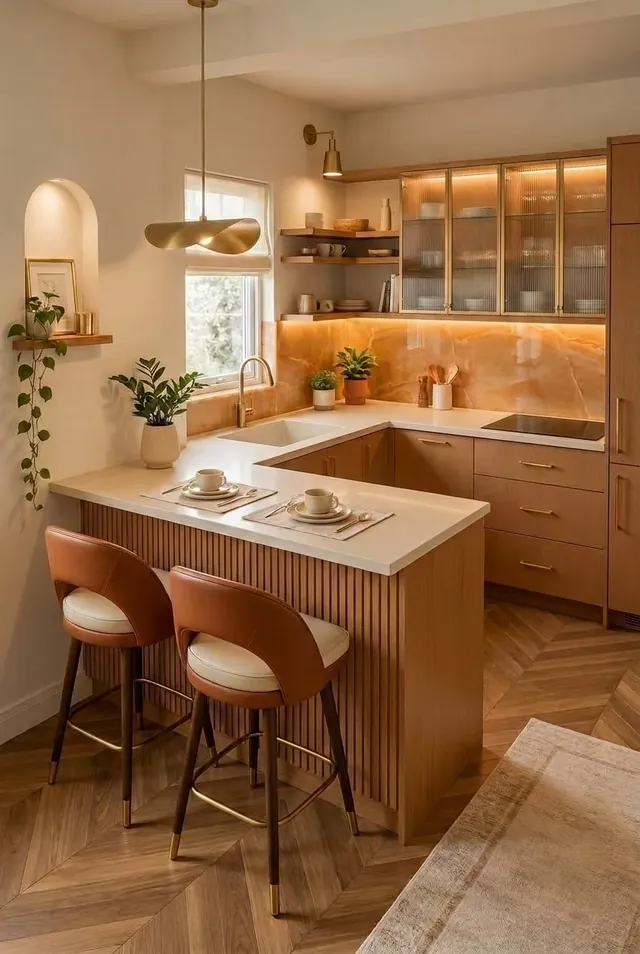 Luxury Yacht · Kitchen
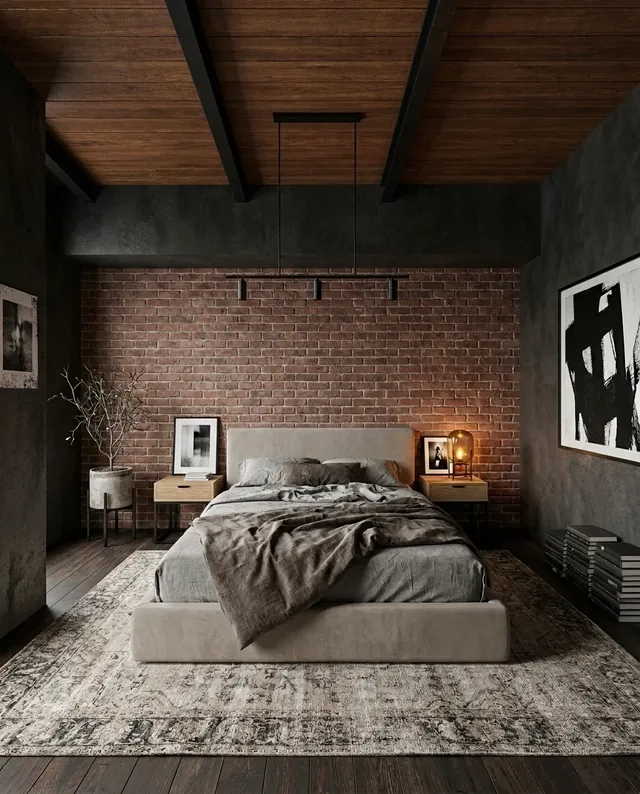 Loft · Bedroom
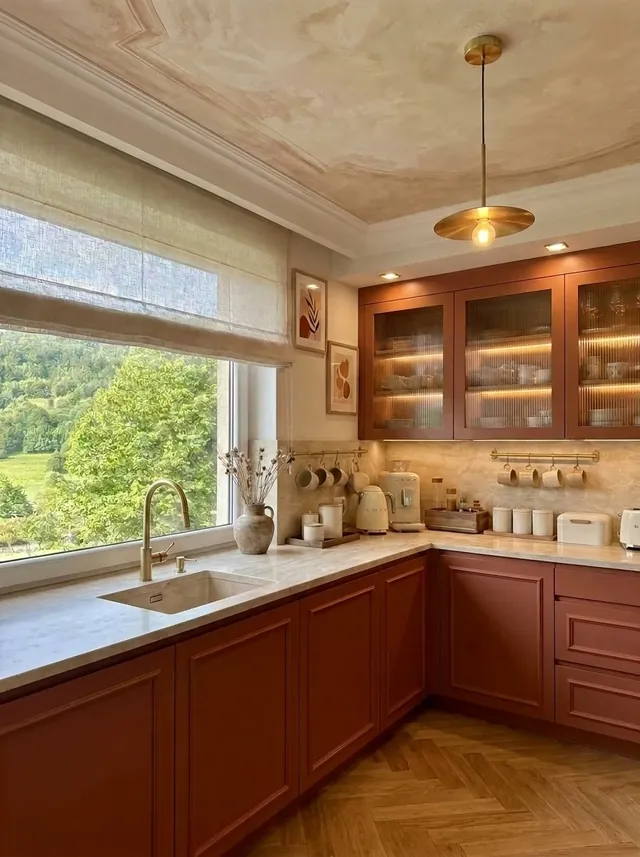 Manor · Kitchen
Try a new interior on a photo of your room