
Kitchen: AI design examples
Every kitchen in this collection started as an ordinary photo. Desow Redesign left the walls, windows and doors in place and changed the rest: cabinet fronts, countertop, backsplash, lighting and decor. The result is kitchen design photos in many styles, from Classic and Neoclassic to Brutalism and Biophilic, all in apartment-size kitchens.
The color of the cabinets is what you notice first, but kitchen design ideas often hide in the details. Take a closer look at:
- the countertop and backsplash: stone, wood, tile or a solid-color panel;
- the hardware: brass, black metal or handleless fronts;
- the lighting over the work area and over the table;
- open shelves, plants and window textiles.
In a small kitchen, style changes the sense of space more than it does in a living room. Light cabinets up to the ceiling, dark base units, open shelves instead of solid upper cabinets: compare a few works and it becomes clear what you prefer. For layout, dimensions and kitchen lighting, see the article on kitchen design.
How to try a style on your kitchen
Photograph the kitchen so the cabinets and window are in the frame. Upload the photo to Redesign and choose a style. The result is usually ready in under a minute, and Before/After mode shows both versions side by side. Try two or three styles in a row: choosing is easier on your own kitchen than from other people's projects.
If the kitchen opens into the living area, look at the living rooms too.
Results from the Desow feed
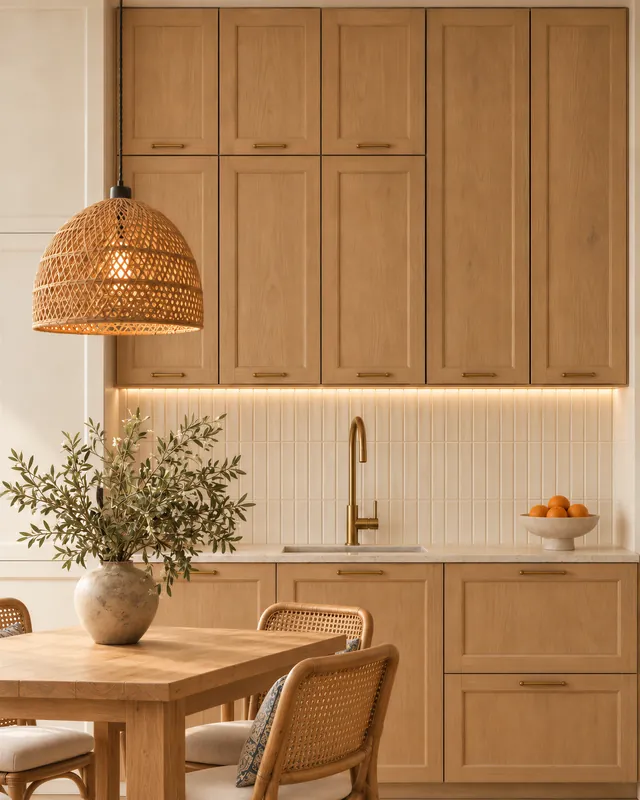 Boho · Kitchen
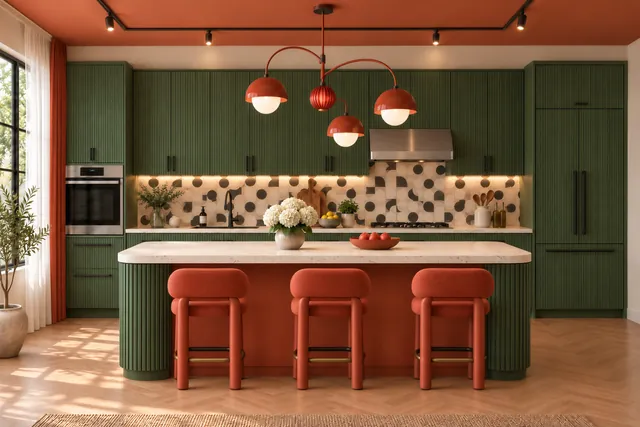 Memphis · Kitchen
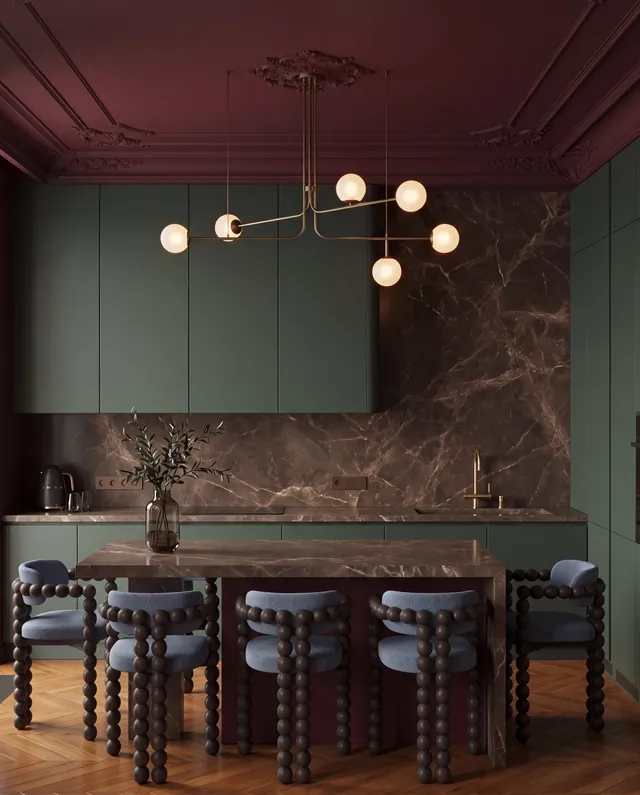 Dark Academia · Kitchen
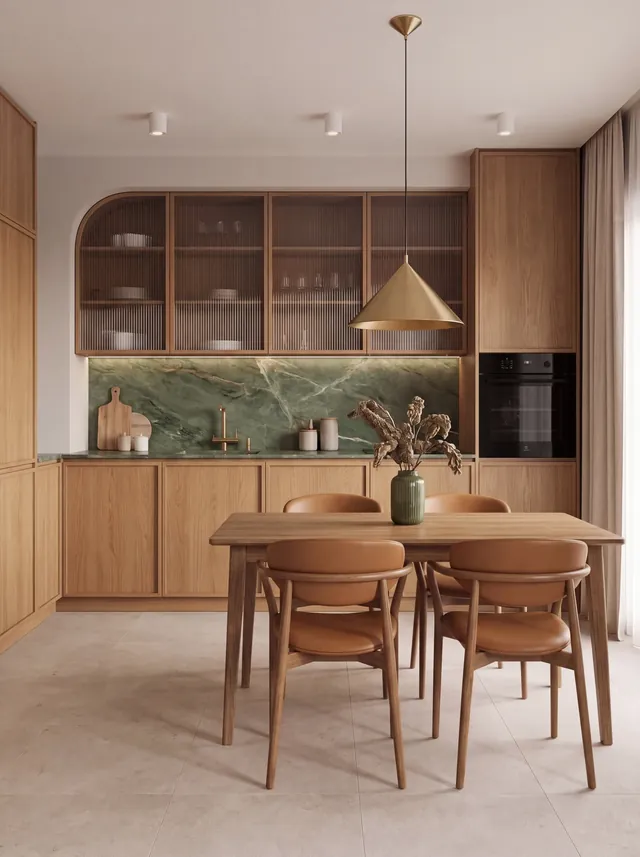 Biophilic · Kitchen
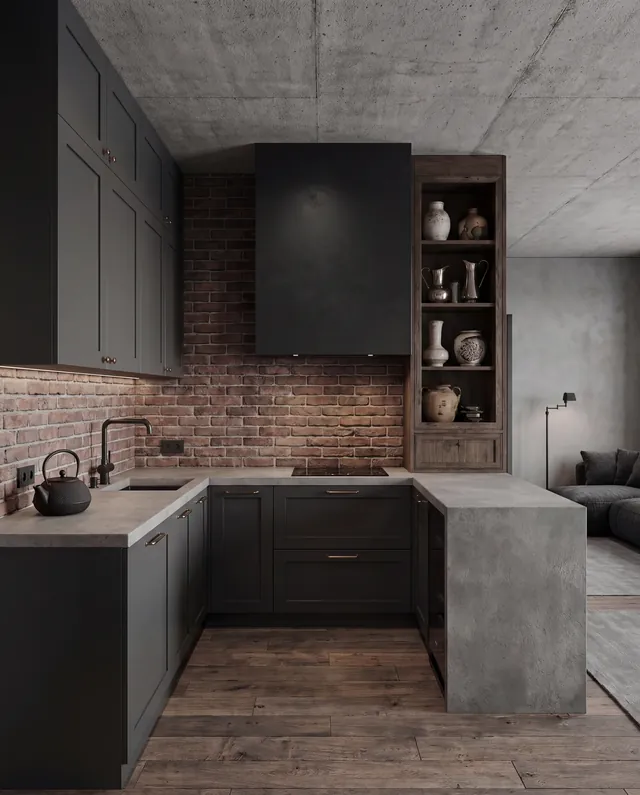 Loft · Kitchen
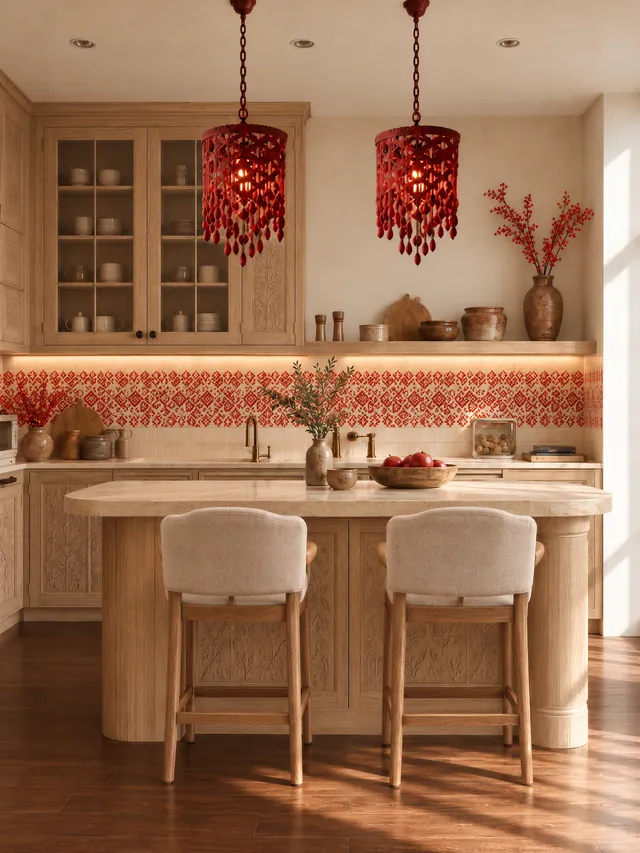 Slavic · Kitchen
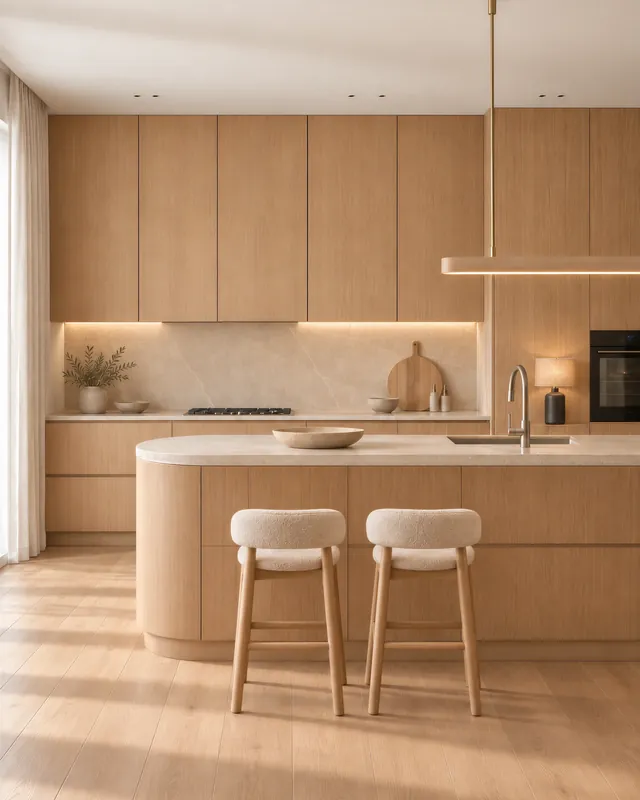 Japandi · Kitchen
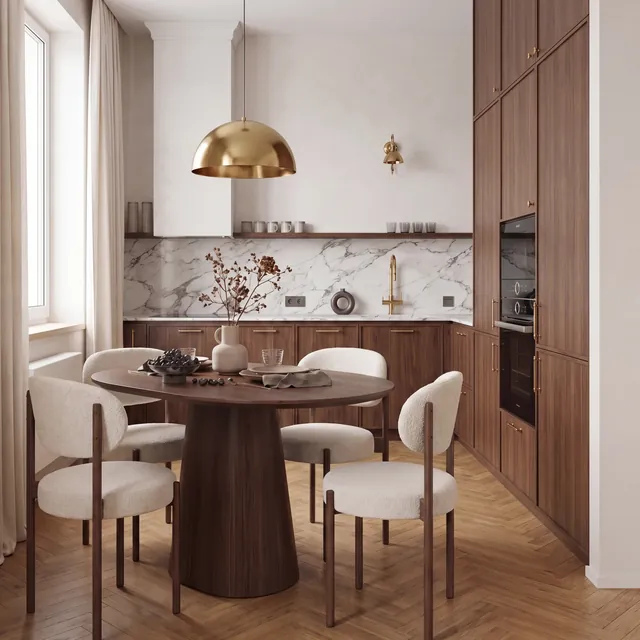 Classic · Kitchen
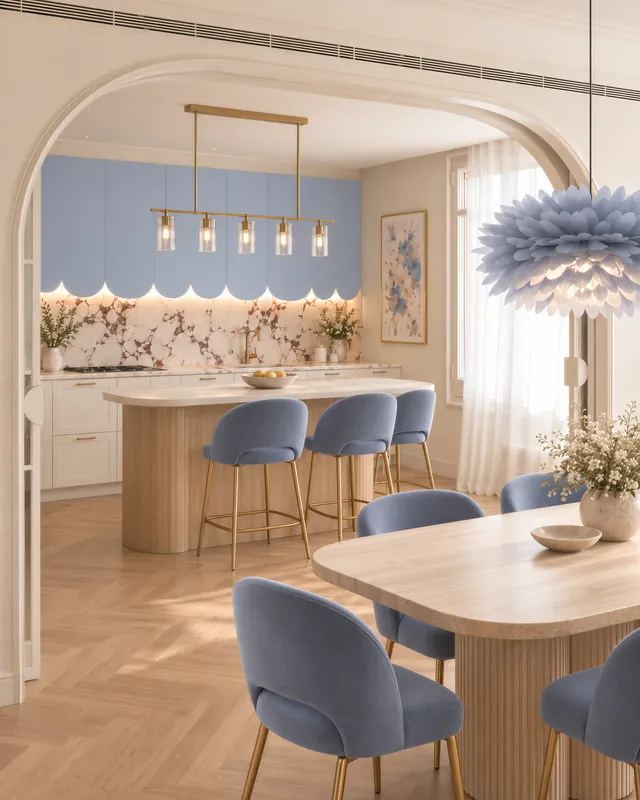 Romantic · Kitchen
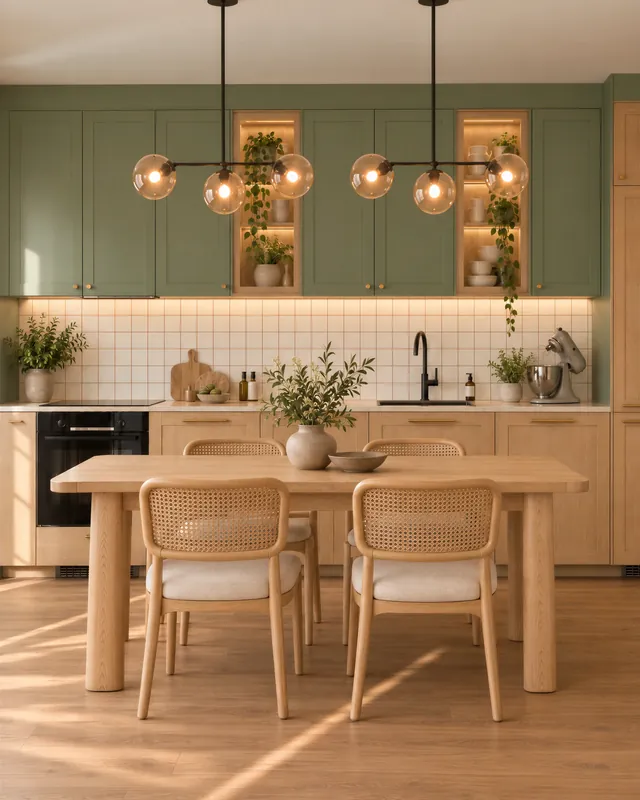 Biophilic · Kitchen
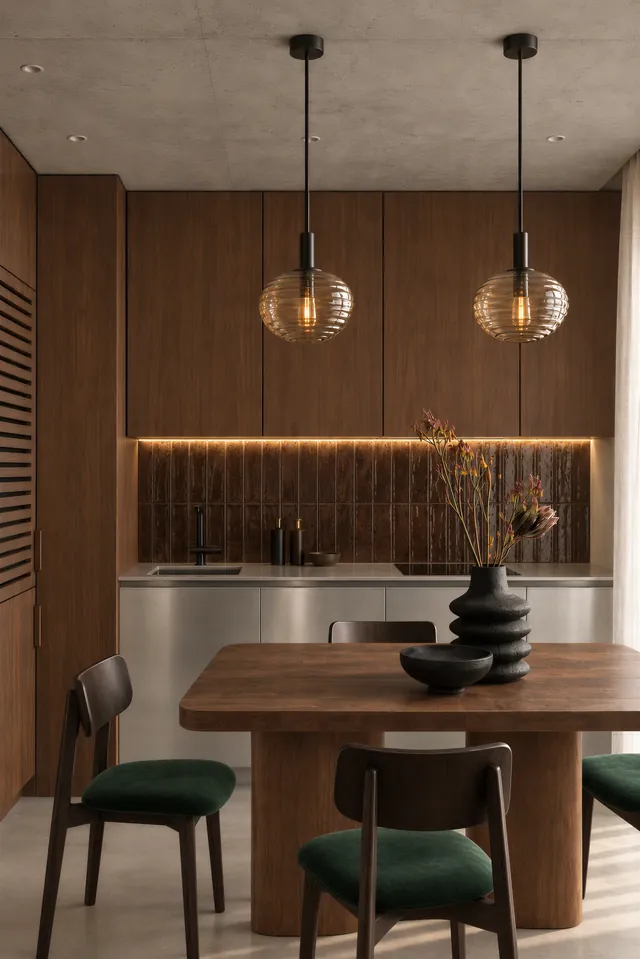 Brutalism · Kitchen
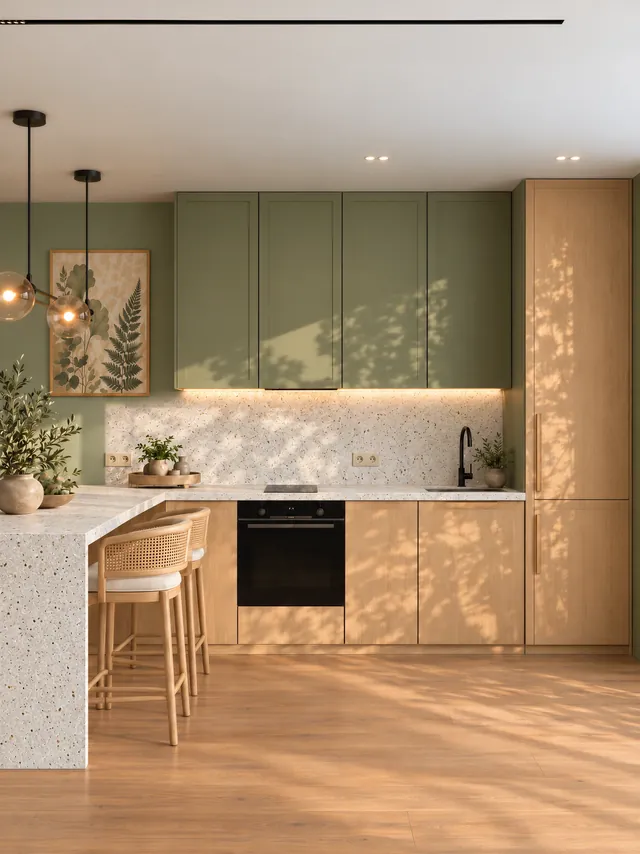 Biophilic · Kitchen
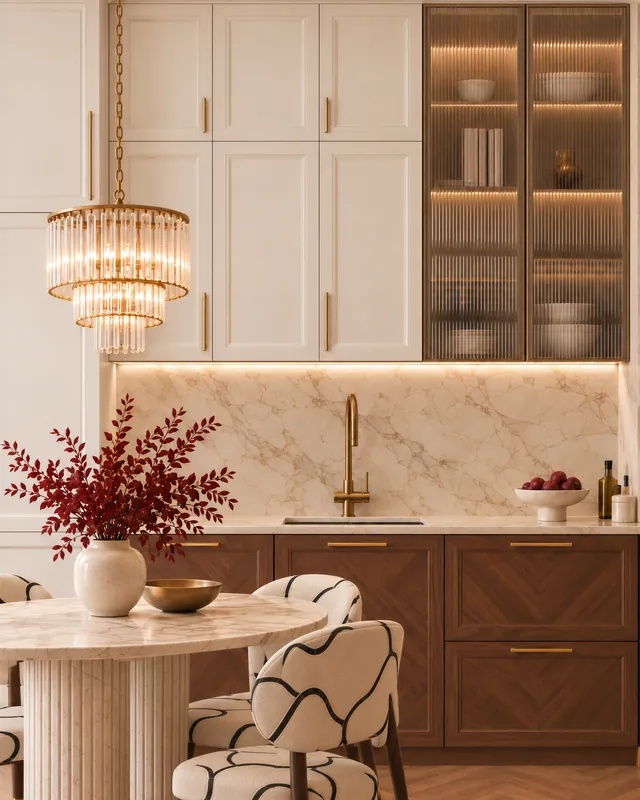 Art Deco · Kitchen
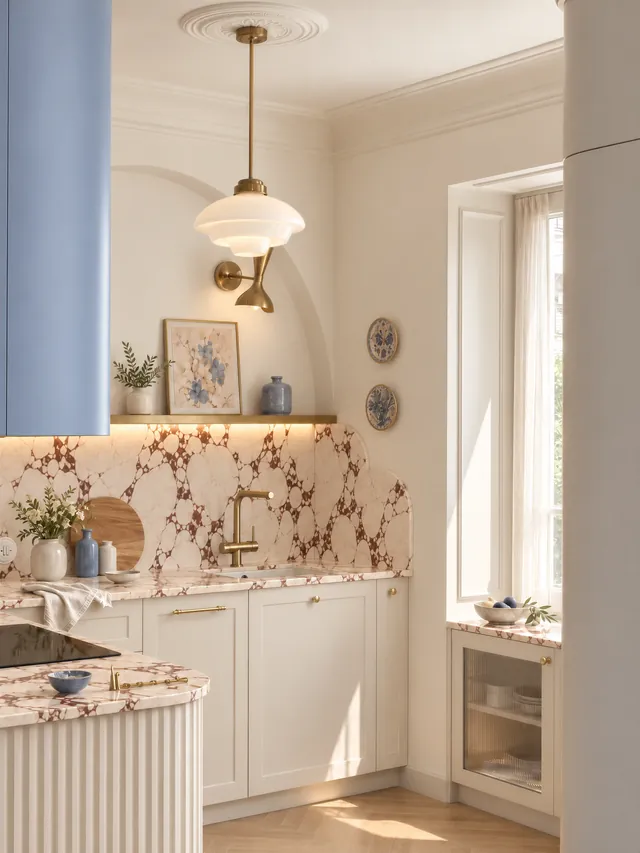 Romantic · Kitchen
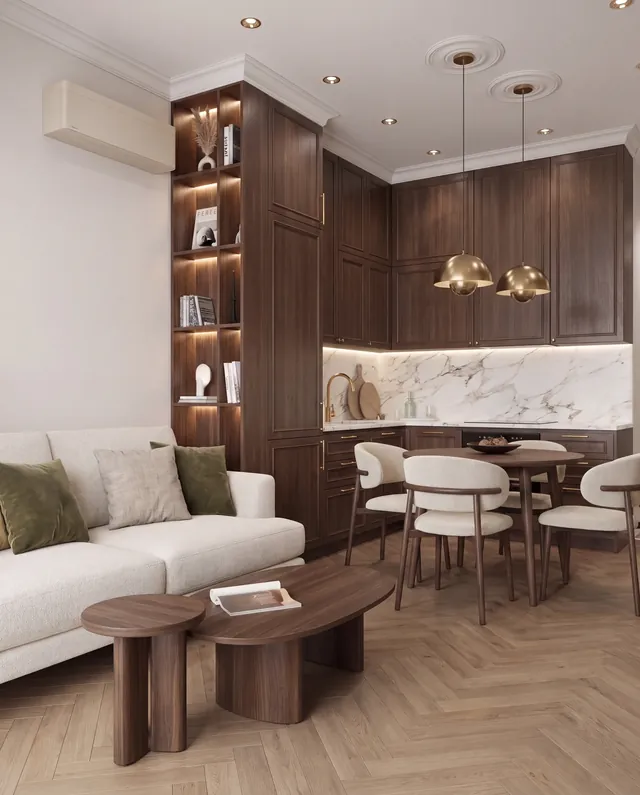 Classic · Kitchen
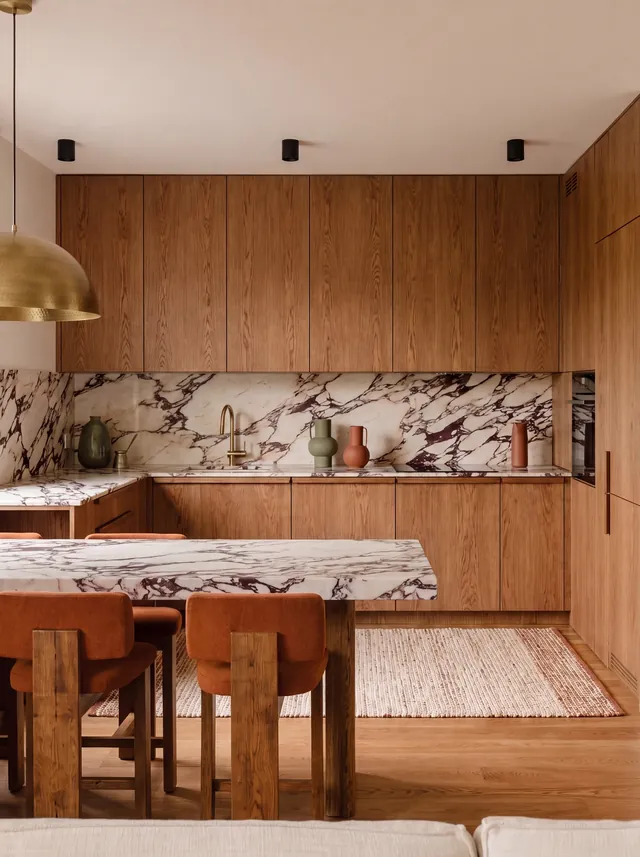 Eclectic · Kitchen
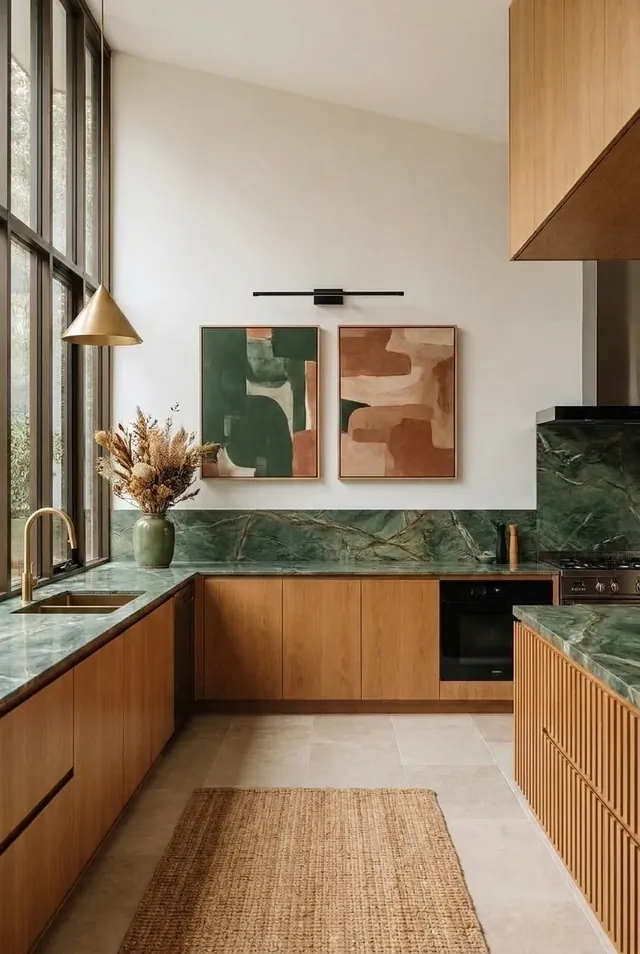 Biophilic · Kitchen
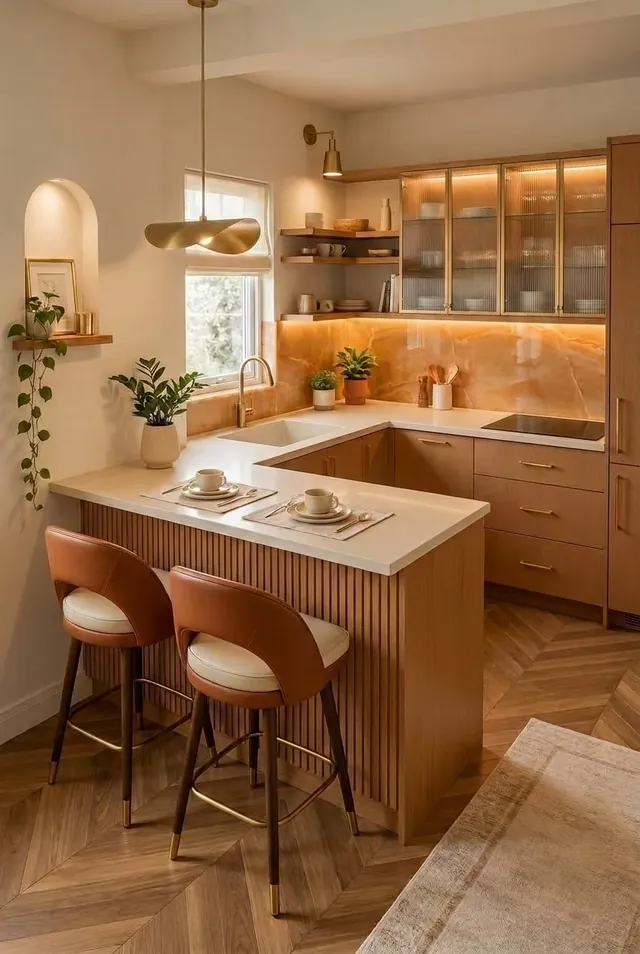 Luxury Yacht · Kitchen
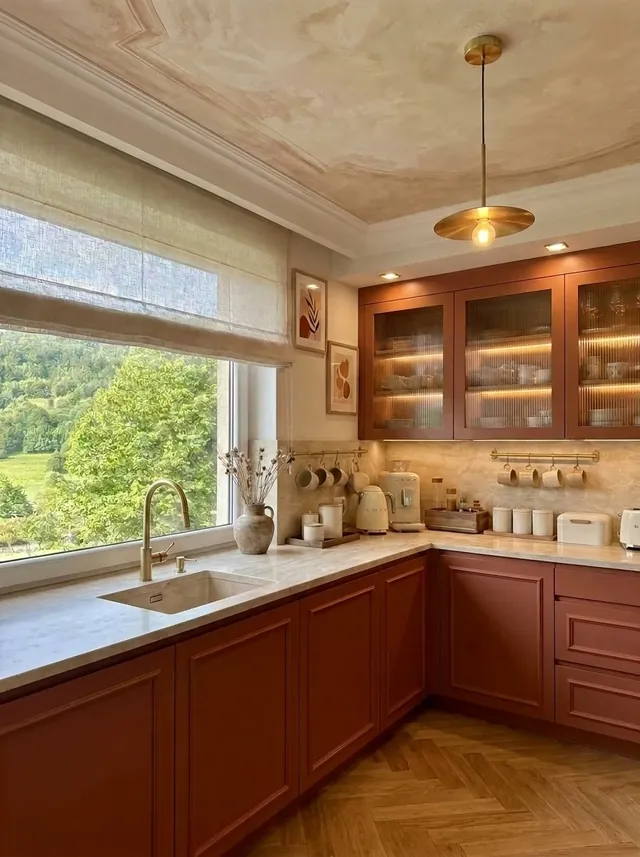 Manor · Kitchen
Try a new interior on a photo of your room