
Redesign: AI results gallery
Redesign changes a room's style from a photo. You upload a snapshot of a living room, kitchen or bedroom, choose a style, and the AI redraws the finishes, furniture, lighting and decor. The walls, windows and doors stay in place, so the new interior fits your layout, your windows and your ceiling height.
This page collects room redesign examples from the Desow feed. In every work the starting room is the one in the photo, and the style is new: Art Deco, Neoclassic, Mid-century, Boho and others from the 23 styles in the service. See how a style works with ordinary geometry: where the window stayed, how the sofa or kitchen set sits, what changed on the walls and floor. For how the styles differ, see the article on interior design styles.
How to do a room redesign from a photo
- Photograph the room in daylight, capturing the window, the floor and the main furniture.
- Upload the photo to Redesign and choose a style.
- Wait for the result, usually under a minute, and compare Before and After.
If you only partly like the result, try another style on the same photo and compare the options. You get free credits when you sign up, enough for several tries. For now, Redesign works with living rooms, kitchens and bedrooms.
Finished works by room are in the gallery: there you can see how one style looks in different spaces.
Results from the Desow feed
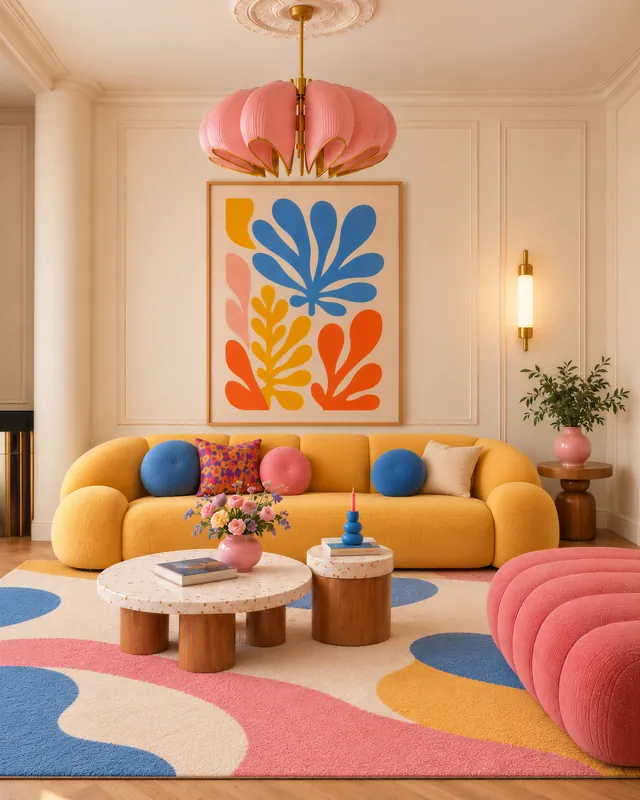 Dopamine · Living room
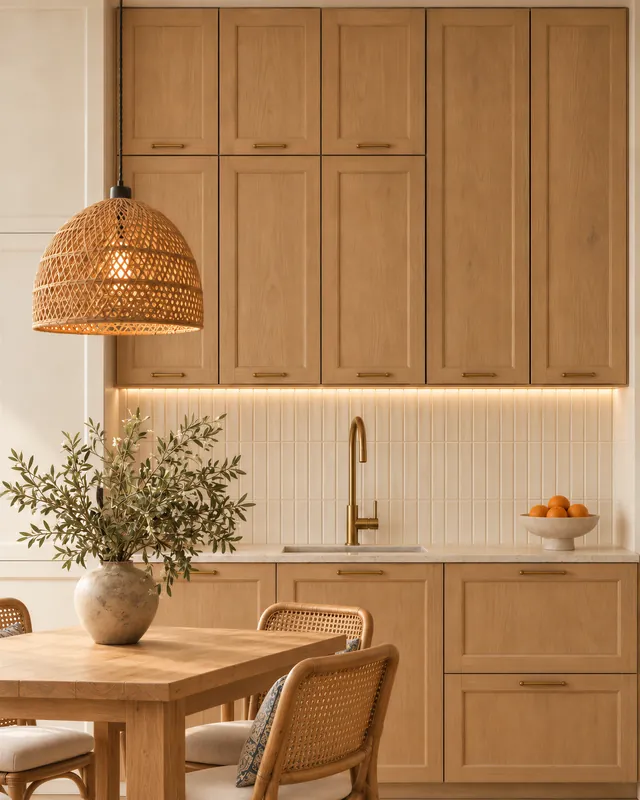 Boho · Kitchen
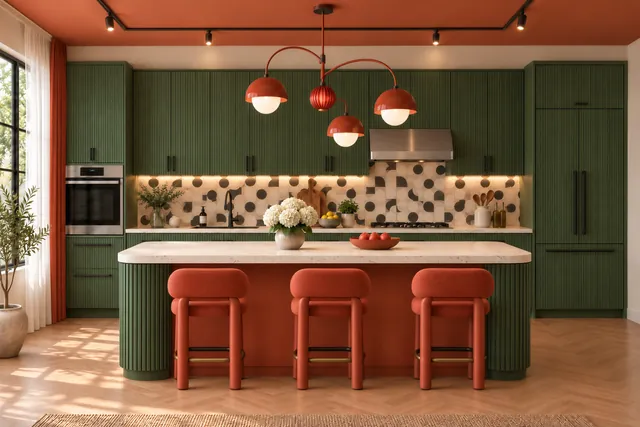 Memphis · Kitchen
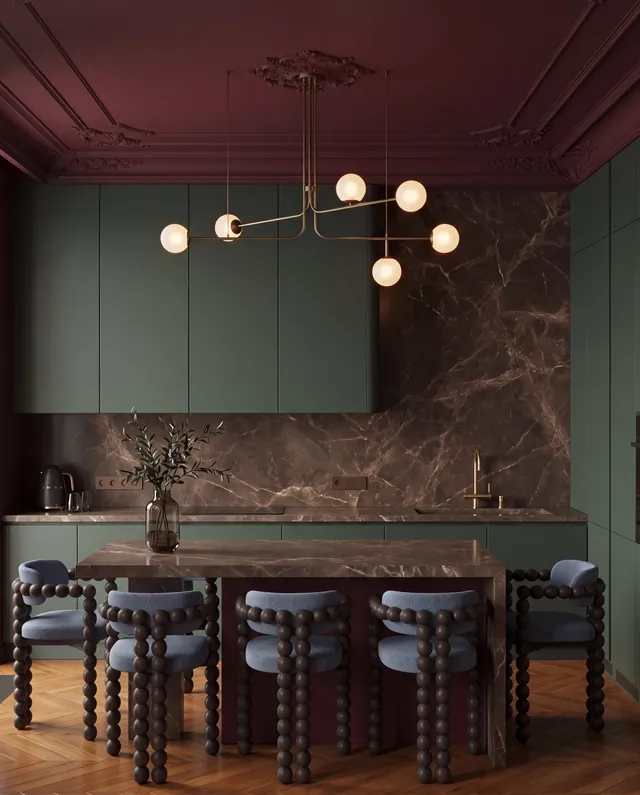 Dark Academia · Kitchen
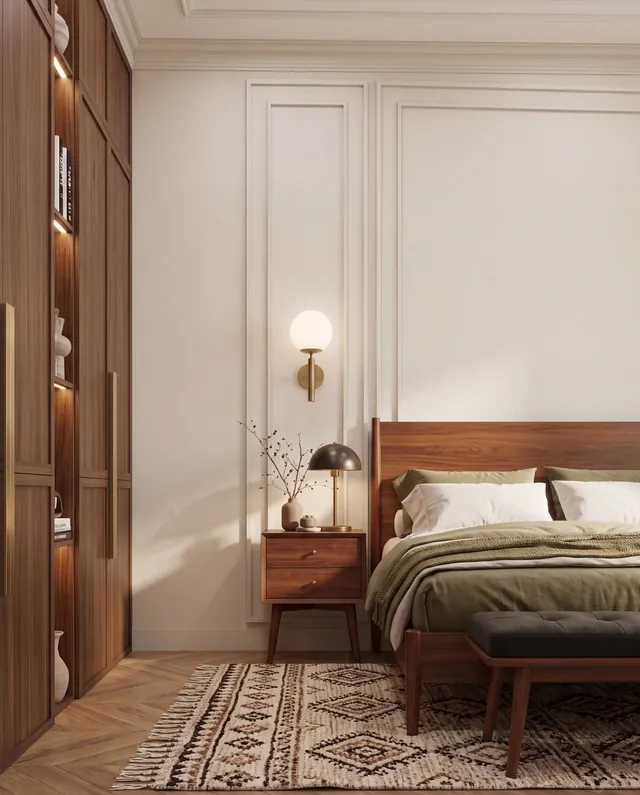 Mid-Century Modern · Bedroom
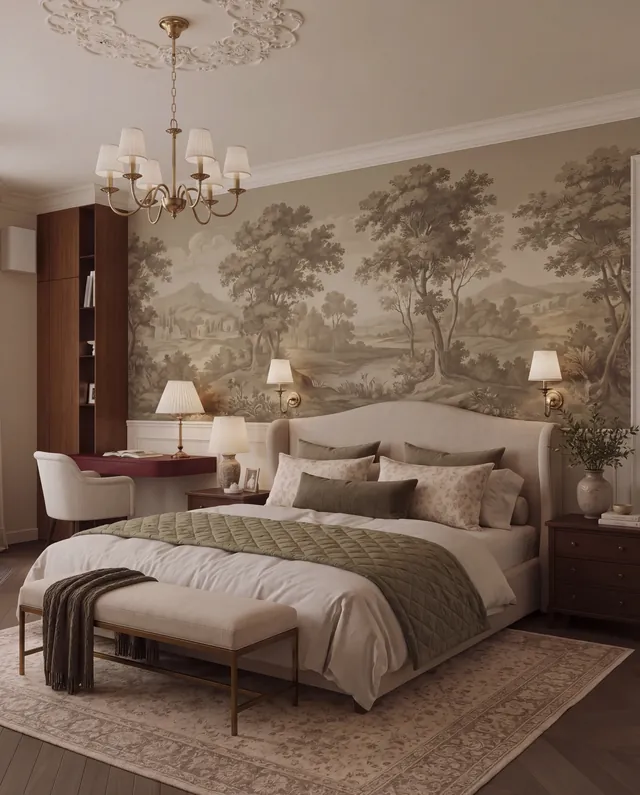 English Country · Bedroom
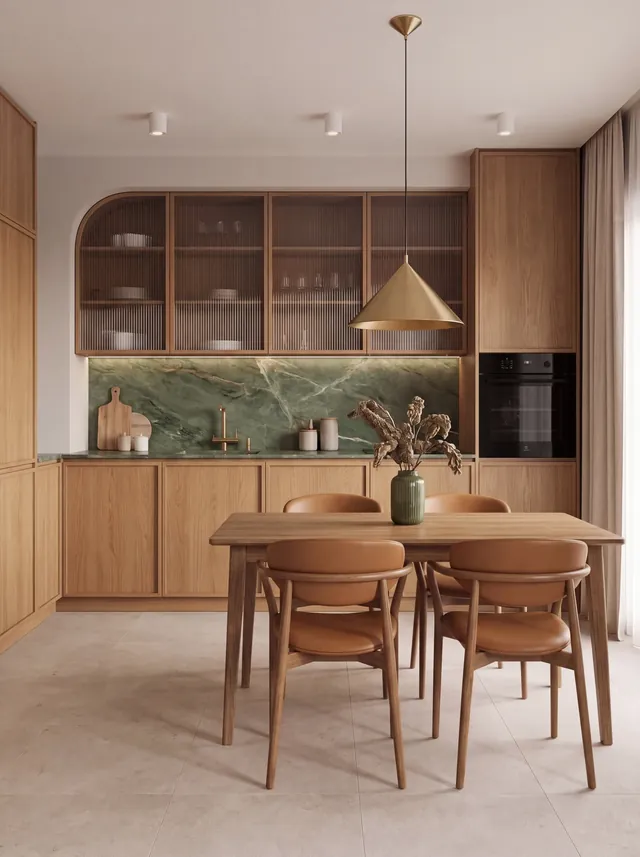 Biophilic · Kitchen
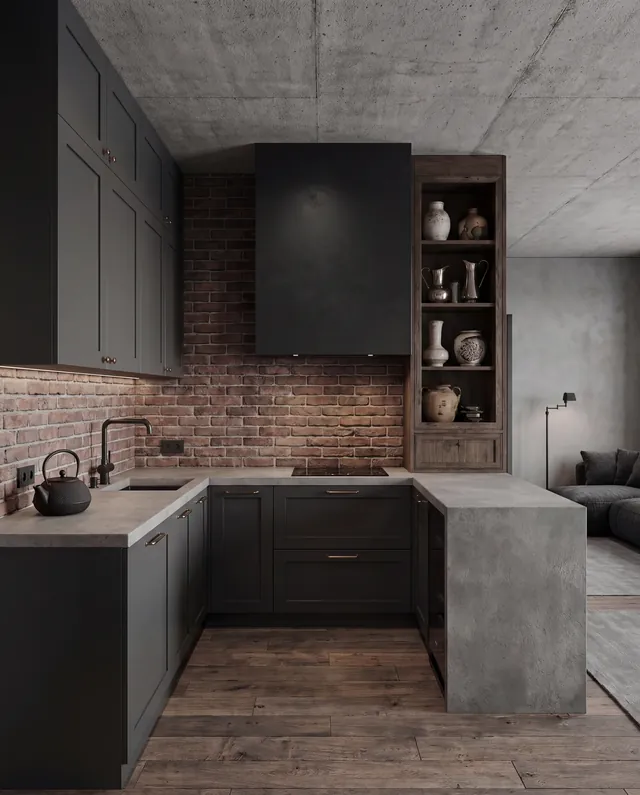 Loft · Kitchen
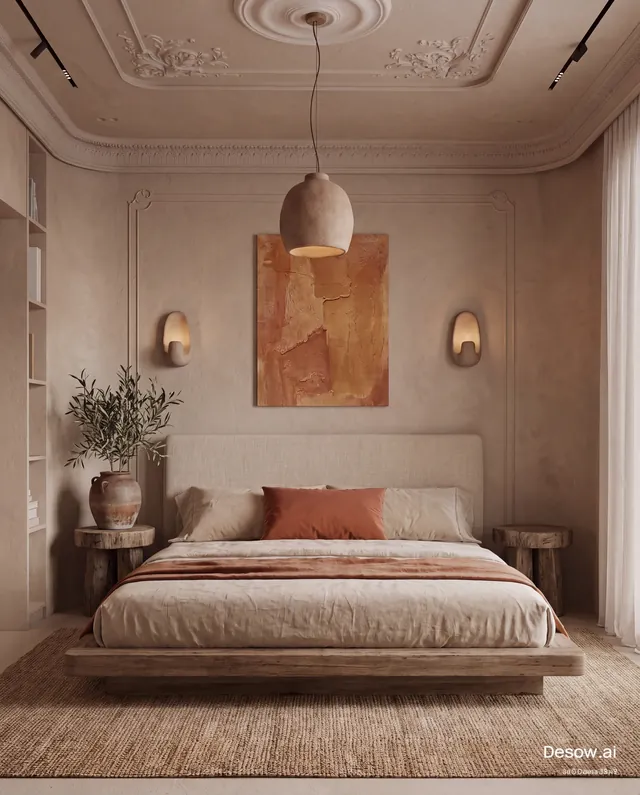 Wabi-Sabi · Bedroom
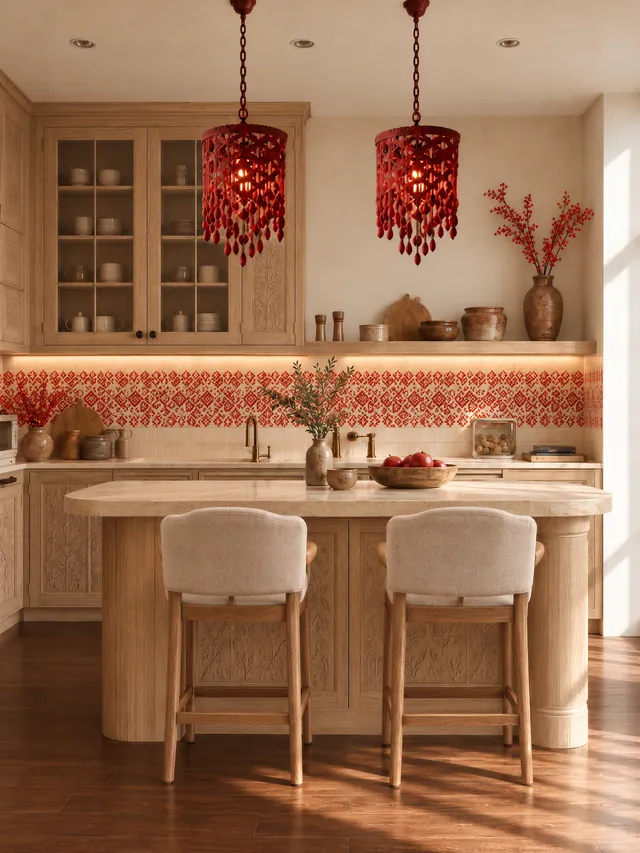 Slavic · Kitchen
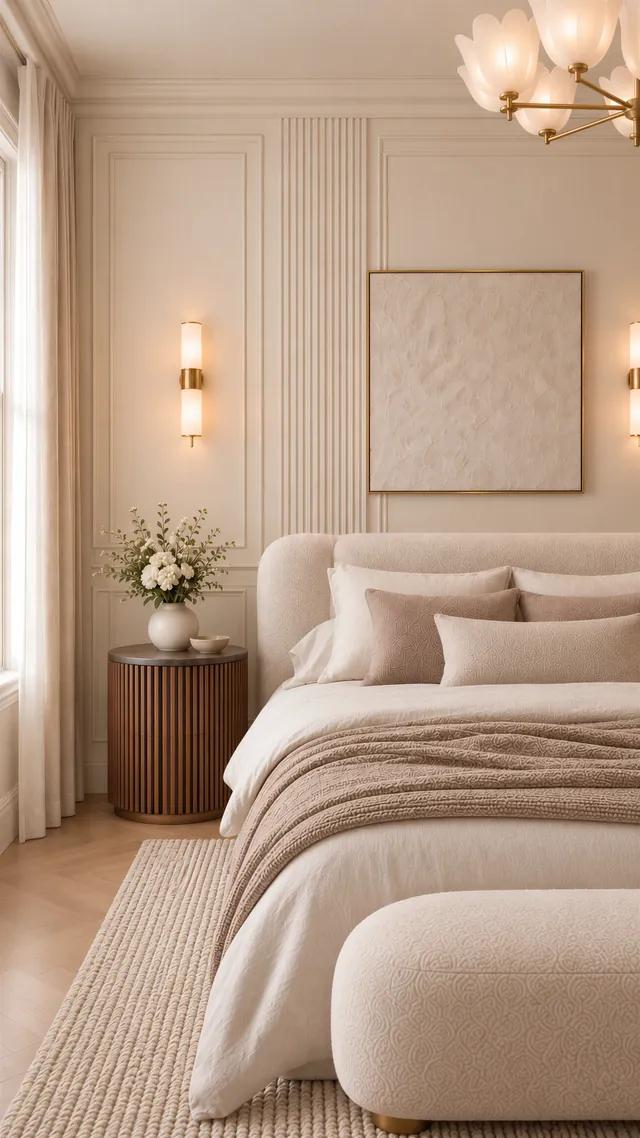 Neoclassical · Bedroom
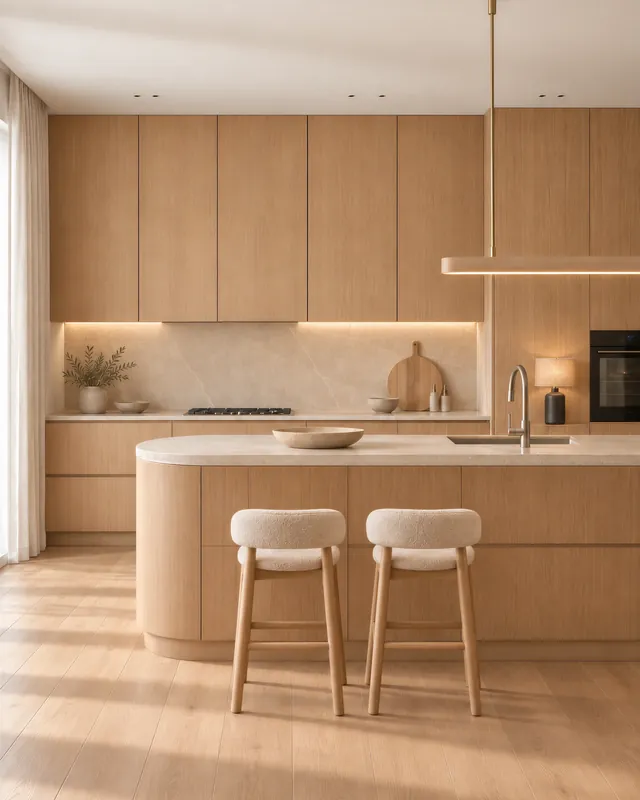 Japandi · Kitchen
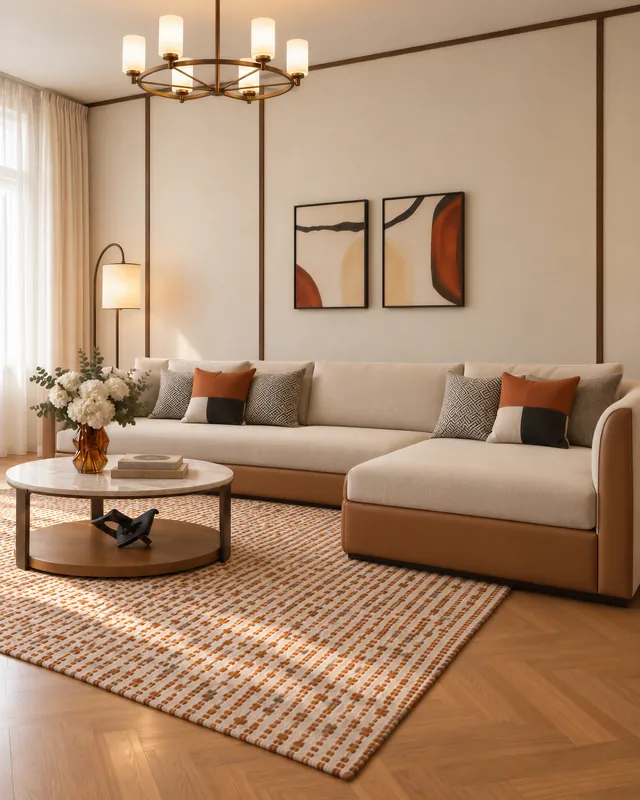 Luxury Yacht · Living room
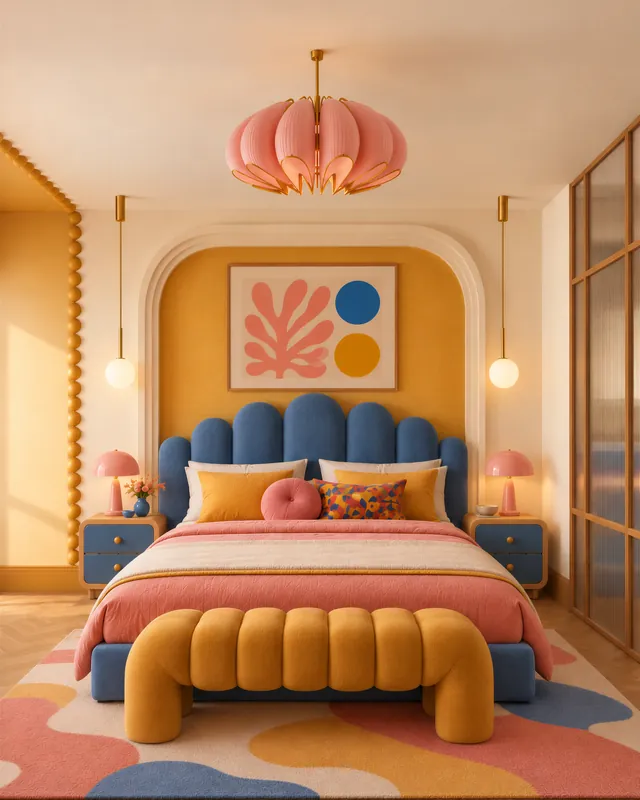 Dopamine · Bedroom
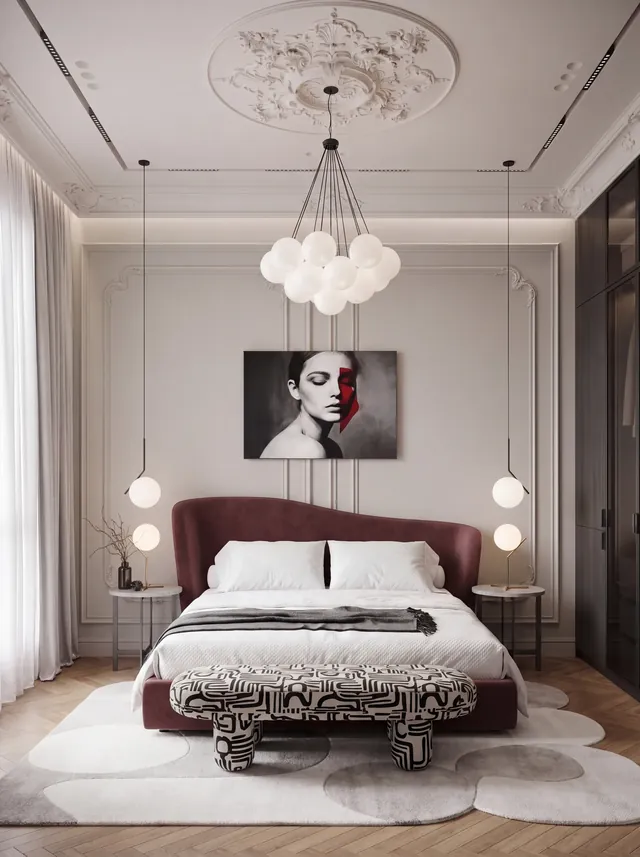 Art Deco · Bedroom
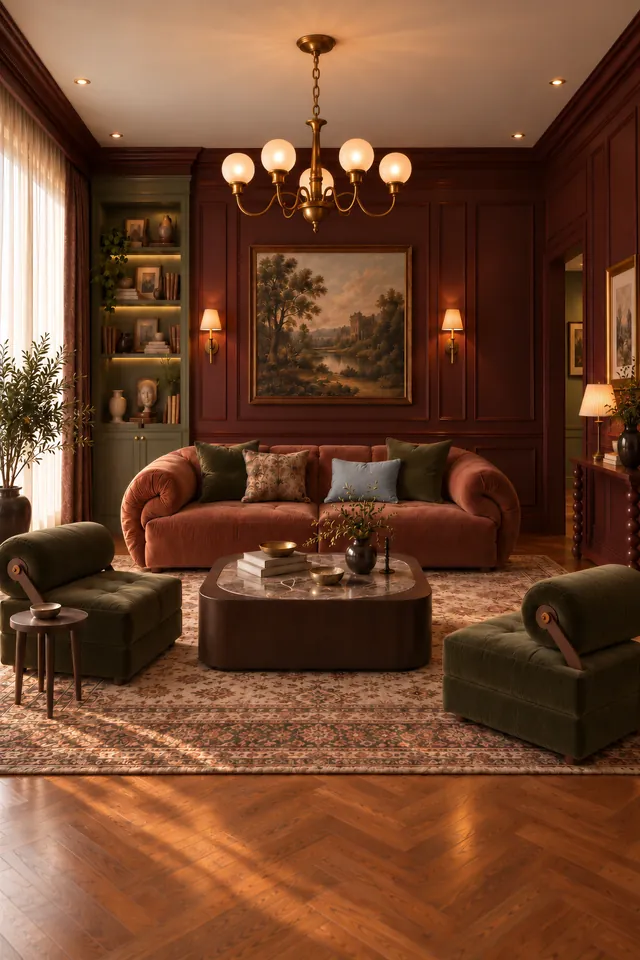 Dark Academia · Living room
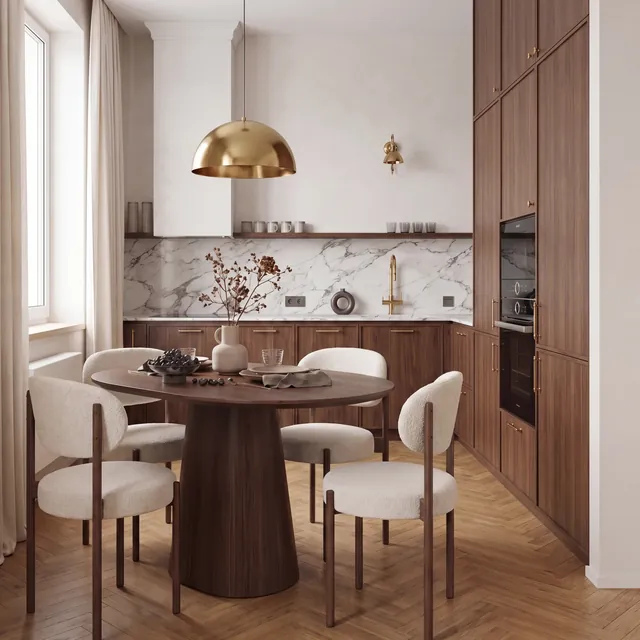 Classic · Kitchen
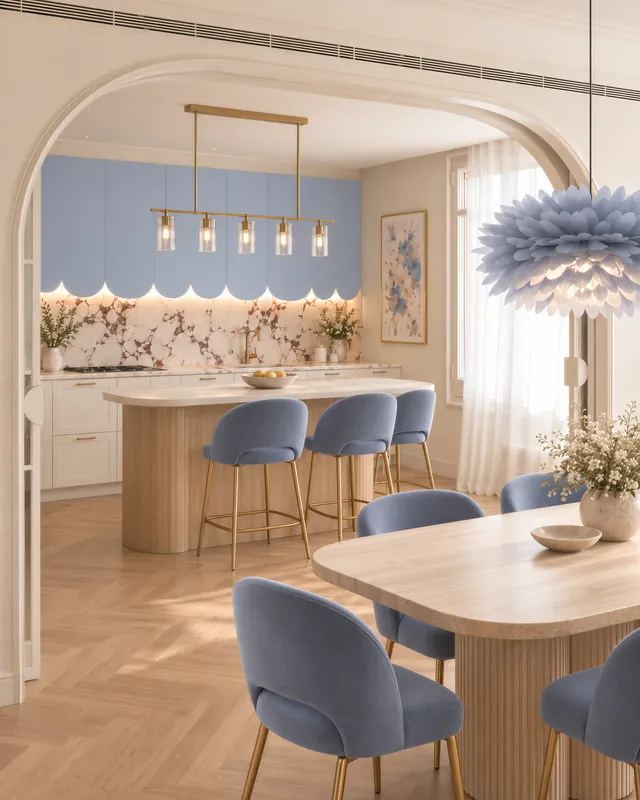 Romantic · Kitchen
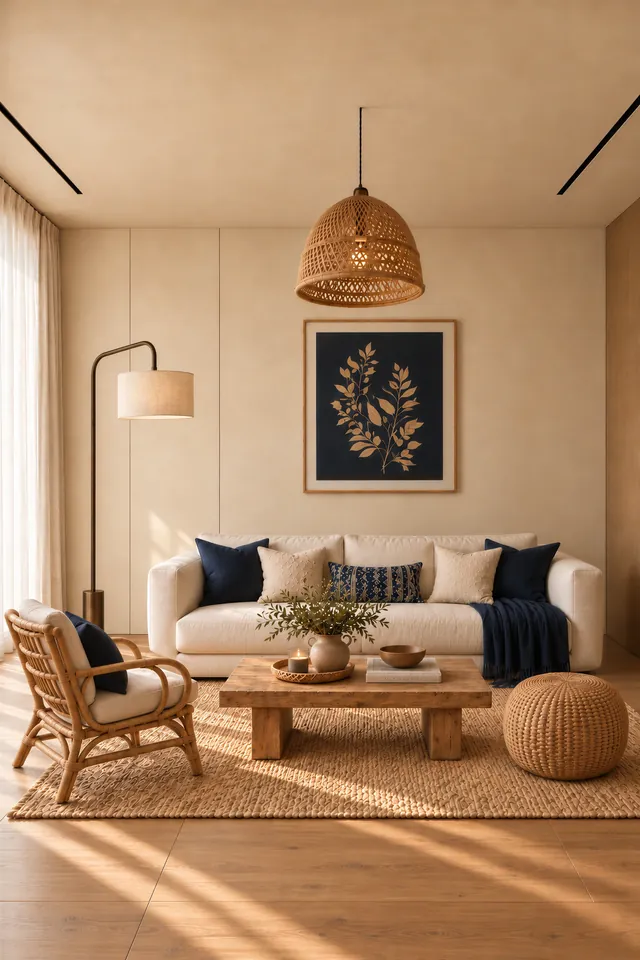 Boho · Living room
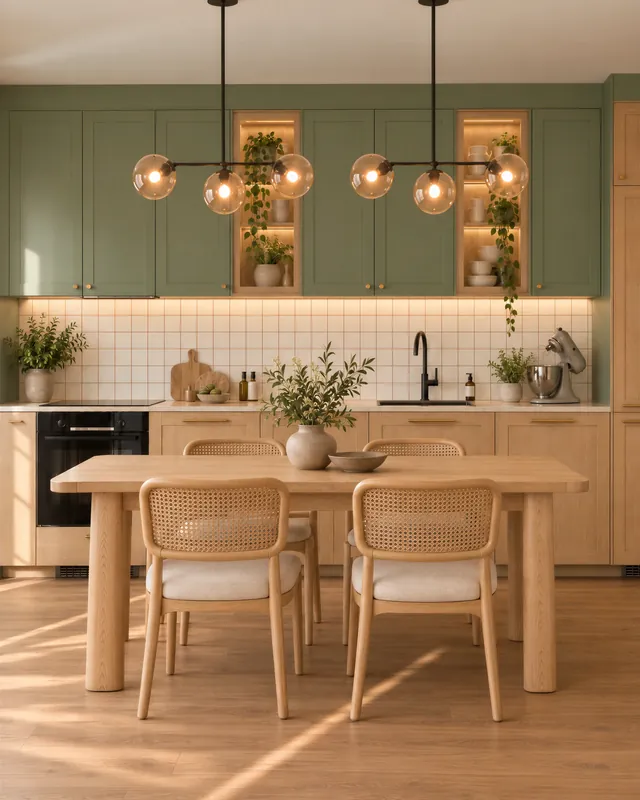 Biophilic · Kitchen
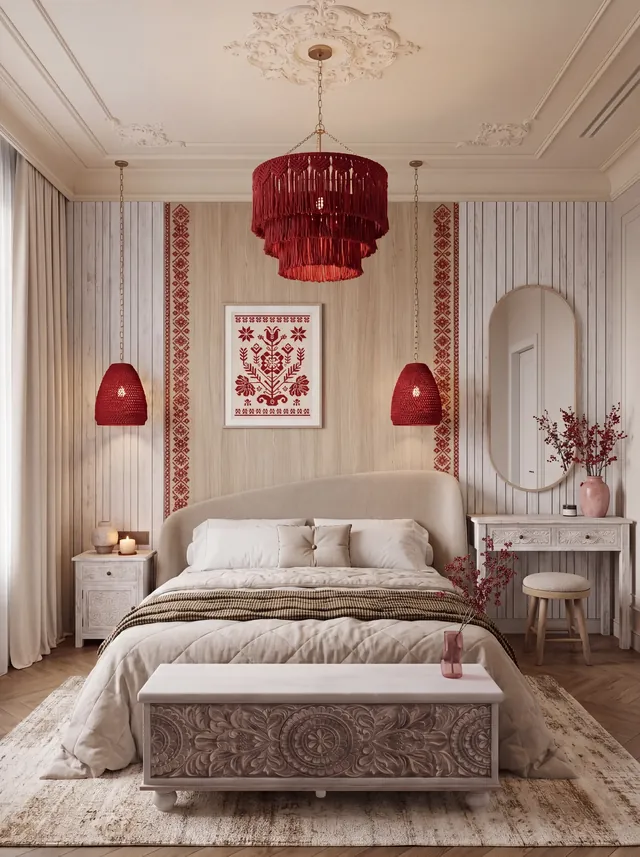 Slavic · Bedroom
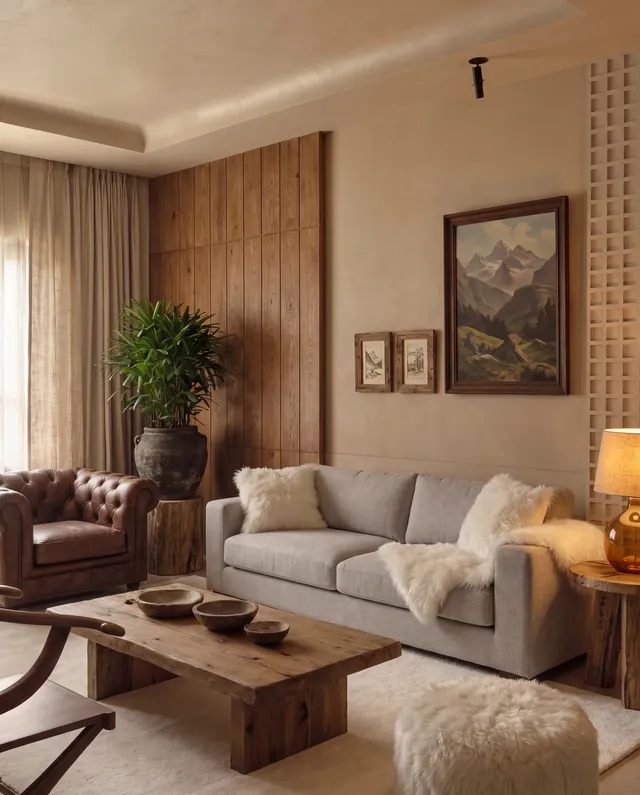 Alpine Chalet · Living room
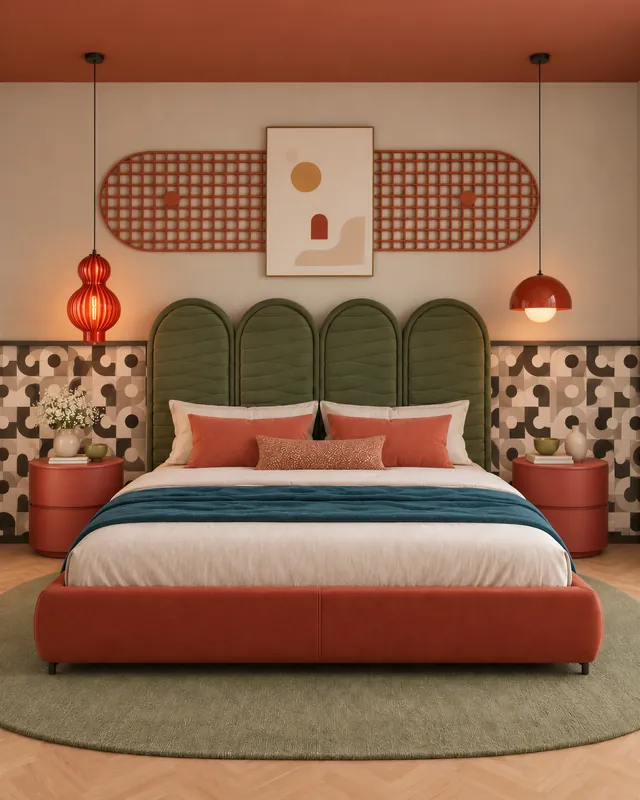 Memphis · Bedroom
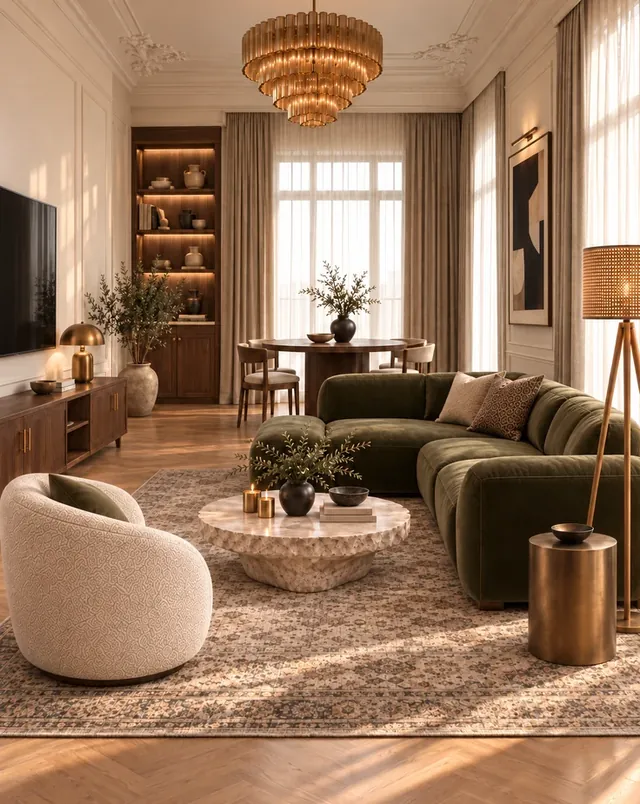 Classic · Living room
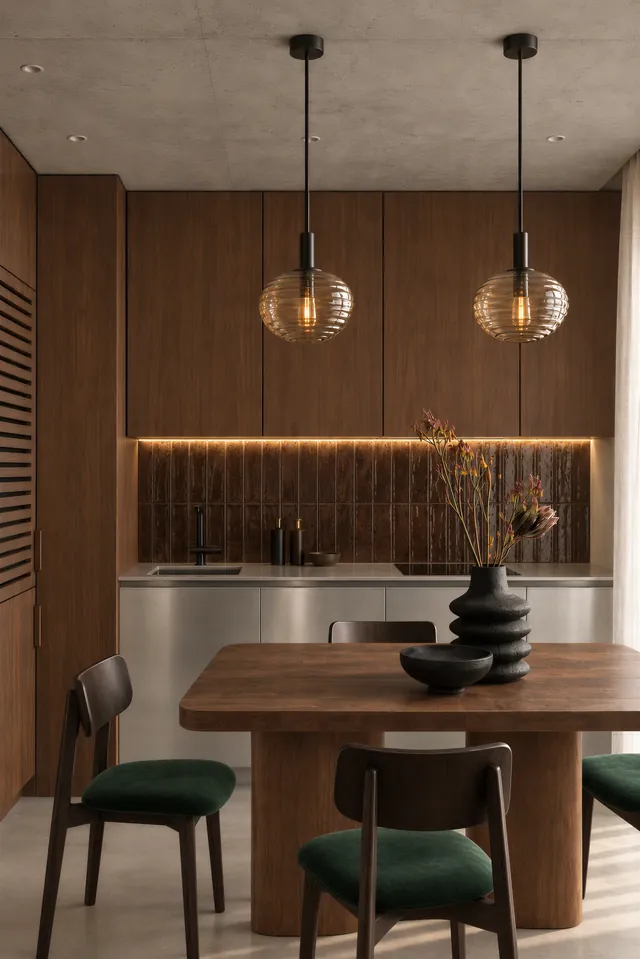 Brutalism · Kitchen
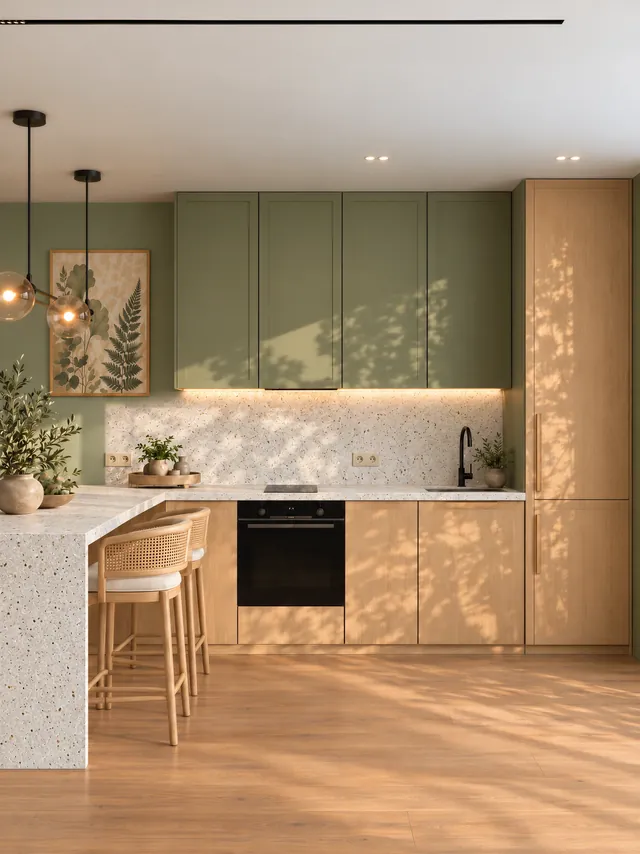 Biophilic · Kitchen
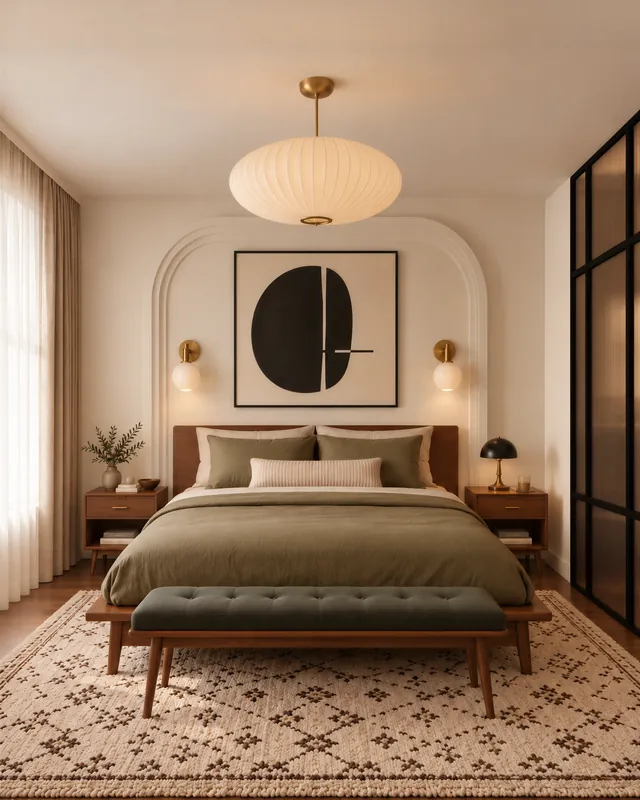 Mid-Century Modern · Bedroom
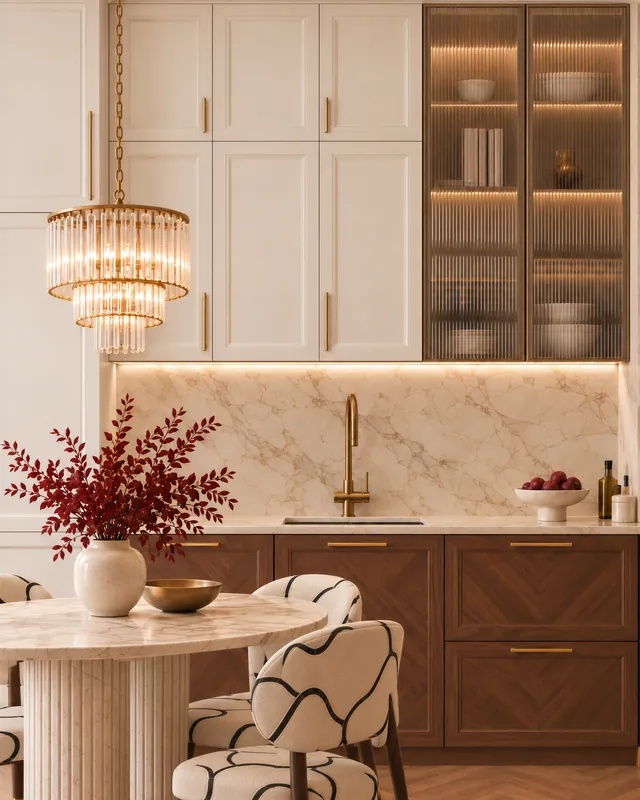 Art Deco · Kitchen
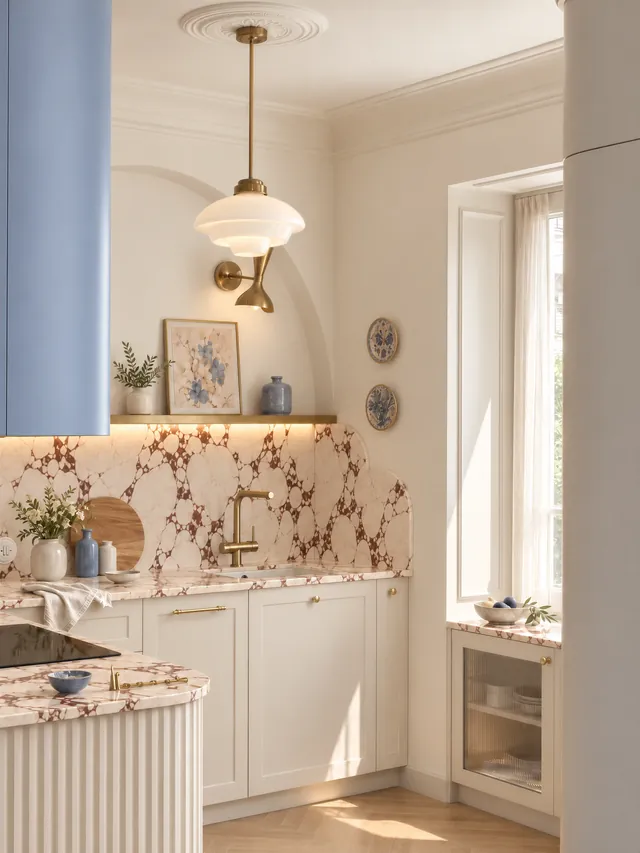 Romantic · Kitchen
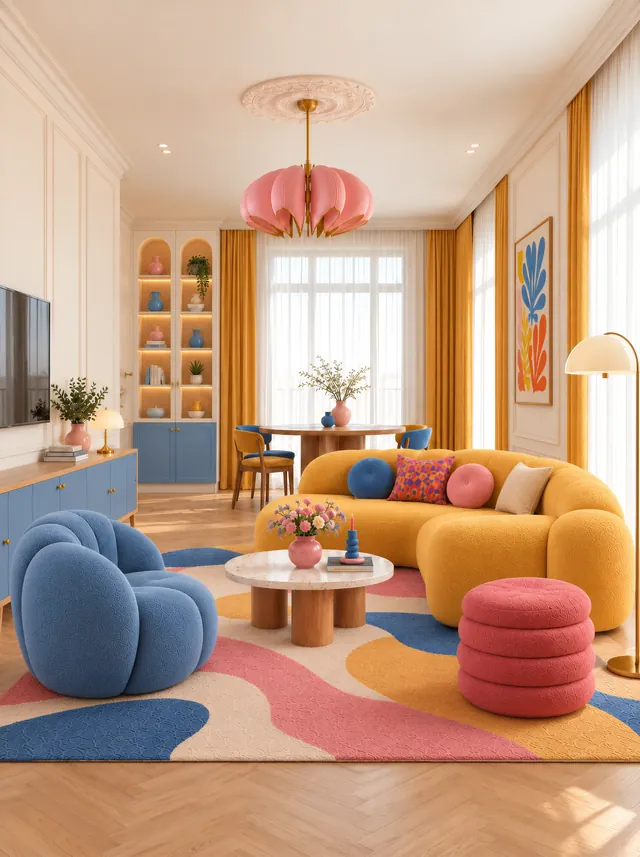 Dopamine · Living room
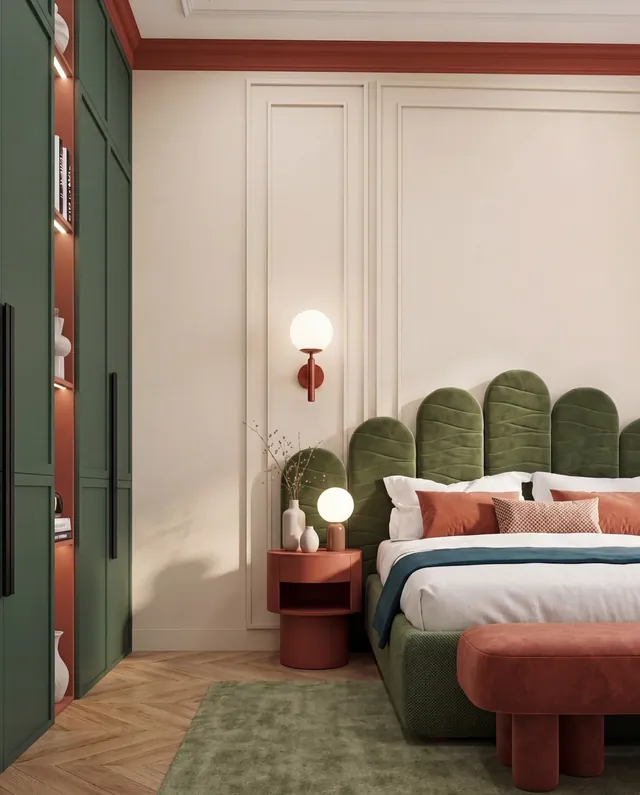 Memphis · Bedroom
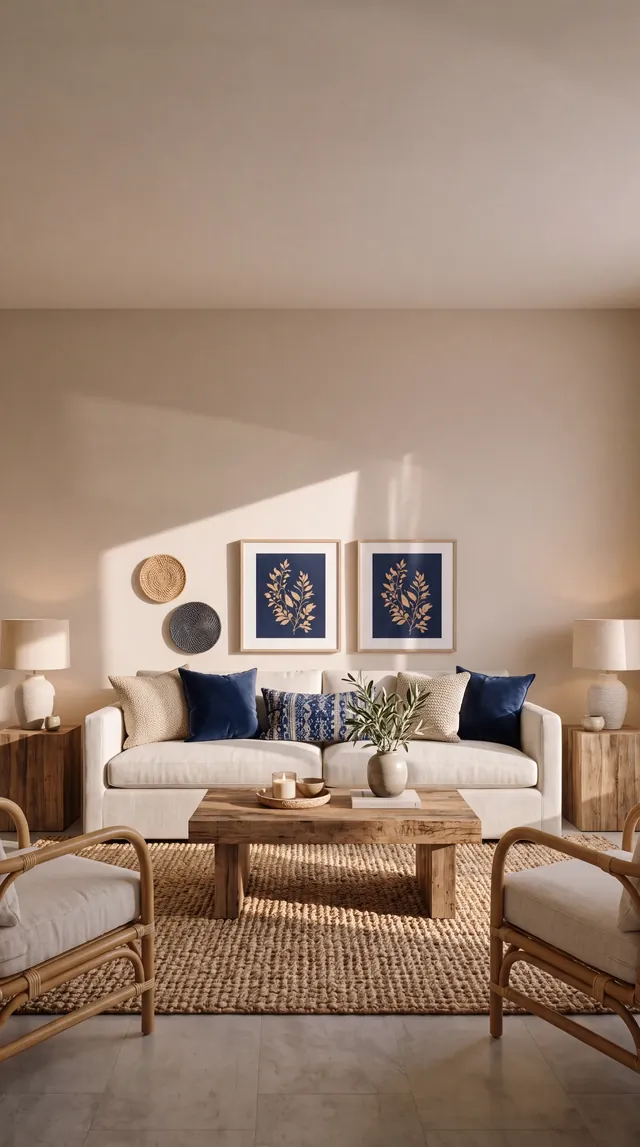 Boho · Living room
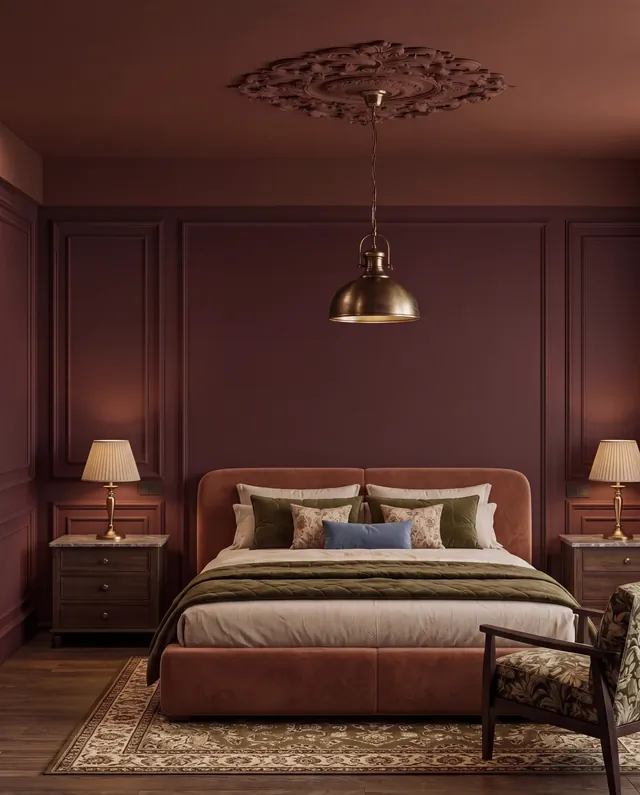 Dark Academia · Bedroom
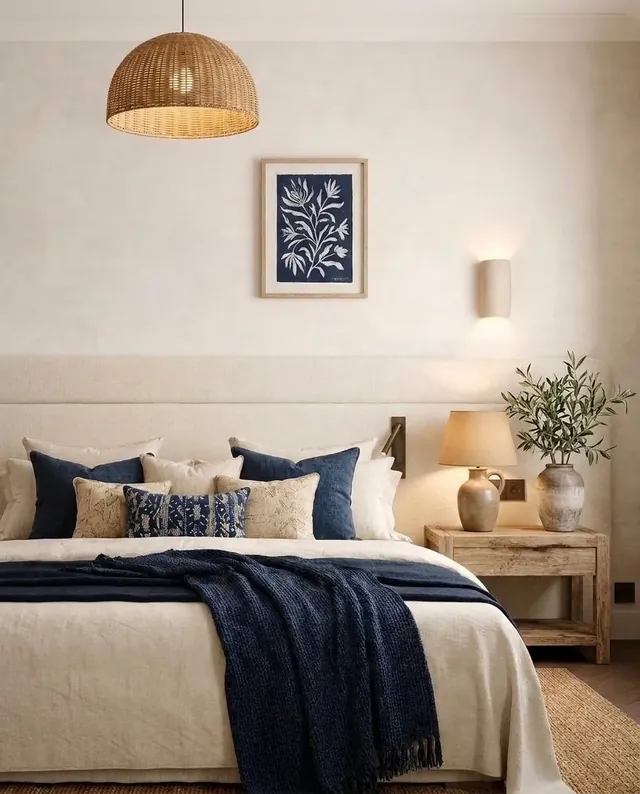 Boho · Bedroom
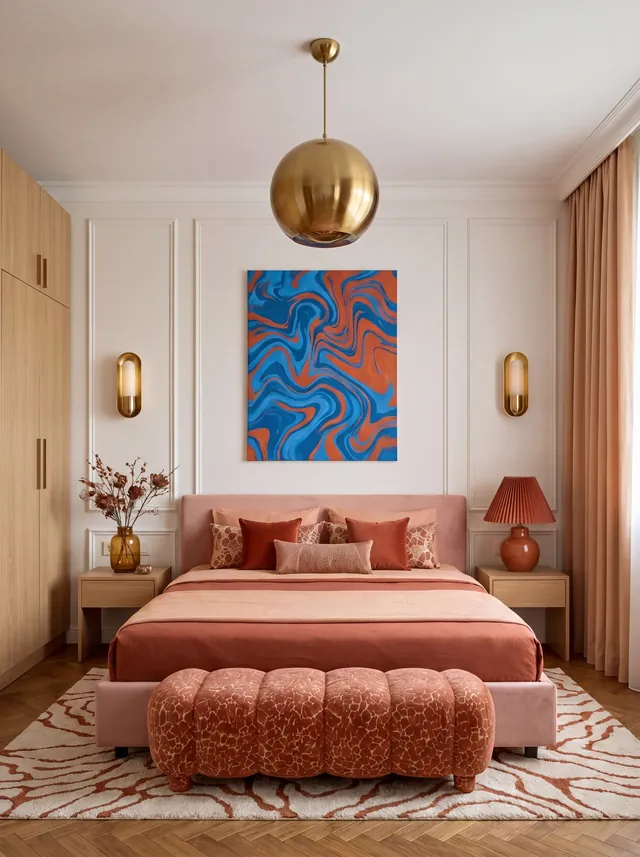 Eclectic · Bedroom
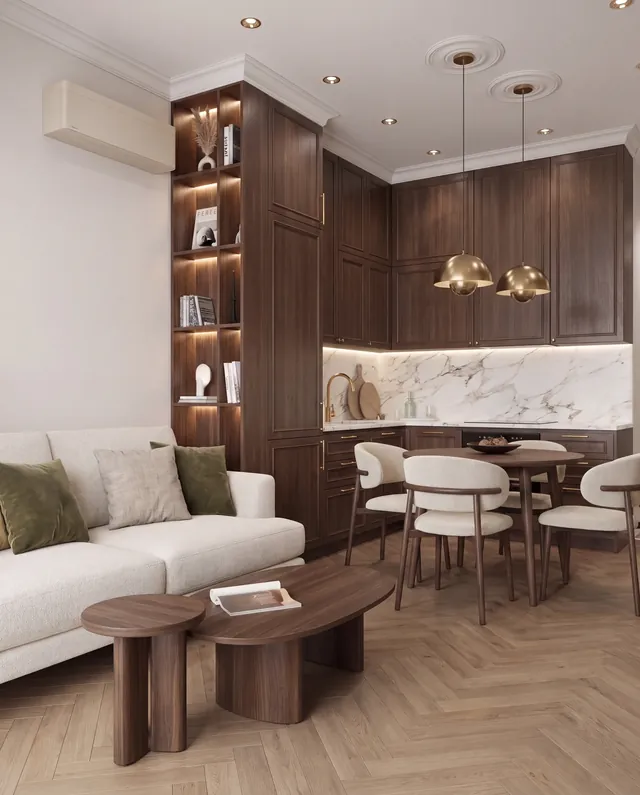 Classic · Kitchen
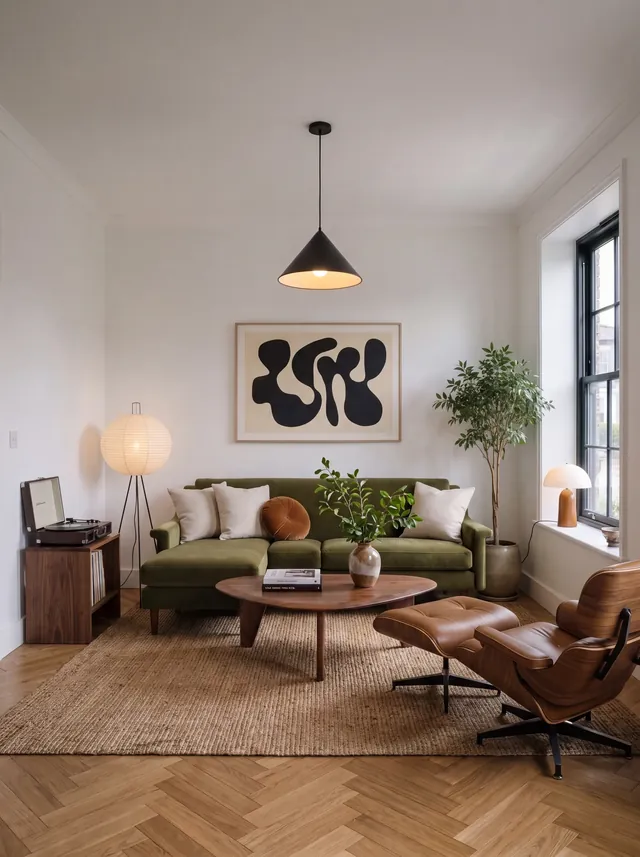 Mid-Century Modern · Living room
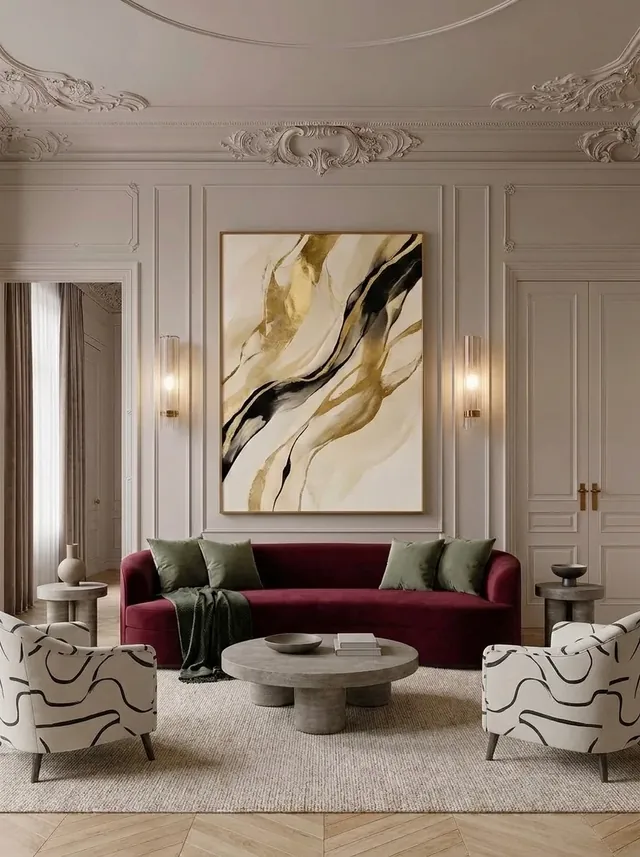 Art Deco · Living room
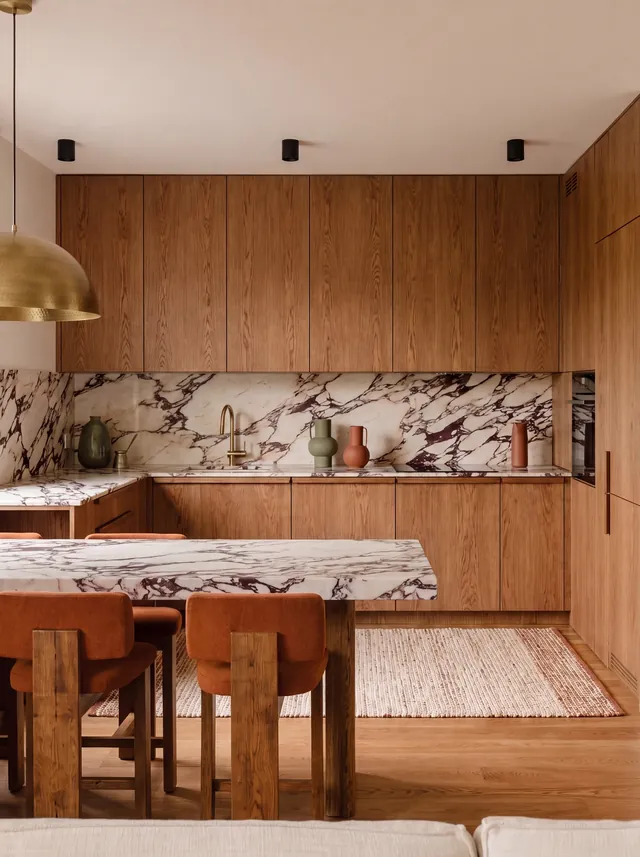 Eclectic · Kitchen
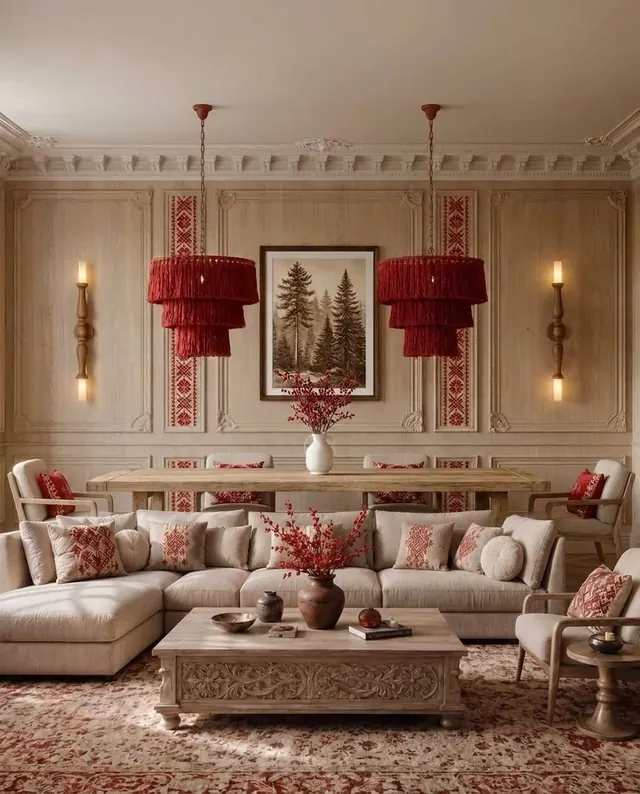 Slavic · Living room
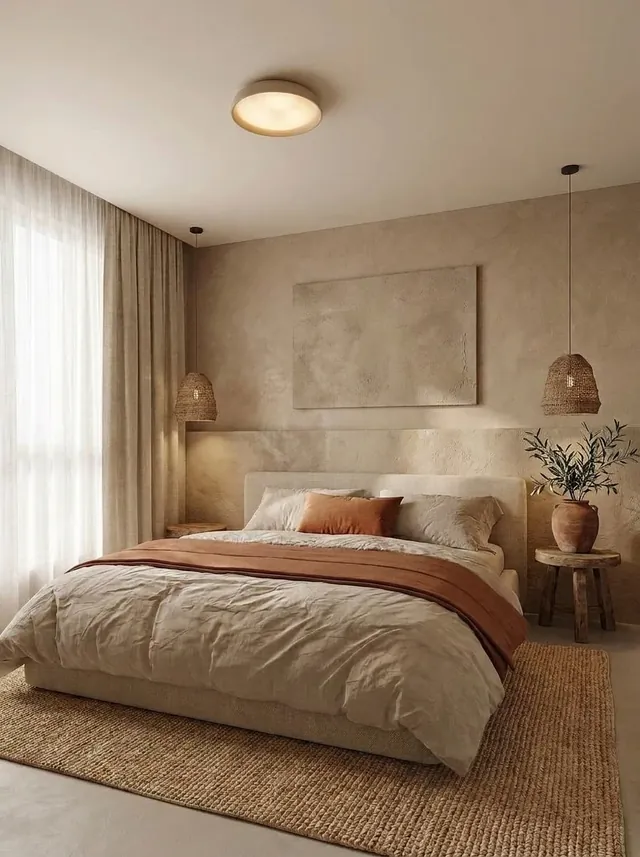 Wabi-Sabi · Bedroom
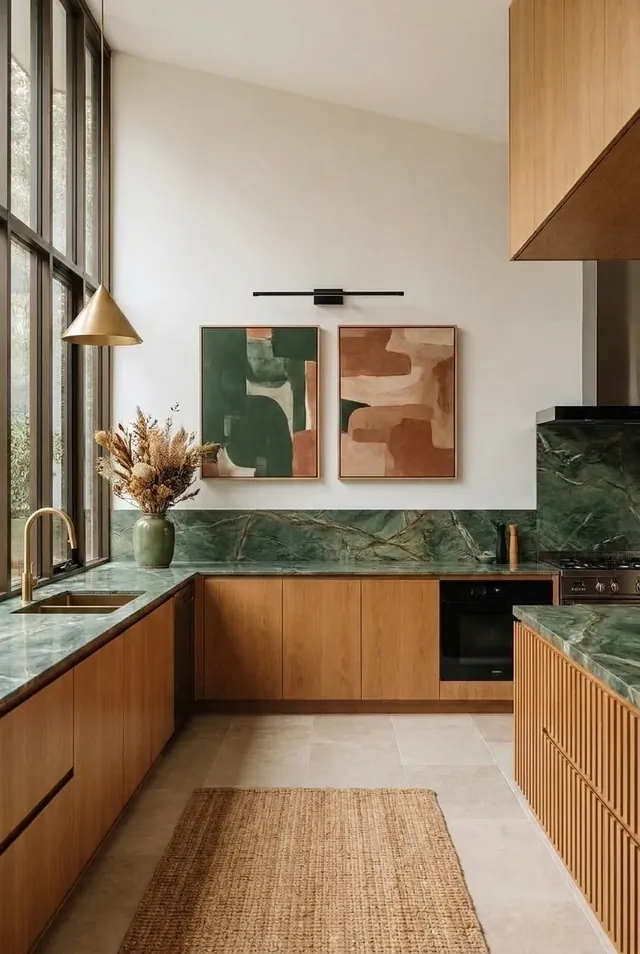 Biophilic · Kitchen
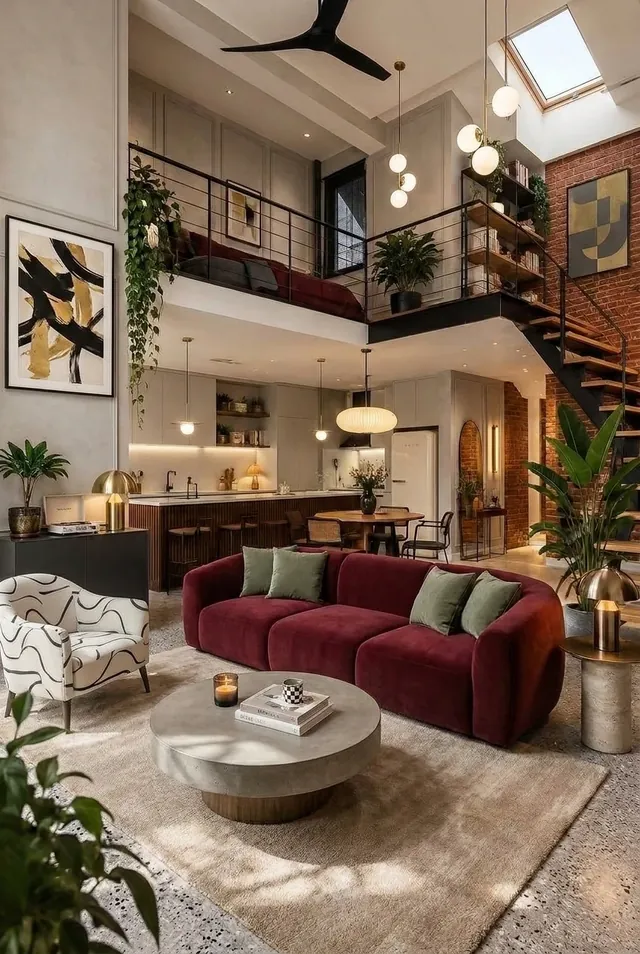 Art Deco · Living room
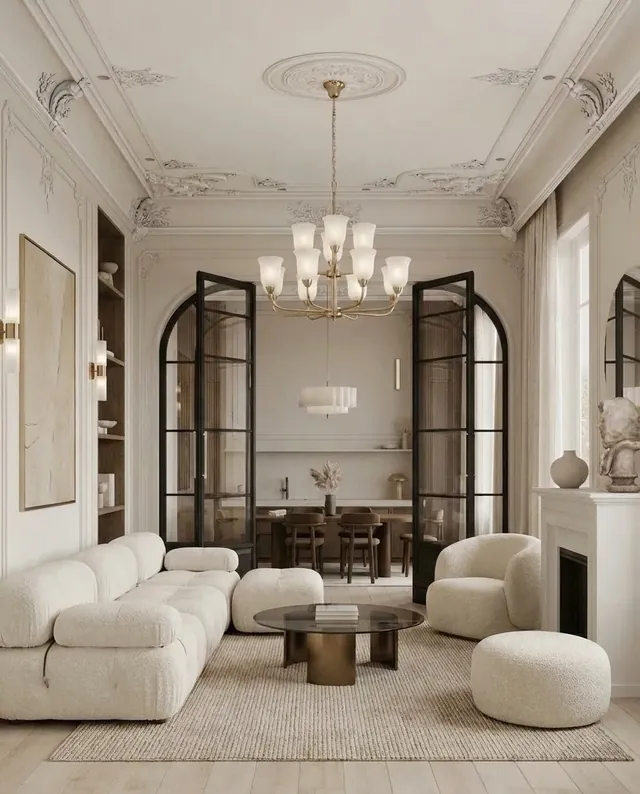 Neoclassical · Living room
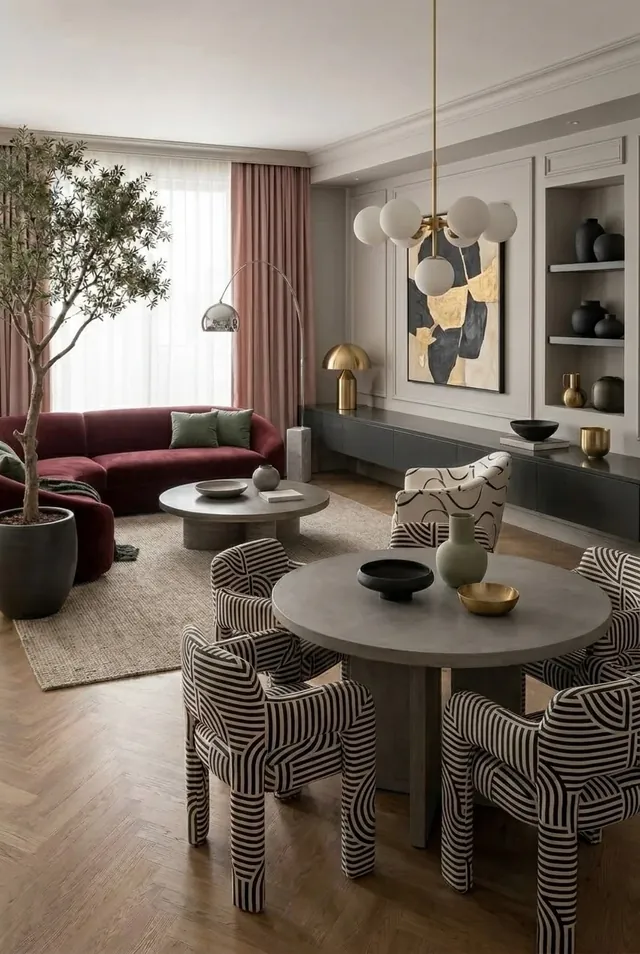 Art Deco · Living room
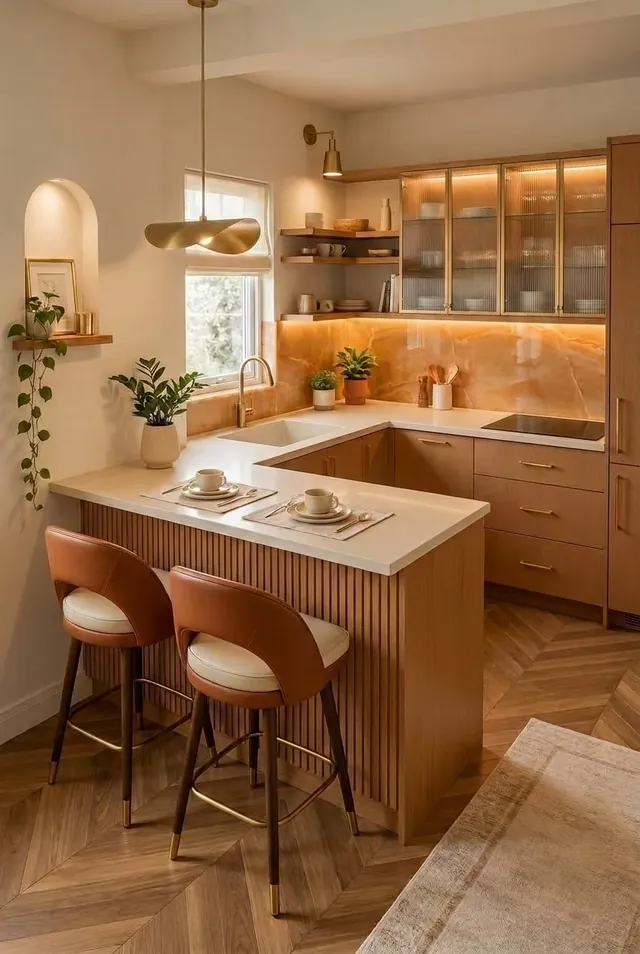 Luxury Yacht · Kitchen
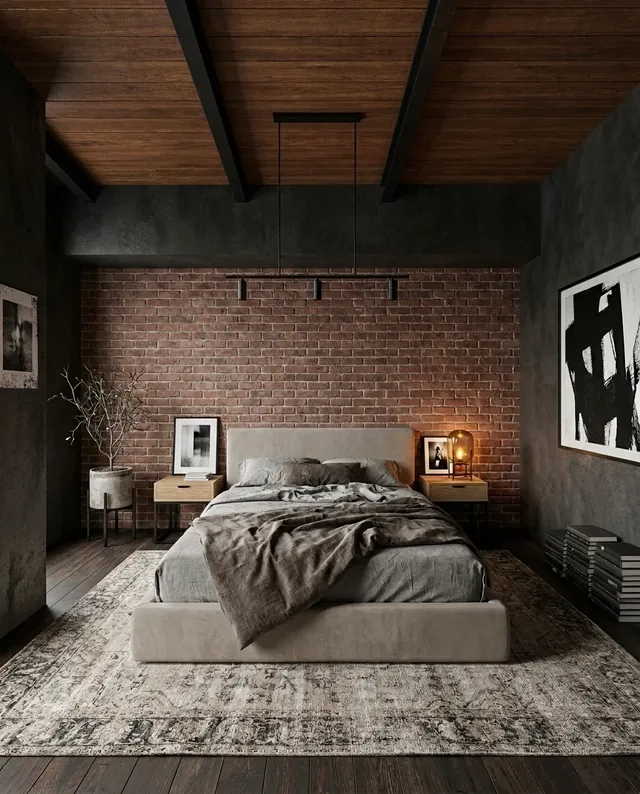 Loft · Bedroom
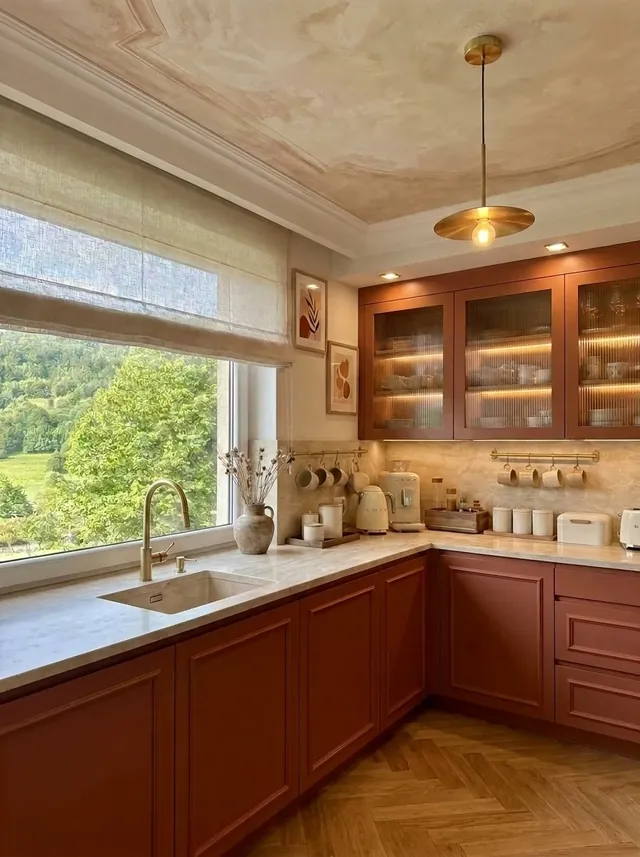 Manor · Kitchen
Try a new interior on a photo of your room