For interior designers

New ideas in minutes

Upload a site photo → choose a style → get 2–3 concepts. Show the client and agree on a direction at the first meeting.
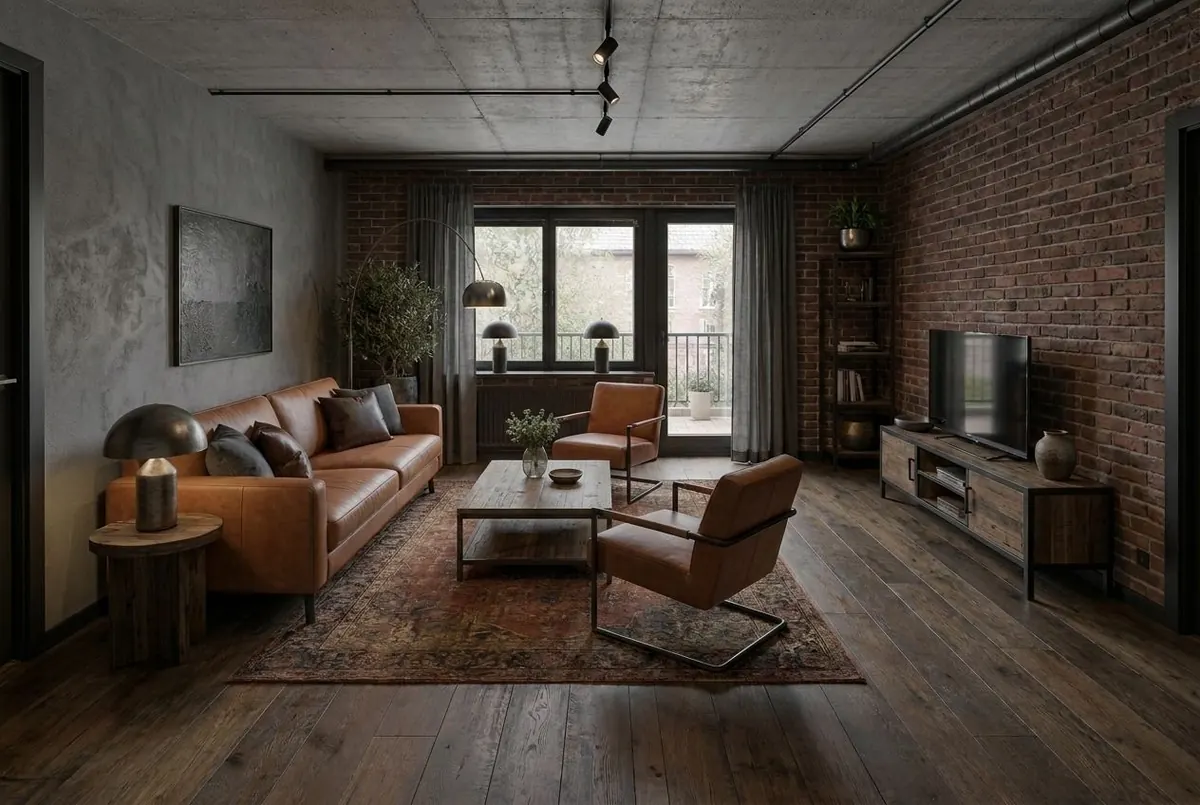
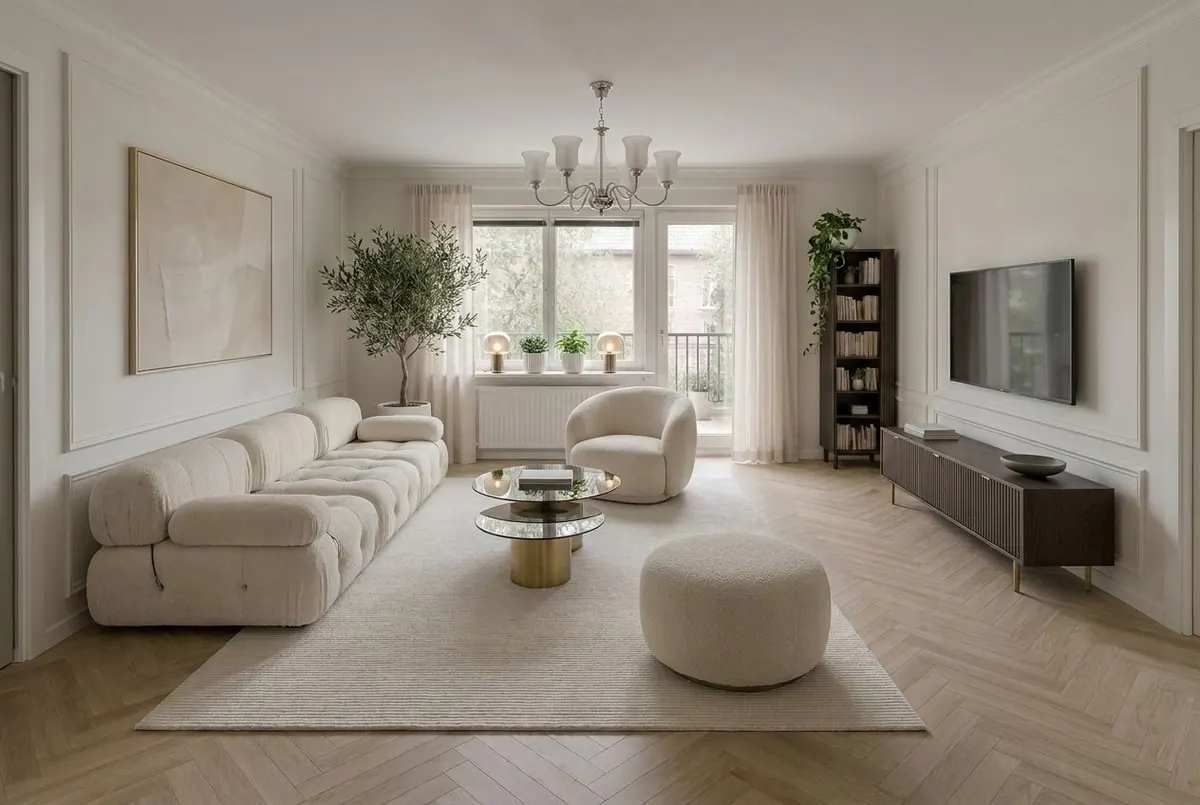
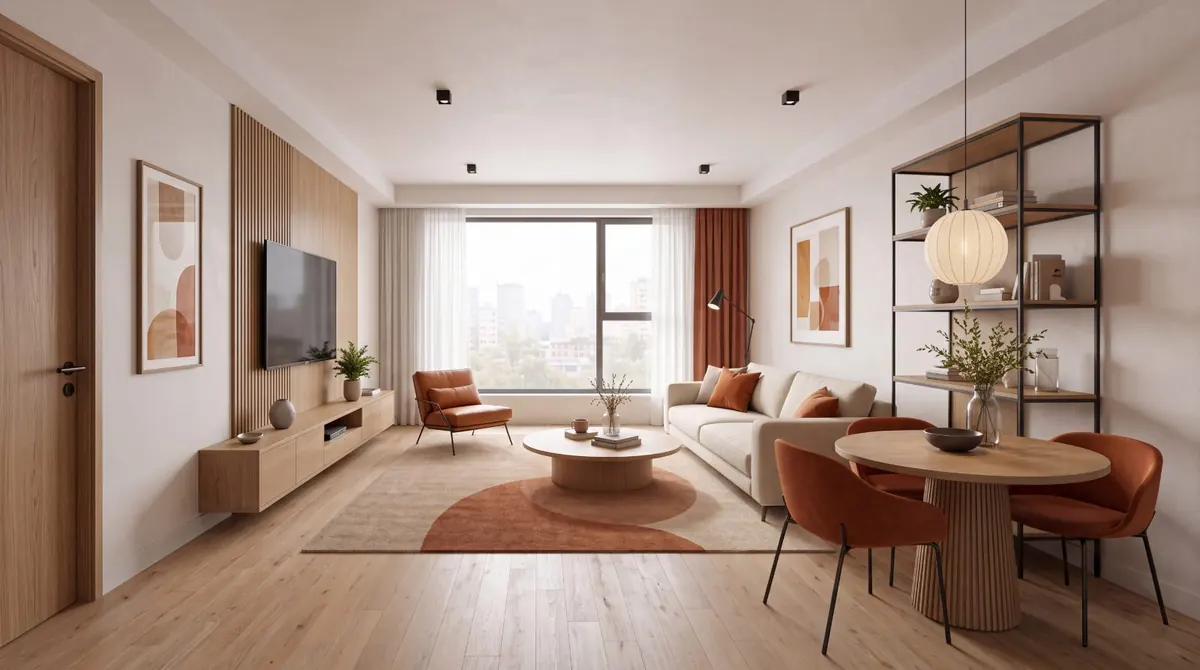
Concept 01 · Scandi
Concept 01 · Scandi
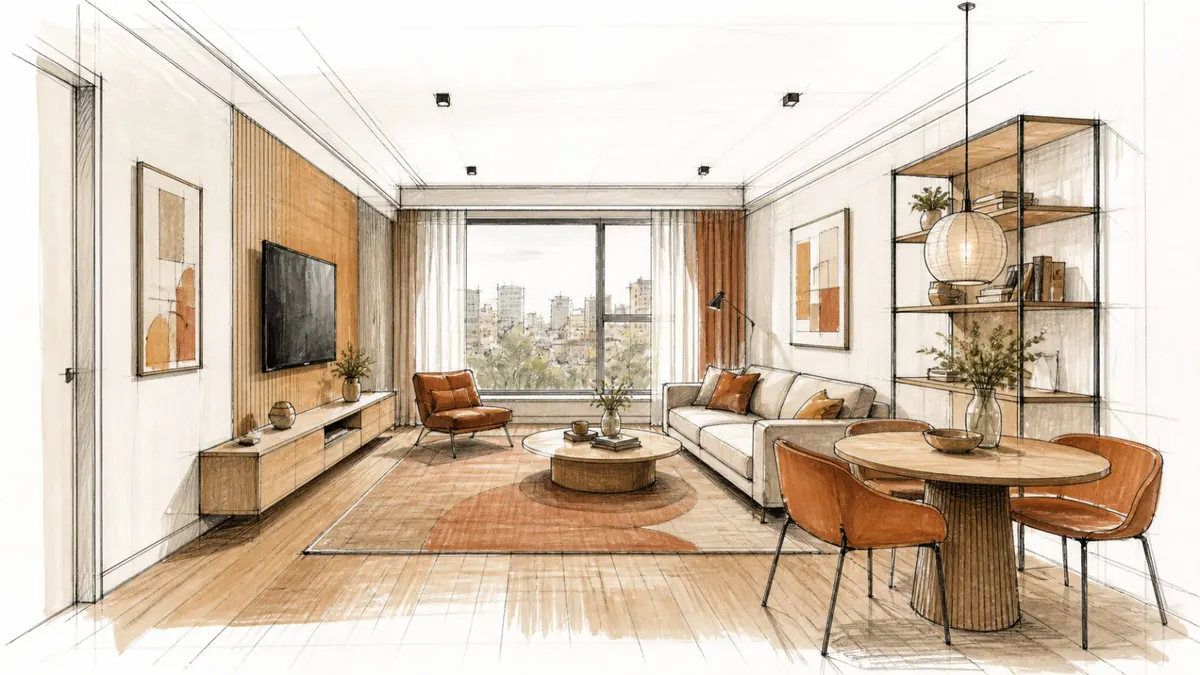
Concept 02 · Loft
Concept 02 · Loft
For the client
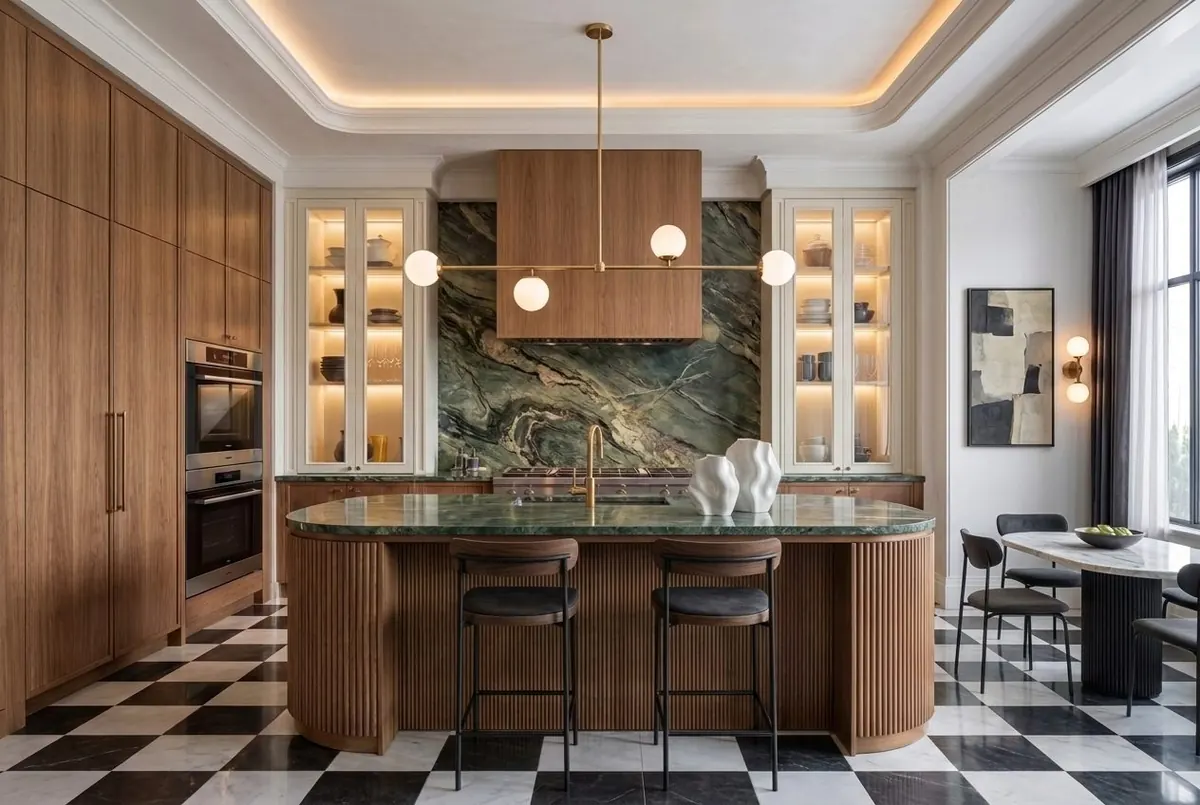
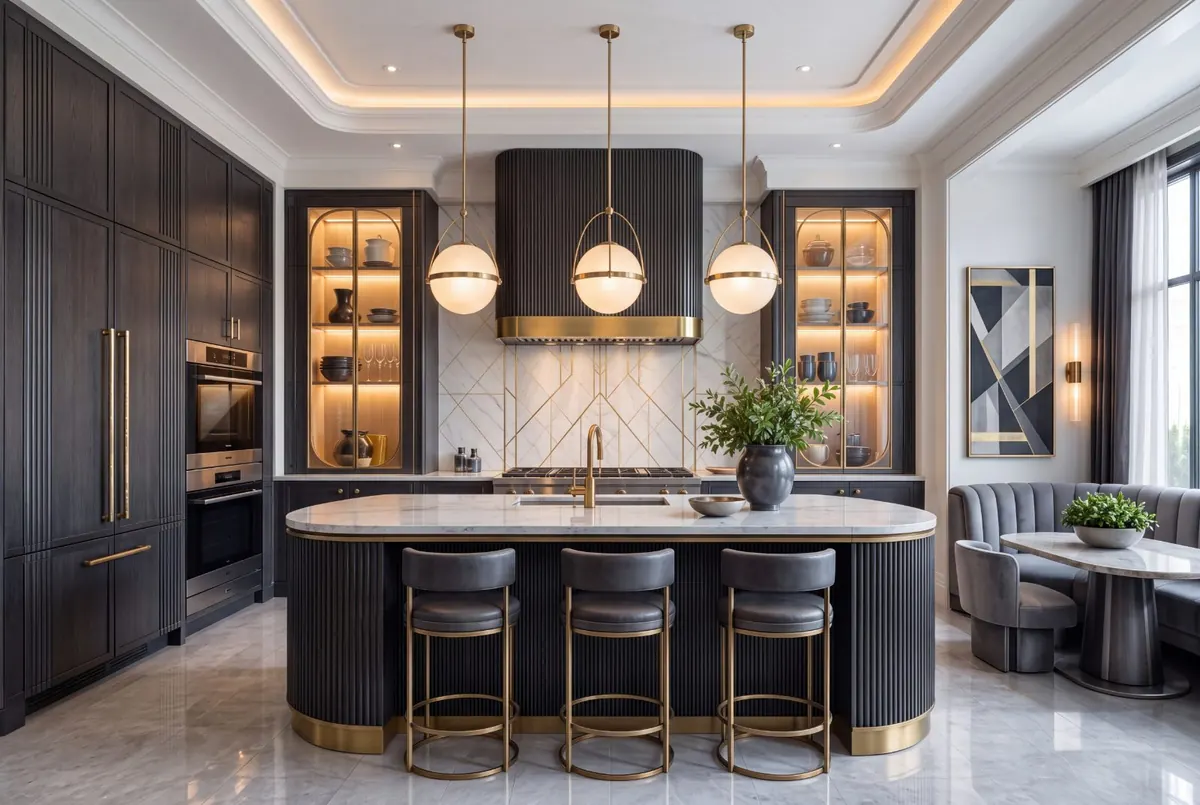
Concept 03 · Neoclassic
1 SITE PHOTO → 3 CONCEPTS IN 3 MINUTES
01 · Sound familiar?

Three pains, three clicks

Hover over a card to see the solution.

PAIN 01

The client doesn’t get your ideas?

Hover to see the solution ↻
Solution

Show the options visually

2–3 concepts on a real photo of the site. The direction is clear without words.

PAIN 02

Endless revisions?

Hover to see the solution ↻
Solution

Adjustments in a minute

Smart Edit changes only the selected area, without regenerating.

PAIN 03

Visuals look cheap?

Hover to see the solution ↻
Solution

Enhance in one click

Enhance brings the image up to presentation level before you send it.

02 · Process

How to use the tools

From photo to an approved direction in four steps.

STEP 01Upload

Upload a photo of the site

A regular phone photo is enough

STEP 02Redesign

Choose a style

10+ presets, from Scandi to Japandi

STEP 03Render

Get 2–3 options

In under 90 seconds

STEP 04Share

Agree on a direction

Show the client: a decision at the first meeting

03 · Render at work

From sketch to finished interior

Drag the slider or press Play: this is how your sketch becomes a client presentation.
Final renderHand sketch
SKETCHRENDER 4K
01 · Sketch

A sketch or a site photo: any starting material

02 · Draft render

A quick preview of the direction in under 90 seconds

03 · Final

Enhance brings the image up to presentation level

04 · Case studies

Pains that Desow takes away

Three stories: a freelancer, a studio and a senior designer. Pick your pain.

Before3meetings

Clients don’t read floor plans and can’t picture the result. Every approval takes 2–3 meetings and a week of messages.

Katya · freelance · Moscow
AfterRedesign1meeting

3 concepts on the client’s real photo in 3 minutes, before the first meeting.

Approval in one meeting. About 5 hours a week freed up.
AfterBeforeBeforeAfter
−5 H/WEEK
Count your week

How many projects do you run a month?

Each project means about two extra approval meetings. Desow takes them over and gives you the time back for design work.

4 projects
8meetings a month you no longer need
≈20 hback into your projects
05 · FAQ

You asked, we answer

What designers ask.

01

How much do I control the final result?

CONTROL

You control the style, references and targeted edits: Smart Edit changes only the selected area, and the rest stays yours. AI is a presentation tool; you make the decisions.

Didn’t find an answer? Write to us: t.me/wowdesow

06 · For studios

Do you have a studio or a team?

Bring Desow to your whole team: shared access, priority support and special terms for studios and bureaus.

  • STUDIO plan: workspace per seat
  • Unlimited active projects
  • Up to 16K and the Pro model for the whole team
  • Priority support and volume-based terms

Shared workspace, per seat

Team seats, unlimited active projects and a shared credit pool

Resolution up to 16K

Pro model, high generation priority and presentation quality

Terms on request

Pricing by seats and volume, plus extra credits at any time

Desow Blog

Fresh ideas, once a week

One interior idea at a time. No spam, with before-and-after images.

01GEO instead of SEO: how designers get into AI assistant answersFor designers · Sep 402AI visualization or 3D render: which to choose and what it costsAI tools · Sep 103Interior trends 2026: 7 directions people ask AI for mostStyles and trends · Aug 29All articles →