How Desow was built: the Atvinta case study on Tagline
From a room photo to a new style: how we designed Desow together with the Atvinta agency and built six tools for working with interiors.
Tagline, the Russian digital industry platform, has published a case study by Desow and the Atvinta agency on how the service works: from choosing a tool and uploading a photo to comparing the original with the new interior. Atvinta did the research, designed the product structure and created the interface design, while the Desow team was responsible for the AI technology and development. Here is what was behind those decisions.
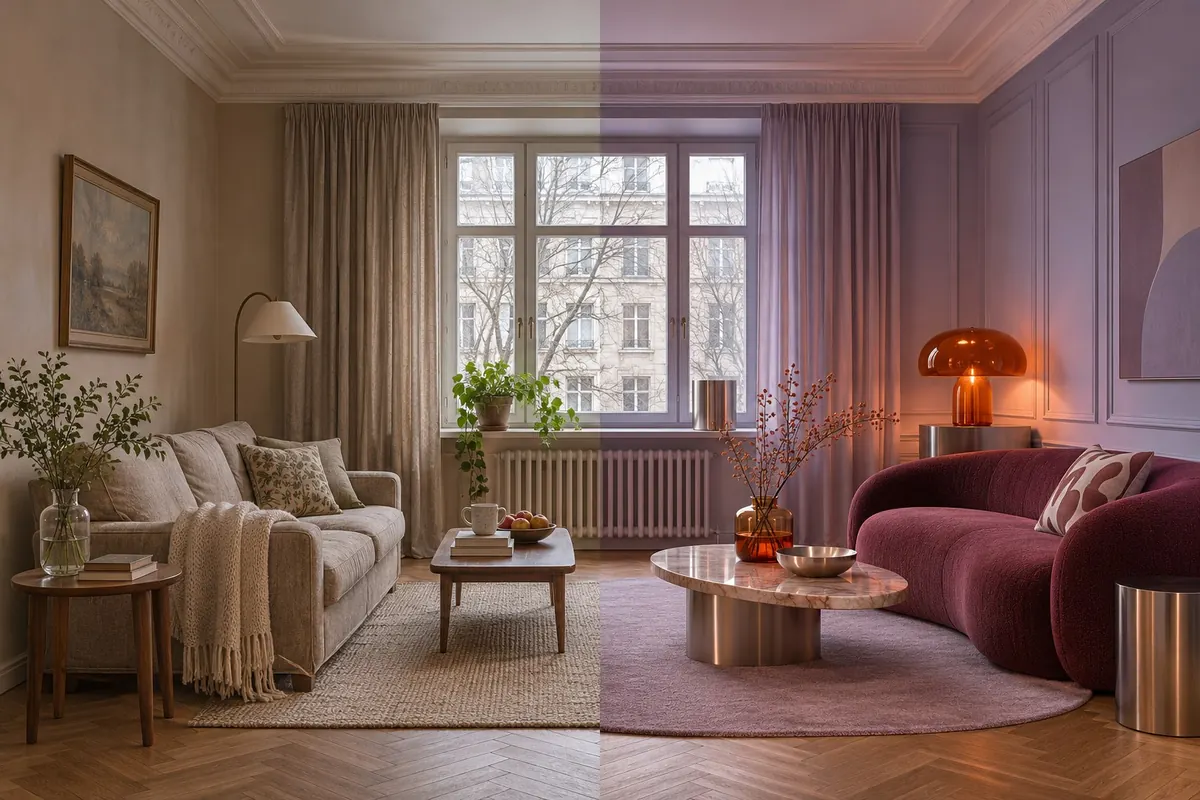
This illustration was created with AI.
Why start with a photo?
During his own renovation, the founder of Desow found it hard to judge from samples how finishes and furniture would look together in his room. Working at an architecture firm suggested another approach: a request to change a single detail of a rendering meant opening the design software again and redoing the image.
We started from the moment a person chooses a direction. A homeowner wants to see a new style in their own room, with its windows and light. A designer wants to show a client options based on one source image and agree on which one to develop. In both cases, the starting point is a photo.
The task first, then the tool
"Furnish an empty room" and "change the sofa color" are different tasks. That is why in Desow you first choose what needs to be done, then upload the source image and set the parameters. Redesign has ready-made styles, so you can pick a direction without a long text description. All 23 styles are covered in our guide to interior design styles.
The case study covers six tools:
- Redesign - try a different style on a photo of a room.
- Furnish - furnish an empty space.
- Declutter - remove clutter from a photo.
- Visualization - turn a sketch into an interior image.
- Smart Edit - change a single detail.
- Enhance - improve the quality of a chosen image.
How do you compare options?
You can compare the result with the original in before/after mode. This makes it easier to see what has changed and decide which option works. For Smart Edit, the hints sit right on the photo: they help you work with a specific part of the interior.
What did Desow and Atvinta each do?
The Desow team was responsible for the AI technology and development. Atvinta did the research, designed the product structure and created the interface design.
The case study shows the workspace, the style catalog and examples of the tools at work. The team also shares early results there: more than 200 people signed up for Desow in the first two weeks of advertising.
Read the full case study on Tagline (in Russian)
Try it on your own room
If you have long wanted to test one idea for your interior, start with a photo. Upload it to Redesign, pick a style and compare the result with the original. For the first shot, our guide on how to photograph a room will help.
Key takeaways
- Tagline has published a case study by Desow and Atvinta: how the service works, from uploading a photo to before/after comparison.
- In Desow, the starting point is a photo of your room, not a text description.
- You choose the task first, then the tool: there are six, from Redesign to Enhance.
- Atvinta handled research, structure and interface design; the Desow team handled AI and development.
- More than 200 people signed up for Desow in the first two weeks of advertising.